Now in beta: free for now
AI clip finder + shorts editor
Find the clip.
Cut the short.
The editor is free.
OpenStreamTools finds the best moments in your Twitch VODs. Then you cut them into vertical shorts in a real editor: captions, freeze frames, several clips on one timeline.
During the beta everything is free, the AI and the clip finder included, with fair daily limits. Paid plans come later, and you'll hear first.
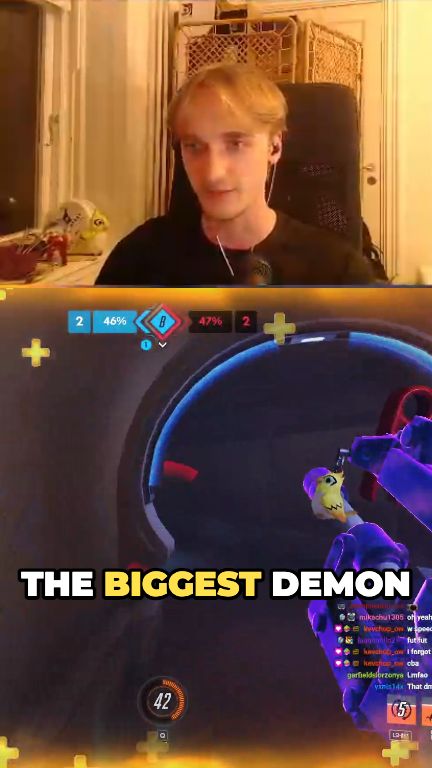
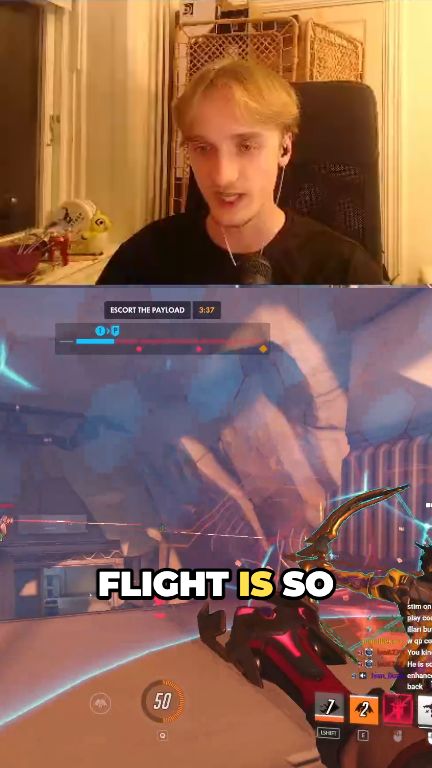
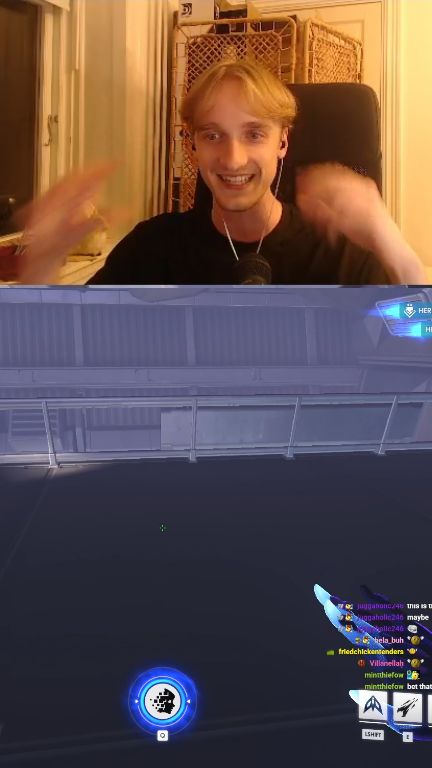
Footage: herloaf on Twitch, clipped with OpenStreamTools.
Free to edit. Pay for what runs on top.
AI clip finder
Give it a Twitch or Kick VOD and it finds the moments worth clipping. No more scrubbing through hours of stream. Clips come in the quality you streamed, up to 1440p.
Live mode
Press a key while you stream and the minute before becomes a clip, cut from your own OBS recording at full quality.
Vertical shorts editor
Cut, reframe and export vertical shorts in your browser. Your footage never leaves your computer.
Captions that stay put
The words belong to the video, not a separate track. Move, trim or split a clip and its captions follow. Nothing to re-sync.
Multi-clip timeline
Put several videos on one timeline, cut between them, and freeze any frame.
Remove profanity
Finds the swearing and hides it: masked on screen, with silence or a bleep underneath. One click.
Invite your editors
Bring up to 3 editors into your team's projects. No charge per seat, it's part of Pro.
 YouTube ShortsPosted
 TikTokPosted
 InstagramPosted
Post to YouTube
Post a finished clip straight to YouTube Shorts, now or at a time you pick. TikTok and Instagram are coming soon.
Safe zones
See where TikTok, Reels and Shorts put their own buttons and captions over your video, before you post.
In eight languages
English, German, Dutch, Spanish, Brazilian Portuguese, French, Polish and Turkish. It follows your browser, or pick one.
Desktop app
The same editor for Windows and Mac, smoother than a browser tab. Plus live mode and a video downloader for Twitch and Kick.
Preview footage: herloaf on Twitch.
Live mode · in the desktop app
Clip it while it happens.
Something great just happened on stream? Press your key. OST records your stream with OBS and marks the minute before. When you end the stream, every moment is ready to open in the editor, at your own recording quality, not Twitch's copy.
- 1
Go live
OST starts an OBS recording of your stream by itself.
- 2
Press F9
Or any key you pick. It works in any game, with OST in the background.
- 3
Edit after
Open each marked clip, or let the AI clip finder search the whole recording.
Needs OBS Studio 28 or newer on the same computer. Free on every plan; the AI clip finder is part of Pro.
Desktop app · Windows and Mac
Smoother than a browser tab.
- Live mode: press a key while you stream to mark a clip, cut from your OBS recording.
- Exports go straight to a folder you pick, so long videos never run out of memory.
- Your files reopen with your project, no reconnect prompts.
- A video downloader for Twitch and Kick VODs and clips, free on every plan.
- Same account, same projects, always the latest version of the editor.
Editor · Editor+ · Pro
Free then €5 or €10/month
The editor is free, with nothing held back: 4K, no watermark, saved projects, Twitch import and the desktop app. Editor+ (€5) adds the AI tools and posting to YouTube. Pro (€10) adds the clip finder on whole streams and your team. No credits.
Why we built it
Made with streamers, for streamers.
We built this next to streamers who clip their own streams. They asked for things, broke things, and told us when something felt off. That's why the crop tool remembers your facecam, and why captions belong to the video instead of the clip. Real editing sessions, not a roadmap meeting.
It's also why the editor is free. Editing runs on your computer, so it costs us nothing. Other tools sell you credits that run out mid-edit, uploads that sit in a queue, and a watermark unless you pay more. We only charge for the AI, the part that actually costs money to run.