A cheaper OpusClip alternative for Twitch streamers
· Updated
OpusClip is one of the best known AI clip tools, and it’s good at what it was made for: turning podcasts, interviews and talking-head videos into shorts. A lot of streamers try it for their VODs too. Then they run into the credits.
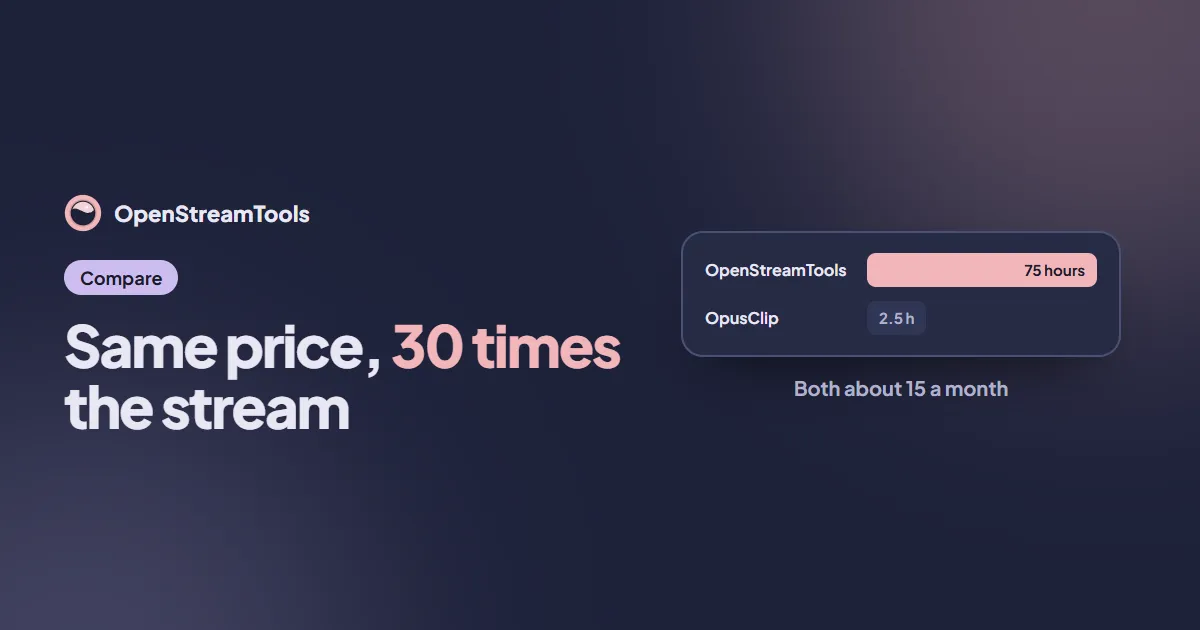
Same price, 30 times the stream
| OpenStreamTools Starter | OpusClip Starter | |
|---|---|---|
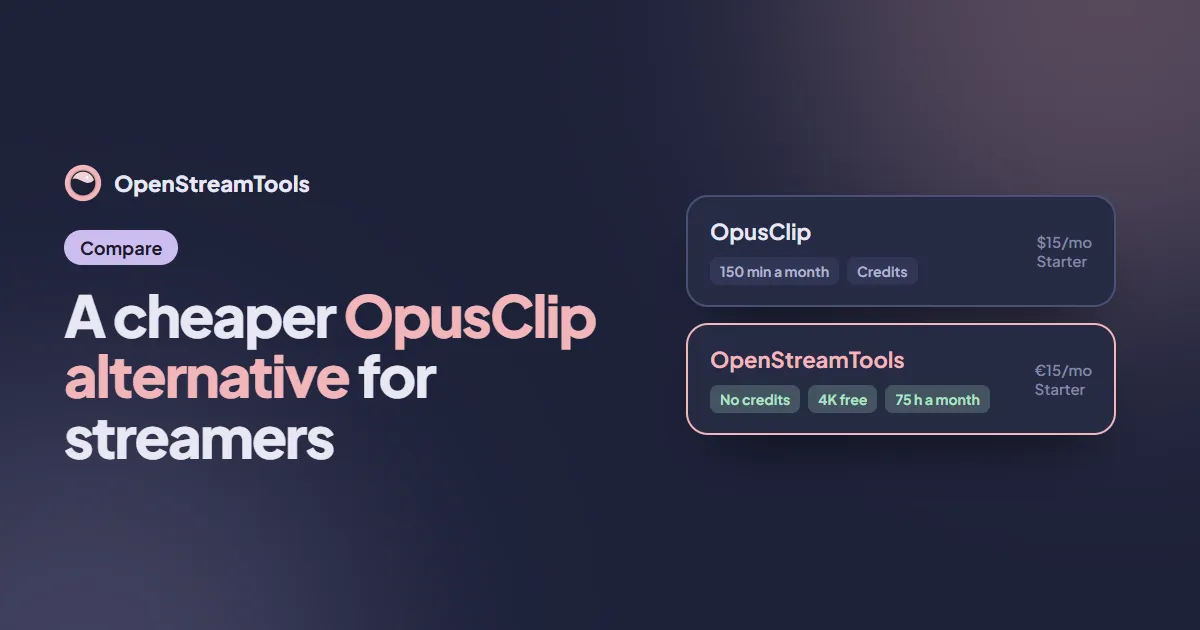
| Price | €15 a month | $15 a month |
| How much you can clip | 75 hours of stream | 150 minutes of video (2.5 hours) |
| One 4-hour stream | 1 of about 18 a month | More than the whole month |
OpusClip gives you 150 credits for $15, one for every minute of video. That’s 2.5 hours. Starter here searches 75 hours of stream for €15: 30 times as much for the same money, and nothing is counted per minute or per clip.
The problem with credits on streams
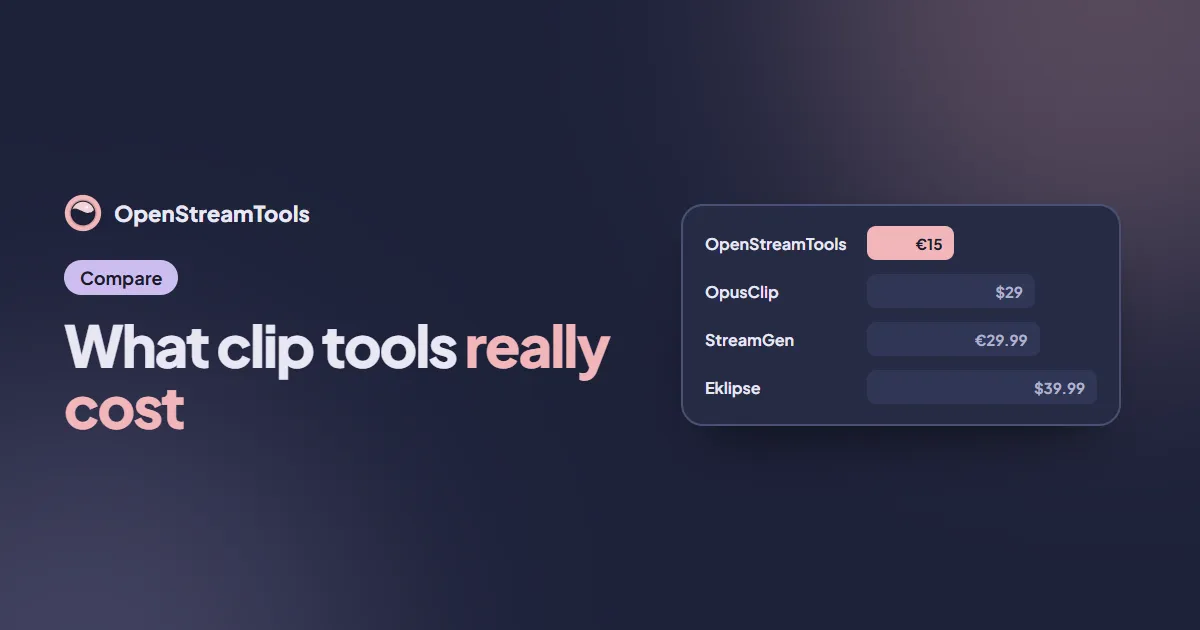
OpusClip counts credits, one for every minute of video you put in. Pro is $29 a month and comes with 300 of them. A single 4-hour stream is 240 minutes. Stream three times a week and you’re out of credits before the first week is over.
That’s not a flaw in OpusClip. Credits work fine for a one-hour podcast. A stream is just a lot more minutes.
What OpenStreamTools does instead
OpenStreamTools is made for streams only. You paste a Twitch VOD link, and the AI clip finder goes through the whole thing and ranks the moments worth posting. Each clip comes out framed as your facecam over your gameplay, with captions, cut on whole sentences.

The clip finder comes with Starter, €15 a month, with no credits. Starter searches 75 hours of stream a month, and nothing is counted per minute or per clip. Clip a lot? Pro is €25 a month for 225 hours.
Side by side
Monthly prices, billed monthly, from each tool’s own pricing page on 30 October 2026.
| OpenStreamTools Starter | OpusClip Pro | |
|---|---|---|
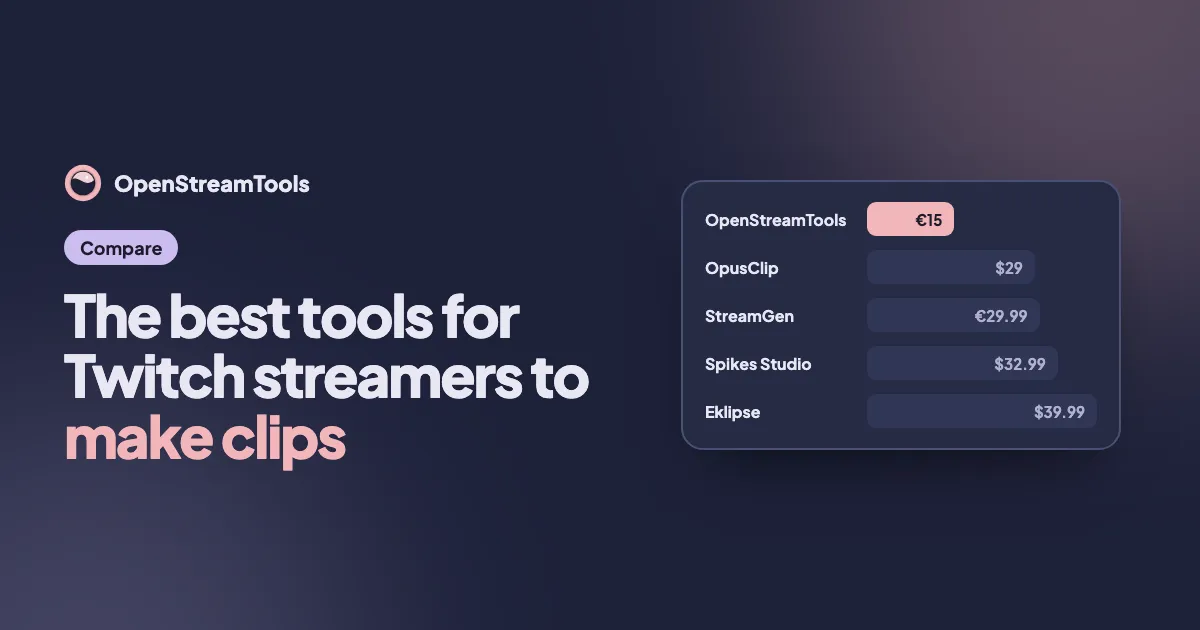
| Price | €15 a month (Starter) | $29 a month |
| How much you can clip | 75 hours of stream a month (225 on Pro, €25) | 300 credits a month (1 per minute) |
| Best export | 4K, on every plan | 4K only on Business (no public price) |
| Free plan | The whole editor, 4K, no watermark | 60 credits, watermarked |
| Editors on your team | Up to 3 | 2 seats |
| Mark clips live with a hotkey | Yes, free with OBS | No |
| Your videos | Stay on your computer | Uploaded or linked |
4K is free here
On OpusClip, 4K is on the Business plan. Here it’s on every plan, the free one included, with no watermark.
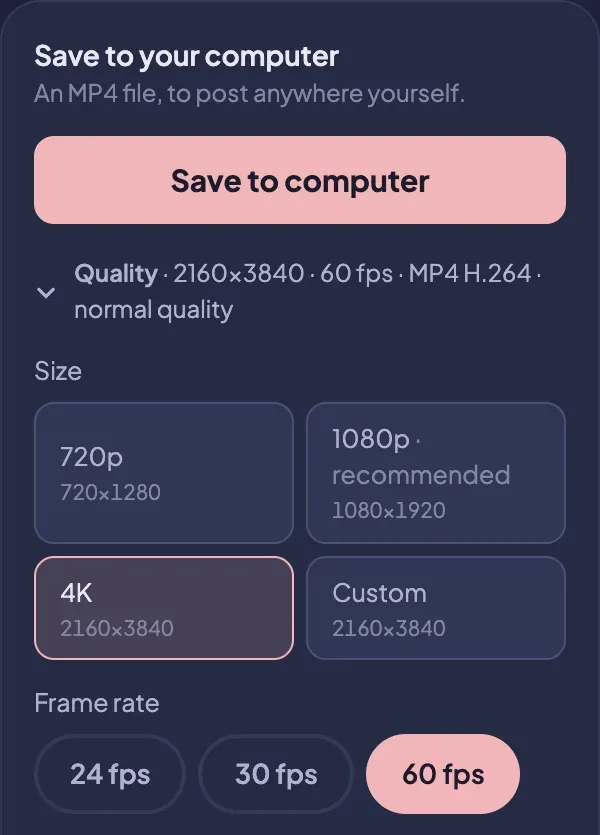
That’s possible because editing and exporting happen on your own computer, in your browser or the desktop app. Your source videos are never uploaded, so a 4K export costs us nothing.
A real editor for every clip
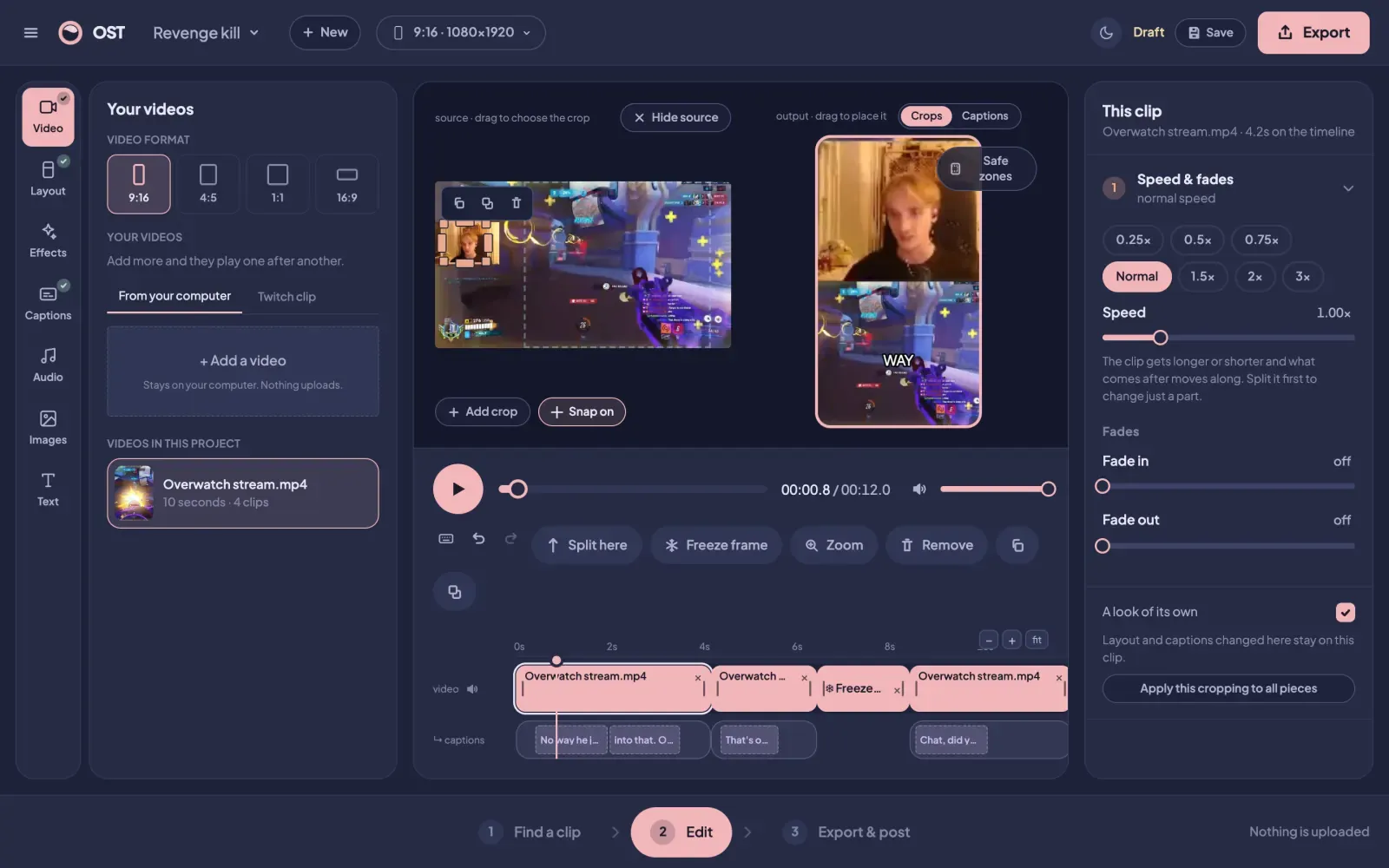
Every clip the finder makes opens on a real timeline. Split it, freeze a frame, move the facecam, style the captions word by word. The captions belong to the video, so they stay in place when you cut.
Where OpusClip is better
To be fair: OpusClip works with many more kinds of video than streams. It adds AI B-roll, and it posts to a longer list of platforms than our TikTok, YouTube and Instagram. If most of what you clip is podcasts or interviews, OpusClip may be the better pick.
But if you stream, and you want a clip finder that reads whole VODs without counting minutes, it’s €15 a month here. The editor is free, and Starter has a 7-day free trial, so you can run it on your last stream first.
More detail, feature by feature: OpusClip alternative, or every tool side by side on the comparison page.