What clip tools really cost once you want everything
· Updated
Every clip tool has a nice low price on its first plan. Then you find out the AI clip finder is one plan up, 4K is another plan up, and inviting the friend who edits your clips is the plan after that. By the time you have what you actually wanted, you’re paying three times the number you first saw.
So we looked at what each tool costs once you want all of it. Not the cheapest plan, the plan that has everything.
What “everything” means here
The things a streamer making shorts actually uses:
- An AI clip finder that goes through your Twitch VODs for you
- 4K export, so your clips look as sharp as your stream
- A team, so someone else can edit or post for you
- Posting to your socials from the same place
- No watermark
The price for all of it
Monthly prices, billed monthly, for the plan that has everything above. We checked each tool’s own pricing page on 30 October 2026.
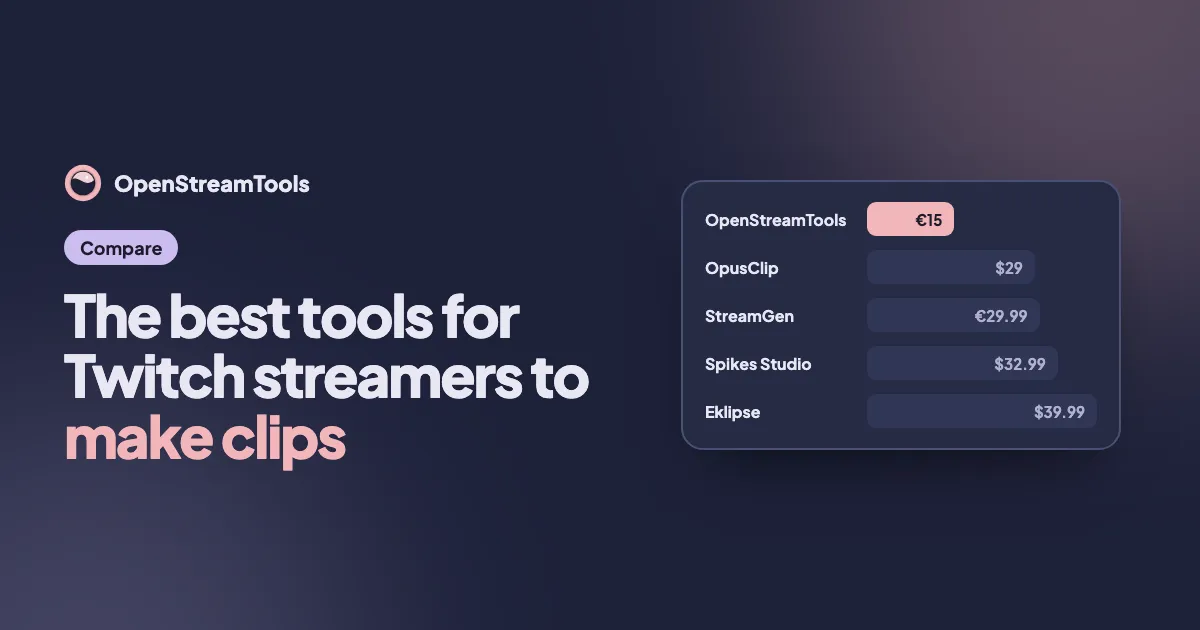
| Tool | Plan | Per month | Per year |
|---|---|---|---|
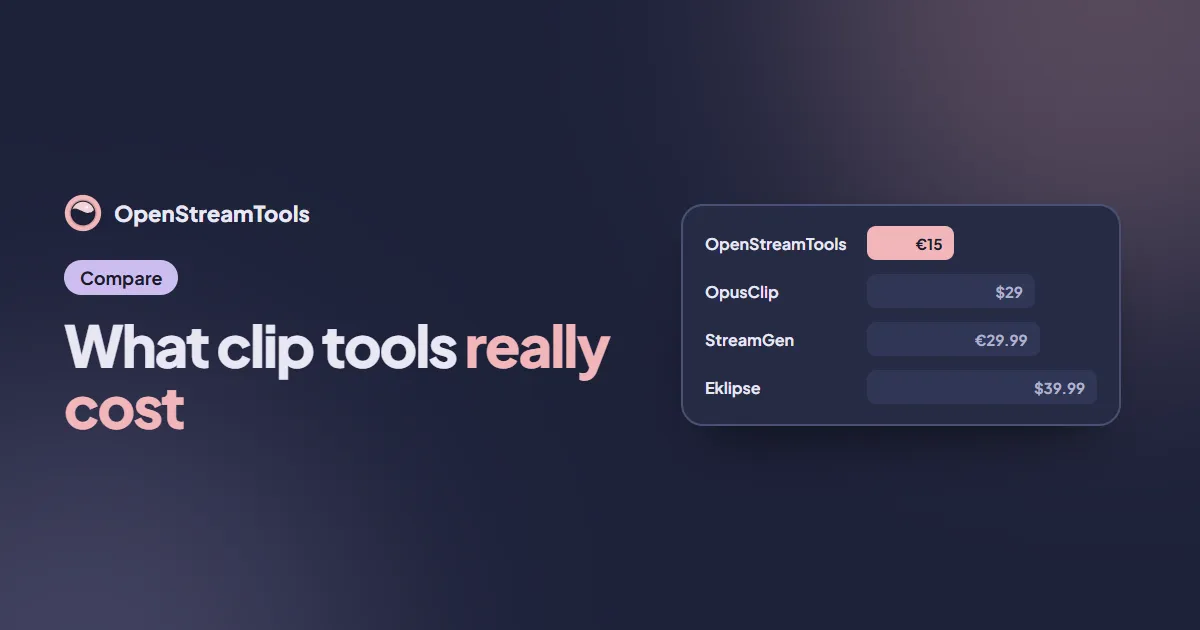
| OpenStreamTools | Starter | €15 | €150 |
| StreamGen | Ultimate | €29.99 | €359.88 |
| OpusClip | Pro | $29 | $348 |
| Eklipse | Premium Pro | $39.99 | $479.88 |
To be fair to them: some of these get cheaper if you pay for a year up front. OpusClip and StreamGen take up to about half off. Even then, Starter for a year is less: €150, or €12.50 a month. And they count credits, clips or streams, and we don’t.
And “everything” doesn’t mean the same thing everywhere. OpusClip Pro has no 4K: that’s on their Business plan, which has no public price. Eklipse and StreamGen stop at 1080p.
4K is free here
This is the one that surprises people. In OpenStreamTools, 4K export is on the free plan. No watermark either. You pick 4K and 60 fps, and that’s it.
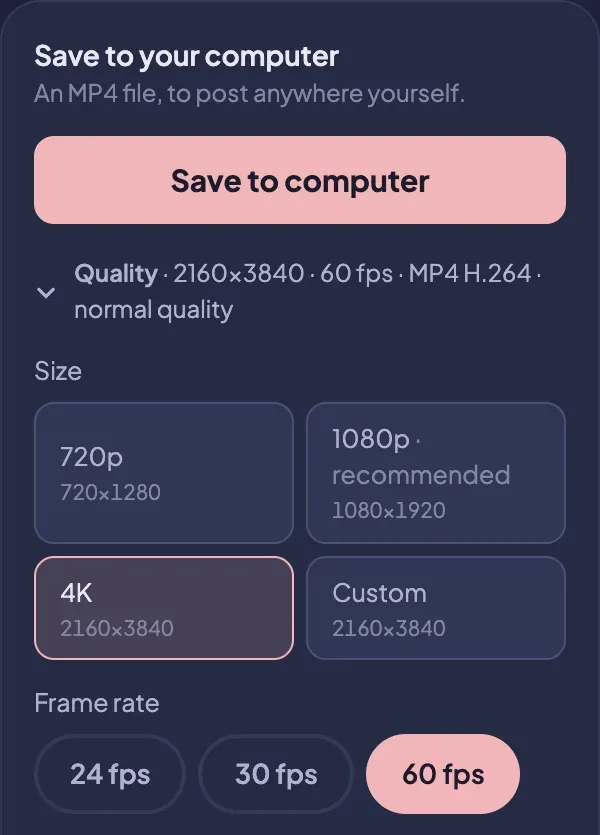
That’s not a promo. Editing and exporting happen on your own computer, in your browser or the desktop app. Your source videos never get uploaded, so a 4K export costs us nothing. Charging for it would just be charging for a setting.
Where the money actually goes
What does cost money is the AI. Turning hours of stream into text and finding the moments worth clipping is real work on real servers, and that’s what you pay for:
- Starter, €15 a month: AI captions, the profanity filter, silence removal, titles, posting, the AI clip finder on whole streams and up to 3 editors.
- Pro, €25 a month: the same, with 225 hours of stream a month instead of 75 and an hour of captions a day. For when you clip a lot.
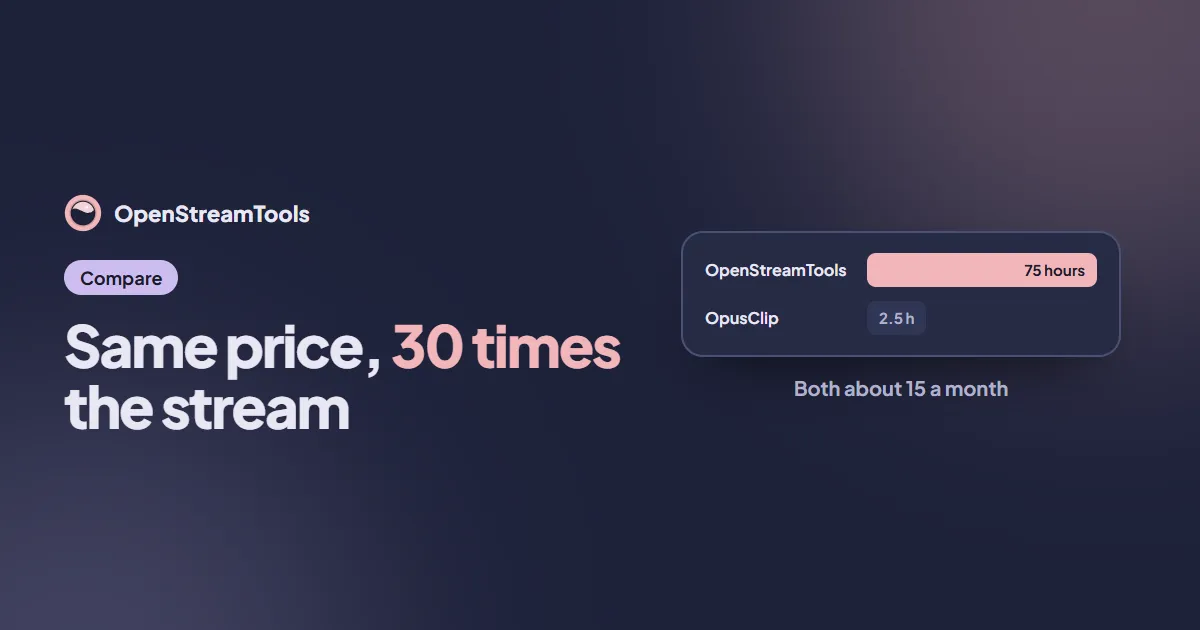
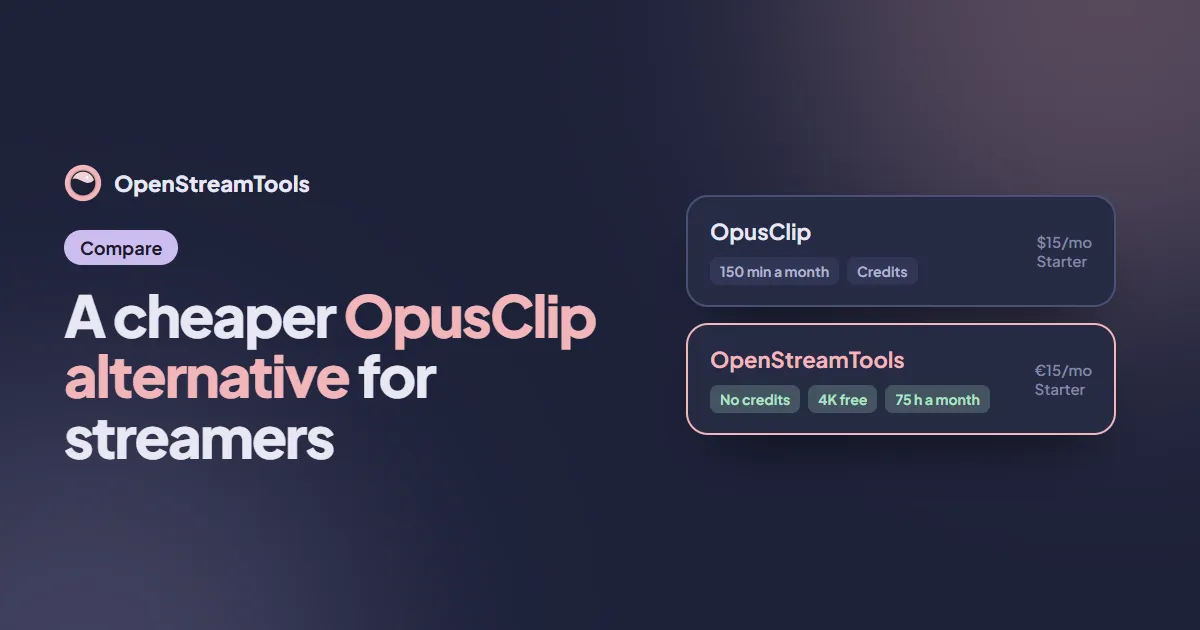
No credits to count. Starter lets you search 75 hours of stream a month, a 4-hour stream four times a week, and Pro 225, about 7 hours of streaming every day. OpusClip counts credits (300 a month on Pro), Eklipse limits clips per plan, and StreamGen counts streams and clips per month. Put the cheapest plans side by side and the gap is bigger still: OpusClip Starter is $15 for 150 minutes of video, Starter here is €15 for 75 hours. That’s 30 times the stream for the same money.
A few things we do differently
- Mark clips while you’re live. Press a key during your stream and the minute before becomes a clip, cut from your own OBS recording. It’s in the desktop app, and it’s free.
- Your videos stay on your computer. The others import or upload your footage to their servers. We don’t need it.
- Twitch VODs at the quality you streamed, up to 1440p, not just the 1080p Twitch shows everyone.
What they do better
They’re good tools, and some of them have things we don’t (yet). StreamGen has an autopilot that finds clips and makes shorts after every stream. OpusClip has AI B-roll and posts to a long list of platforms. Eklipse lets you say “clip it” out loud while you play. If one of those is the thing you need, that’s a fair reason to pick them.
But if you want a clip finder, a real editor, 4K and a team without paying for four plans, that’s €15 a month here. And the editor is free, so you can try all of it before you pay anything.
See the full table, feature by feature, on the comparison page, or one tool at a time: OpusClip, Eklipse and StreamGen.