Blog
Notes from the build
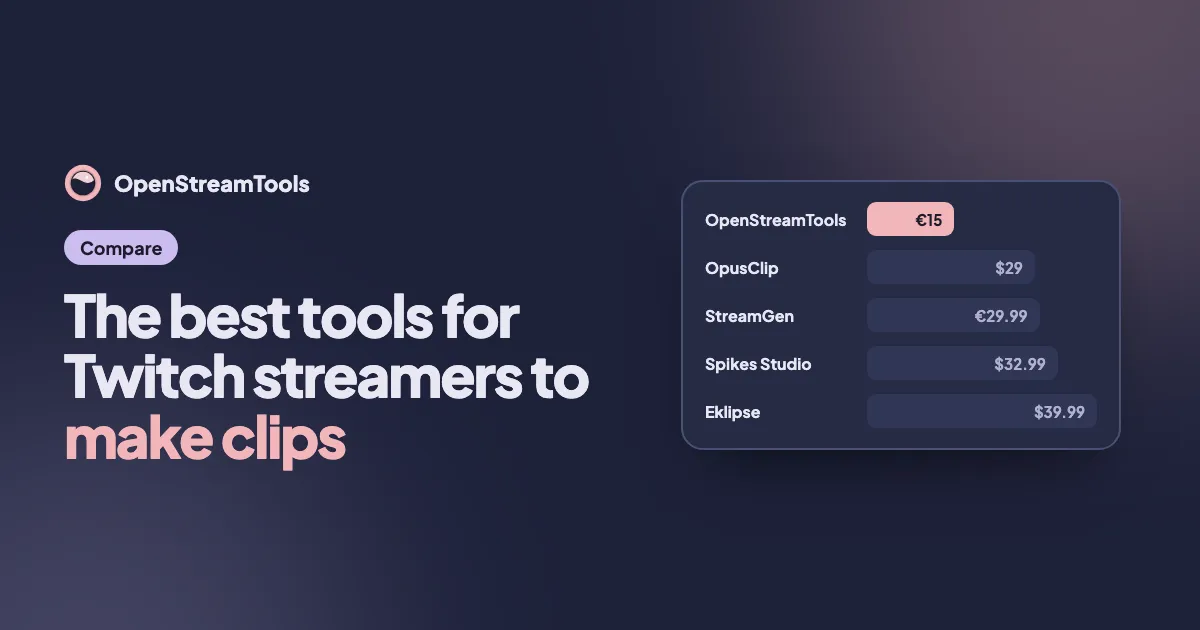
Compare
The best tools for Twitch streamers to make clips
Twitch's own clip tool, OpenStreamTools, OpusClip, Eklipse, StreamGen, Spikes Studio, Nexus Clips and CapCut compared: what each costs, what it's good at and where it stops.
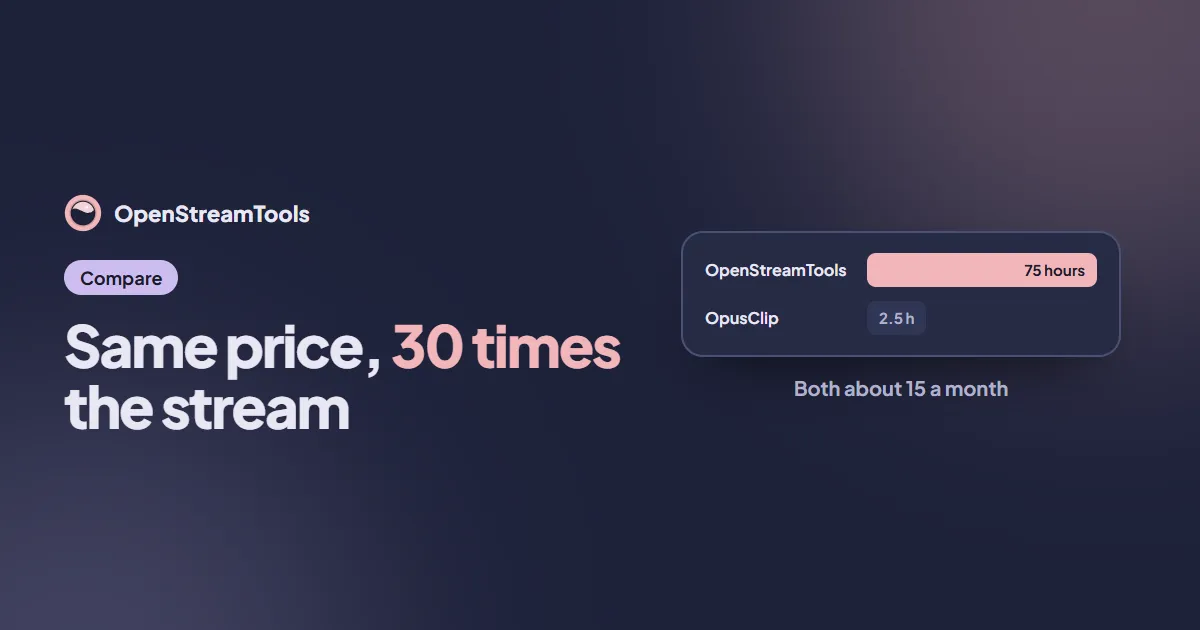
Compare
OpusClip gives you 2.5 hours for $15. We give you 75.
OpusClip Starter is $15 a month for 150 minutes of video. OpenStreamTools Starter is €15 a month for 75 hours of Twitch or Kick stream: 30 times as much. And the clips get real views.
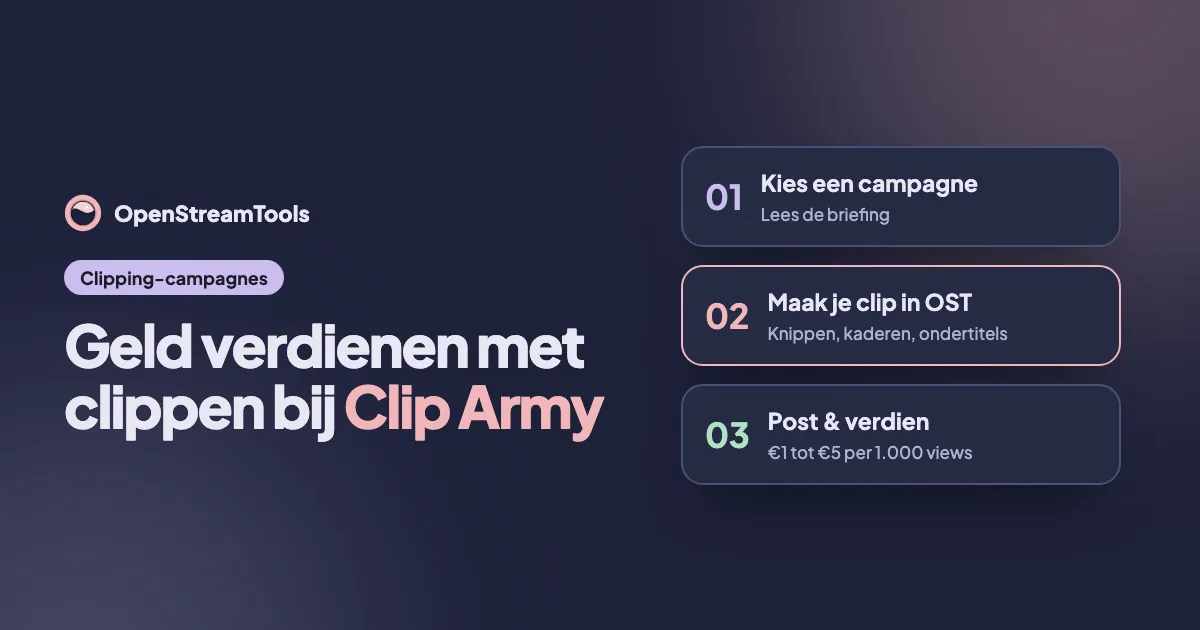
Clipping-campagnes
Geld verdienen met clippen bij Clip Army, met OpenStreamTools
Kies een Clip Army-campagne, maak er verticale clips van in OST en post ze. Hoe het werkt, wat je kunt verdienen en welke regels je eerst moet lezen.
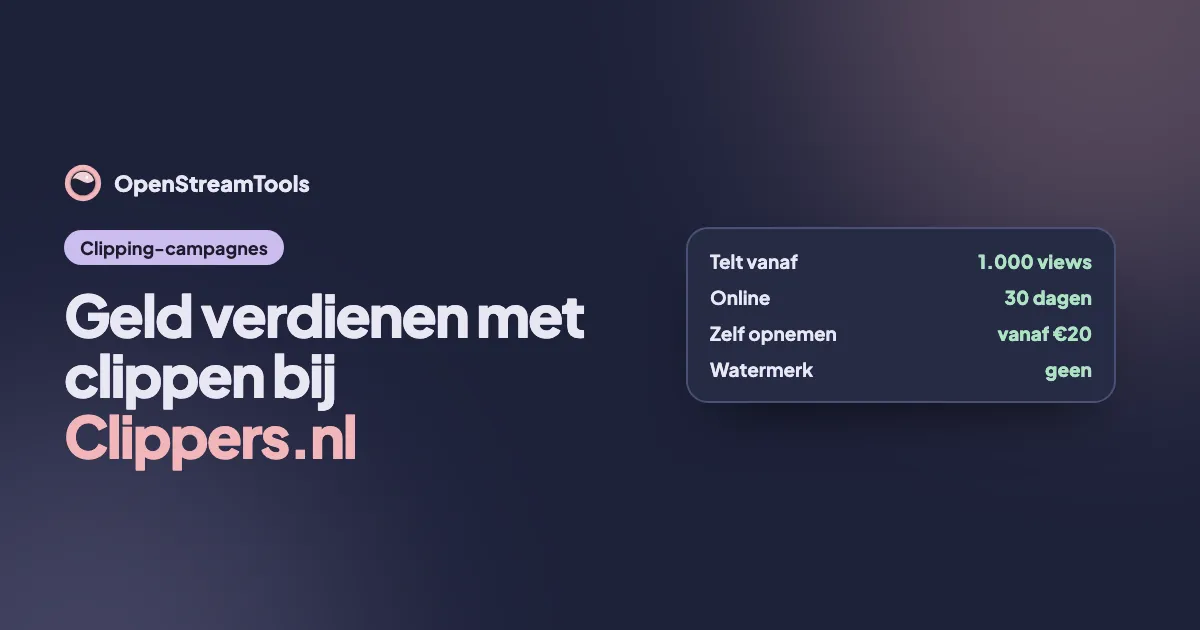
Clipping-campagnes
Geld verdienen met clippen bij Clippers.nl, met OpenStreamTools
Zo maak je clips voor Clippers.nl-campagnes in OST: de 1.000-viewsgrens, het maximum per clip, 30 dagen online en uitbetalen vanaf €20.
Clipping campaigns
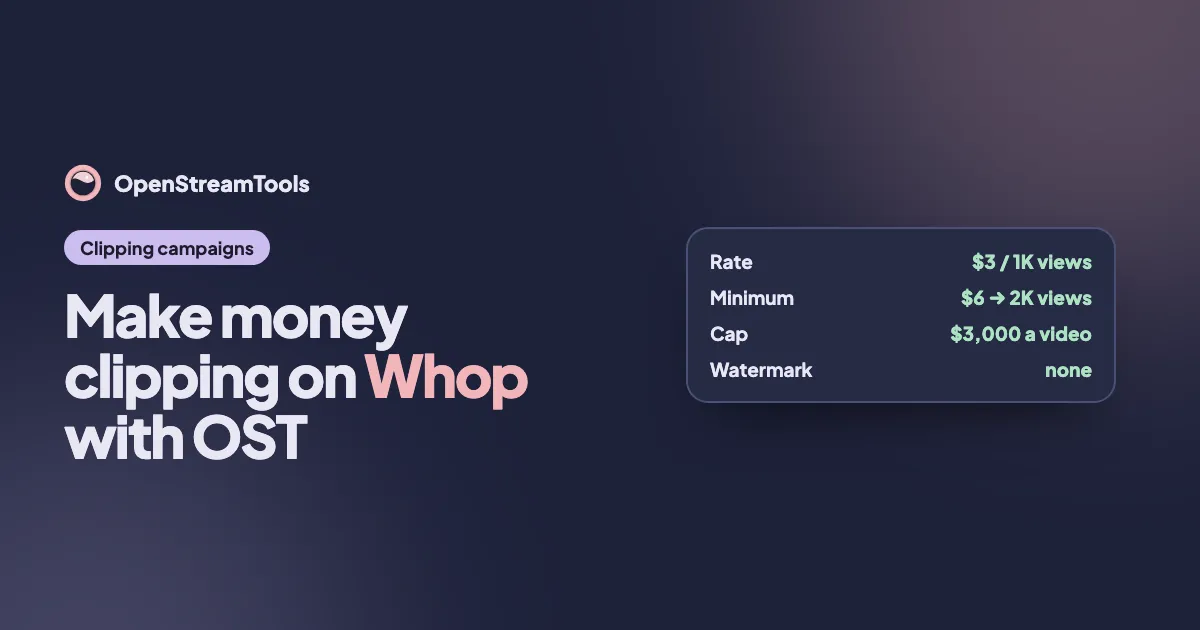
How to make money clipping on Whop Content Rewards with OpenStreamTools
Pick a Whop Content Rewards campaign, edit the footage into vertical clips in OST and submit your posts. How pay, minimums and caps work, with honest numbers.
Compare
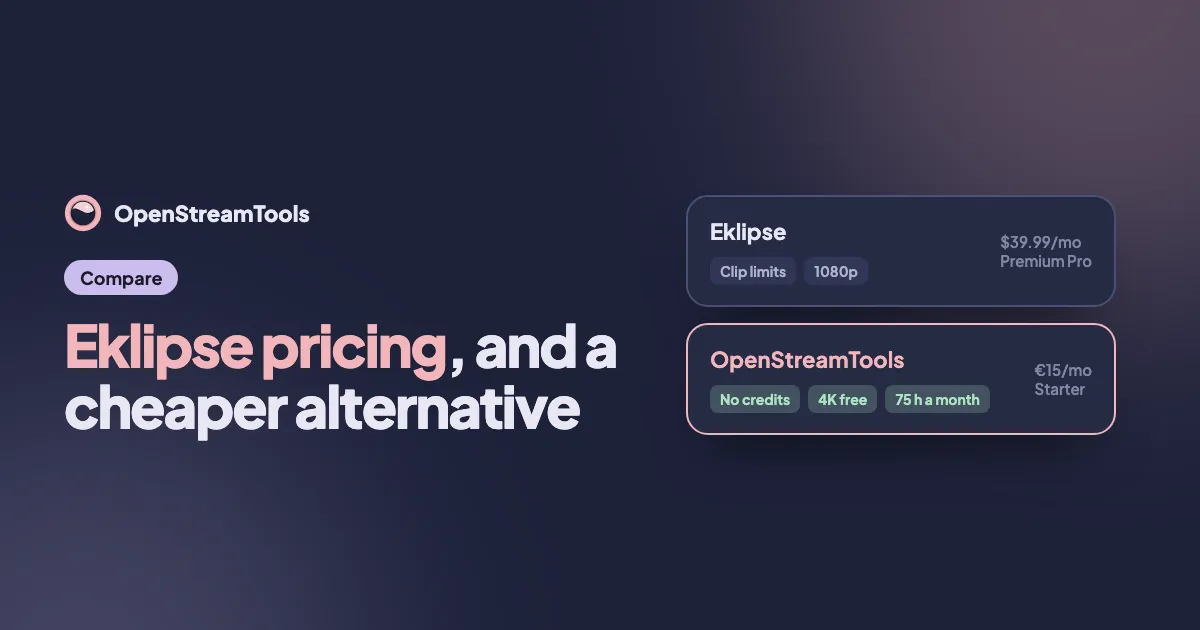
Eklipse pricing, and a cheaper alternative for streamers
Eklipse pricing: Premium Pro is $39.99 a month and exports 1080p. OpenStreamTools finds clips in whole Twitch and Kick VODs for €15 a month, with a full editor and free 4K export.
GTA 6
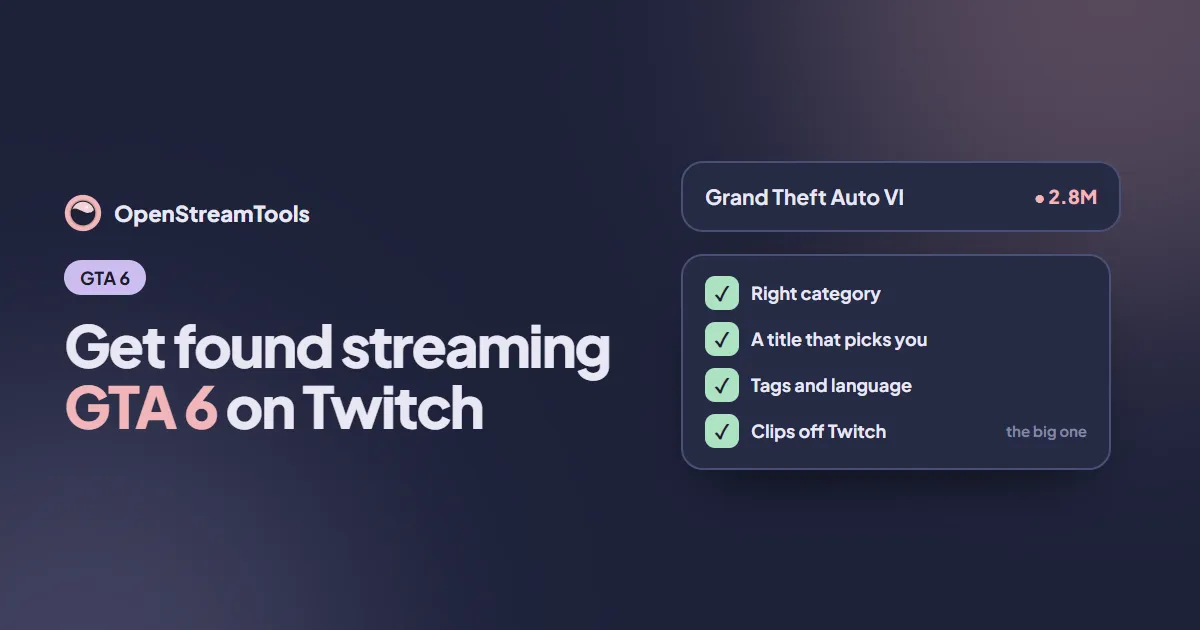
How to get found streaming GTA 6 on Twitch
The GTA 6 category on Twitch had 2.8 million viewers on launch eve. How a small streamer still gets found: the title, the tags, the language, and clips off Twitch.
GTA 6
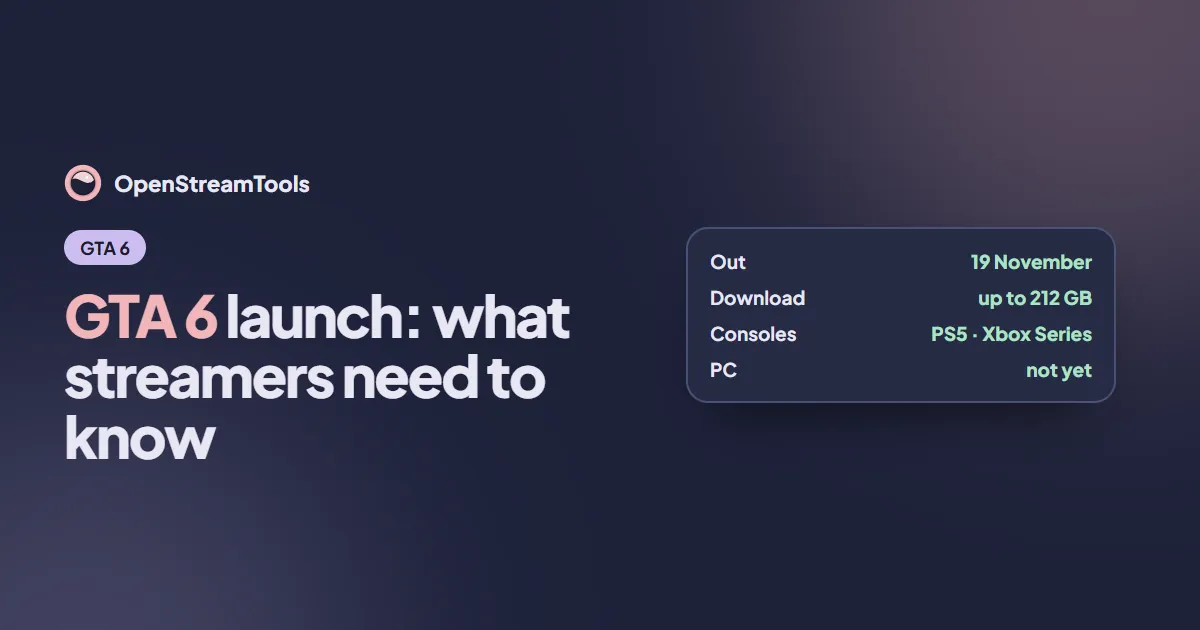
GTA 6 launch: what streamers need to know
What we know on launch eve: when GTA 6 unlocks where you live, the 212 GB download, PS5 and Xbox only, no PC yet, and a Twitch category with millions of viewers.
GTA 6
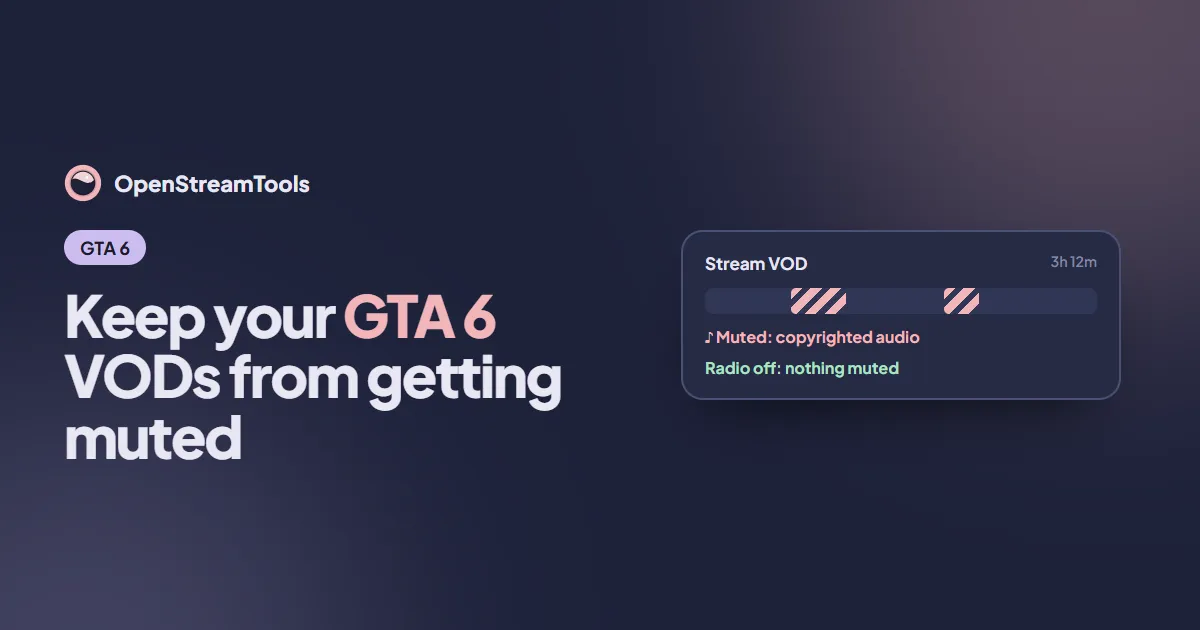
GTA 6 radio and copyright: keep your VODs and clips from getting muted
GTA 6's radio plays licensed songs. Twitch can mute your VOD and delete clips because of them, and YouTube and TikTok claim them. What to do while you play and when you edit.
GTA 6
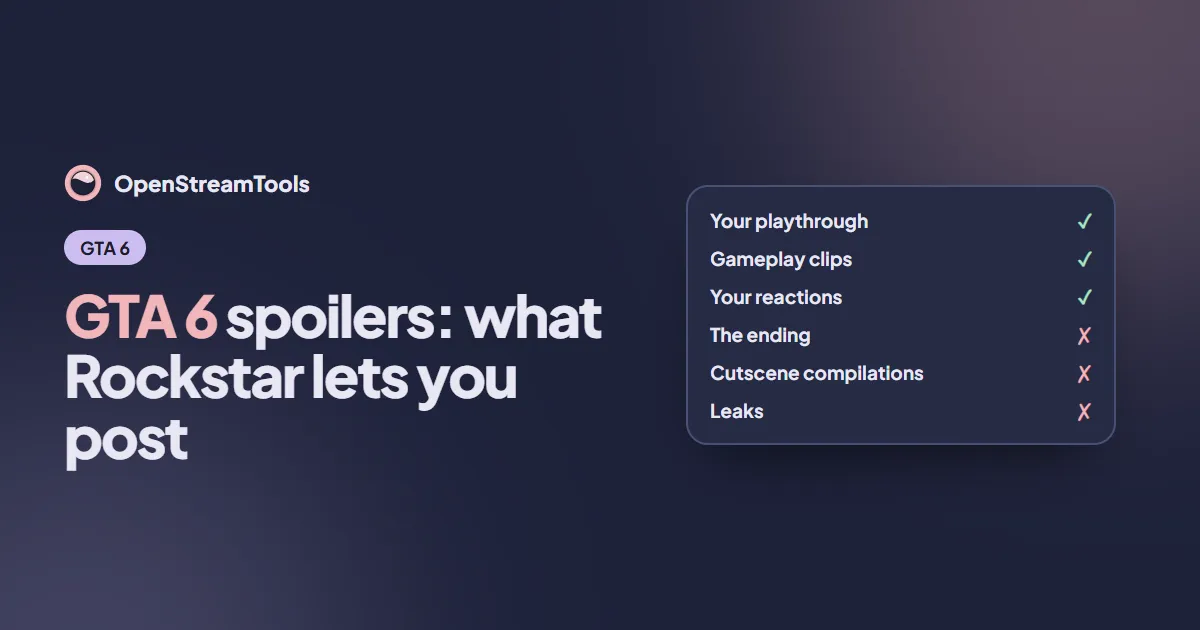
GTA 6 spoilers: what Rockstar lets streamers and clippers post
Rockstar removes GTA 6 videos of the ending, cutscene compilations and leaks. What its policy allows on Twitch, YouTube and TikTok, and how to clip without trouble.
Kick
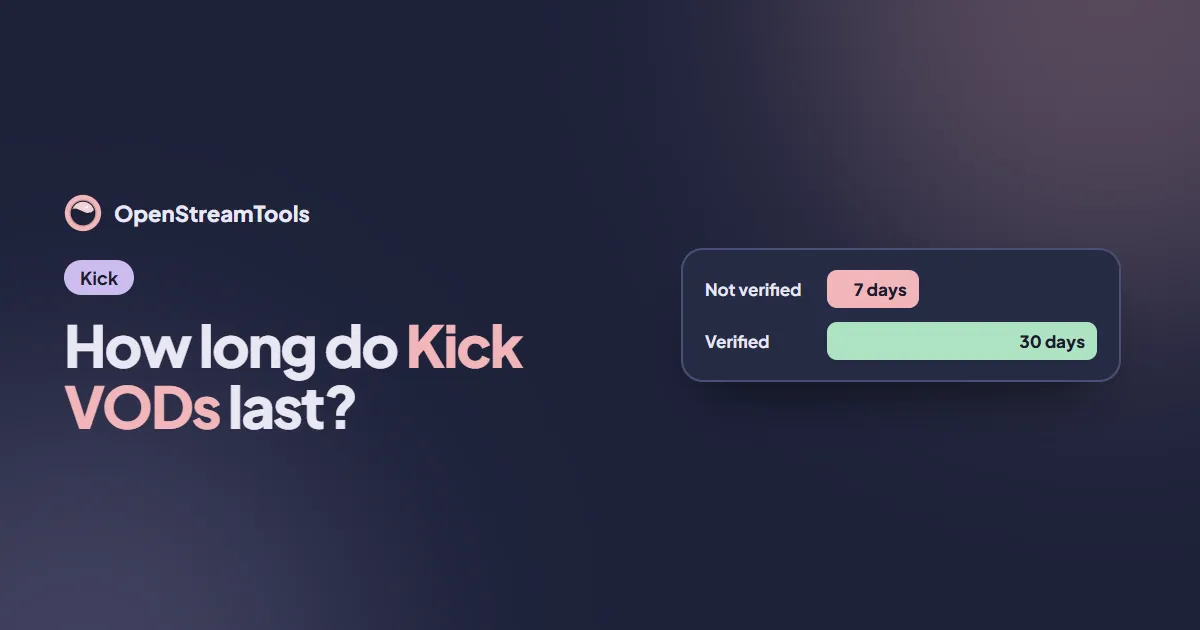
How long do Kick VODs last, and how to keep them
Kick keeps stream replays for 7 days, or 30 days on a verified channel, and only so many at once. Here's how to save your Kick VODs before they're deleted, and use them first.
Kick
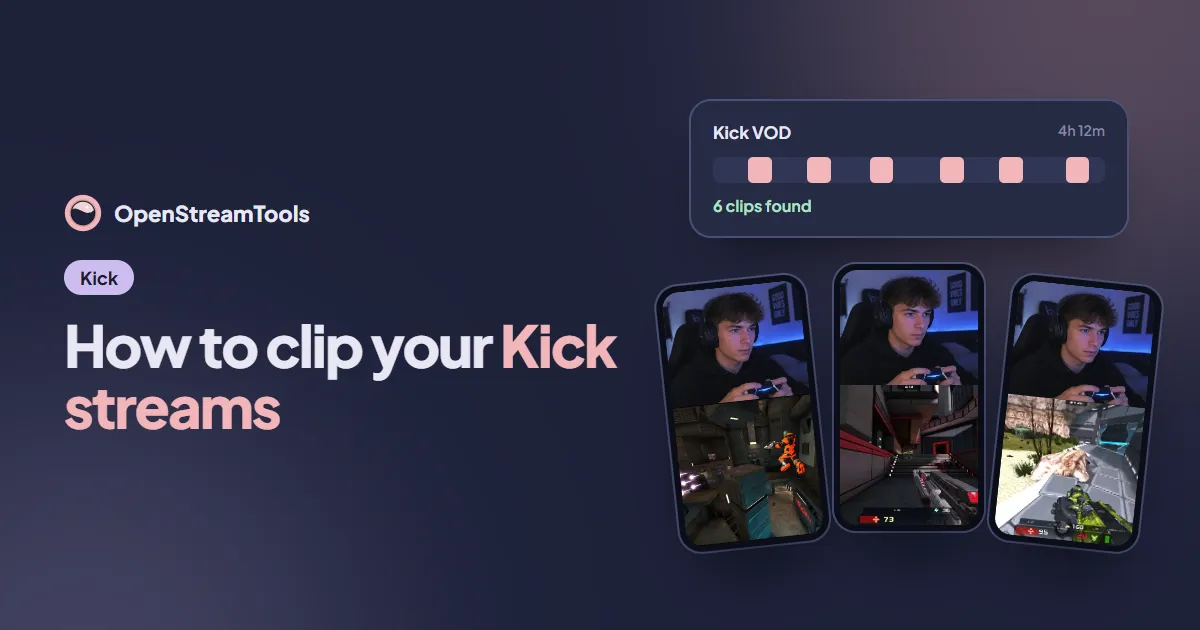
How to clip your Kick streams for TikTok and Shorts
Turn a Kick stream into vertical clips: find the moments in your VOD, frame your facecam over your gameplay, add captions and post. By hand, or with an AI clip finder that reads the whole stream.
Compare
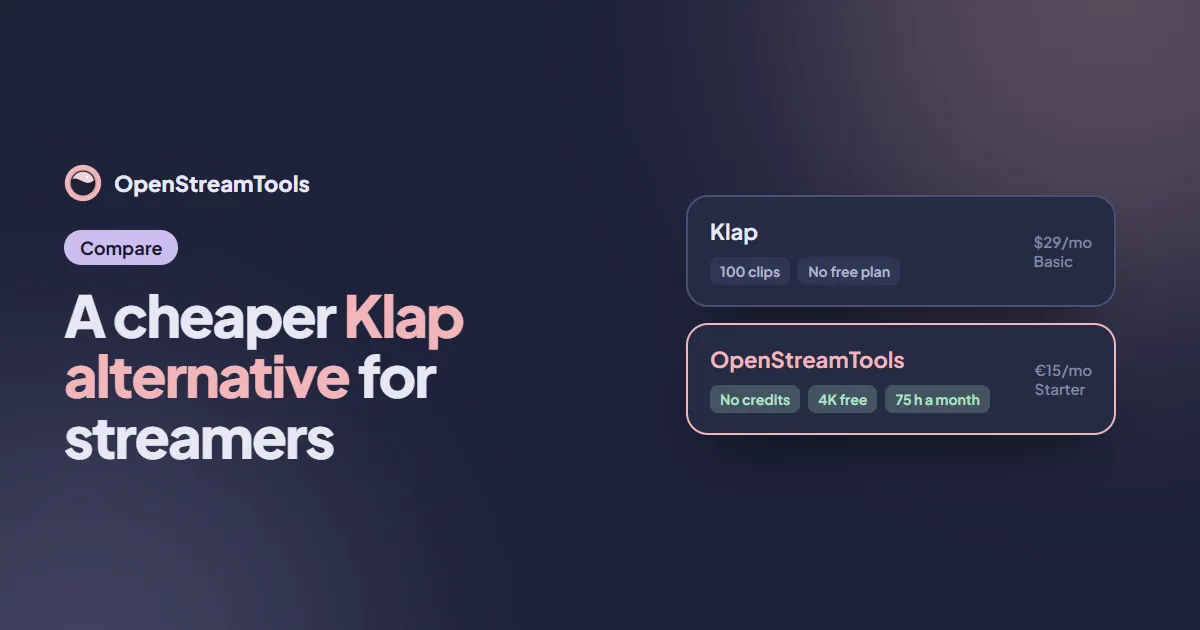
A cheaper Klap alternative for Twitch streamers
Klap Basic is $29 a month for 100 clips, with no free plan. OpenStreamTools finds clips in whole Twitch and Kick VODs for €15 a month, with no clip count and a free 4K editor.
Compare
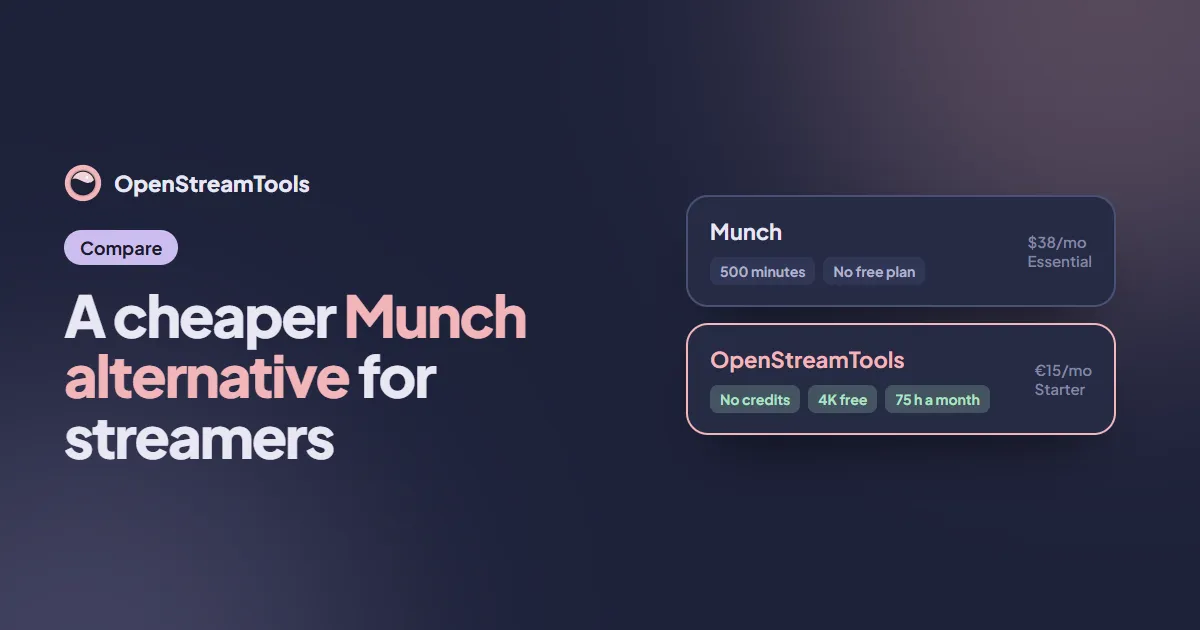
A cheaper Munch alternative for streamers
Munch starts at $38 a month for 500 minutes, with no free plan. OpenStreamTools has a free editor with 4K, and finds clips in 75 hours of Twitch or Kick stream a month for €15.
Compare
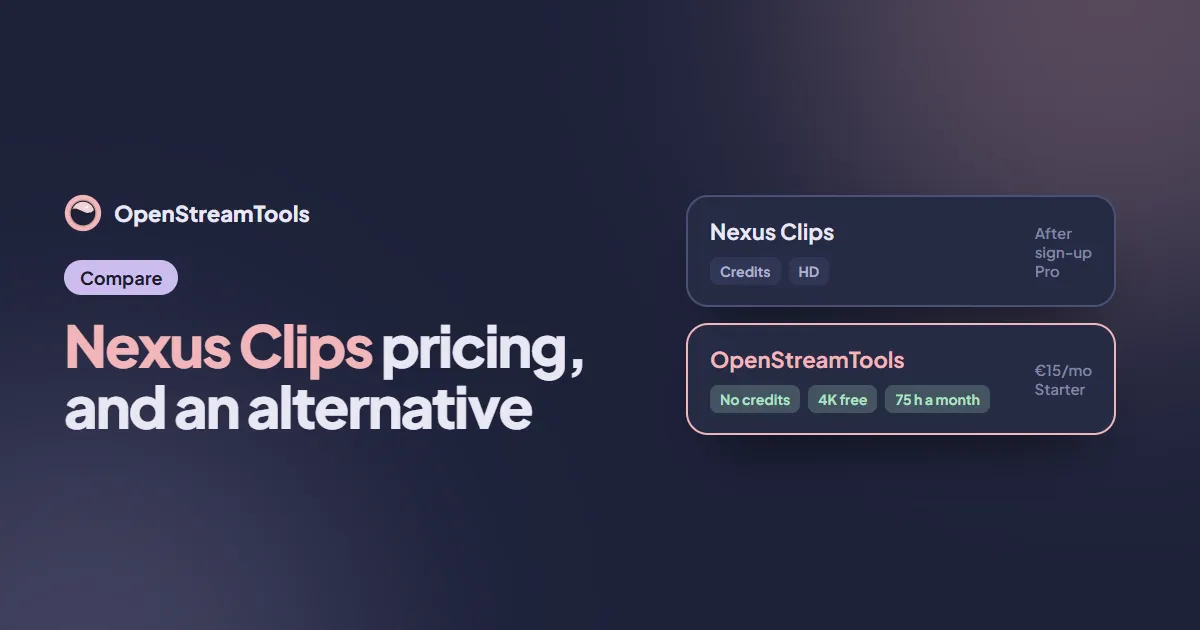
Nexus Clips pricing, and an alternative made for streamers
Nexus Clips shows its Pro price only after you sign up. OpenStreamTools has a public price: a free editor with 4K export, and an AI clip finder for whole Twitch and Kick VODs for €15 a month.
Compare
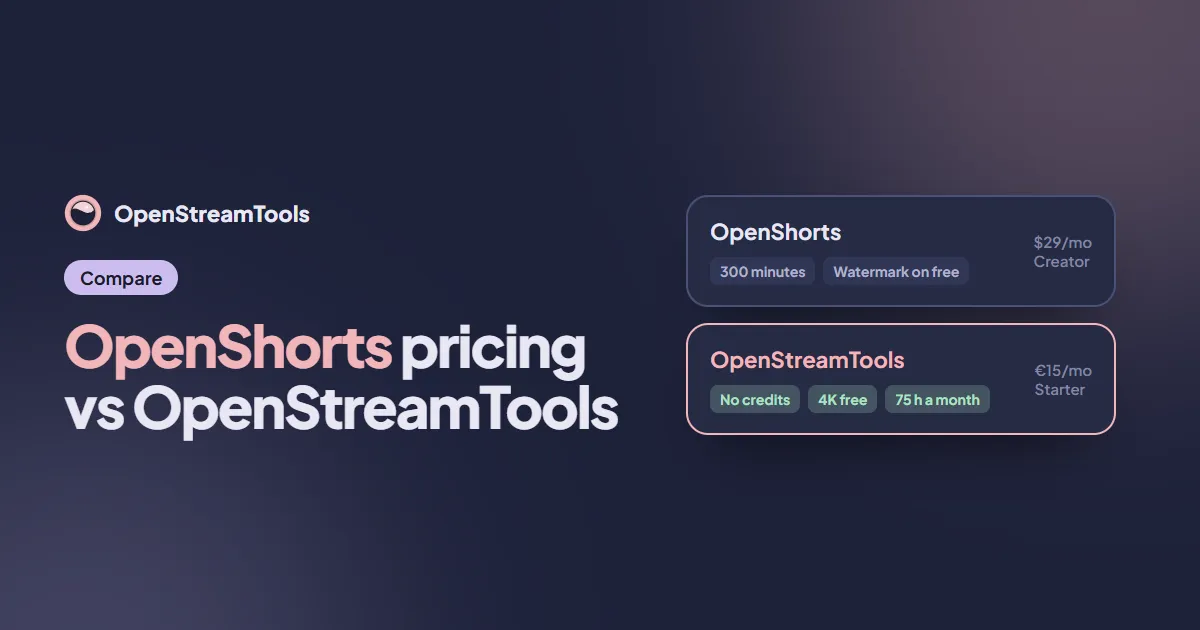
OpenShorts pricing vs OpenStreamTools for streamers
OpenShorts counts source minutes: 300 a month on Creator for $29. OpenStreamTools searches 75 hours of Twitch or Kick stream a month for €15, with a free 4K editor.
Compare
A Spikes Studio alternative for Twitch streamers
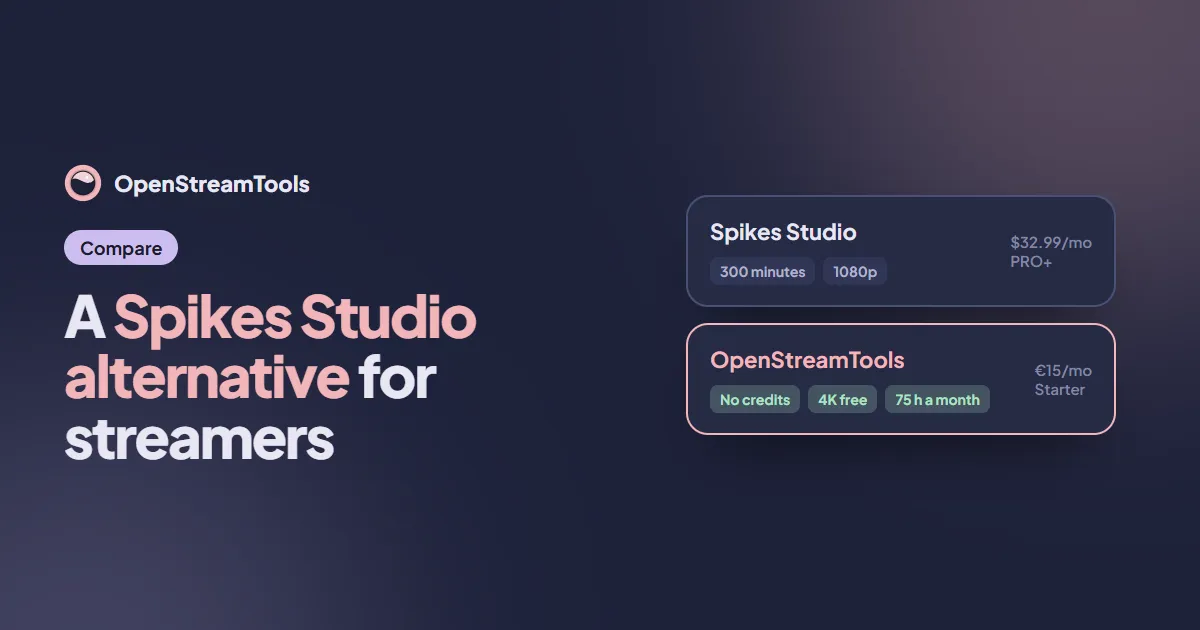
Spikes Studio PRO+ is $32.99 a month for 300 minutes, exported in 1080p. OpenStreamTools exports 4K for free and finds clips in 75 hours of Twitch or Kick stream a month for €15.
Compare
A cheaper StreamGen alternative with free 4K
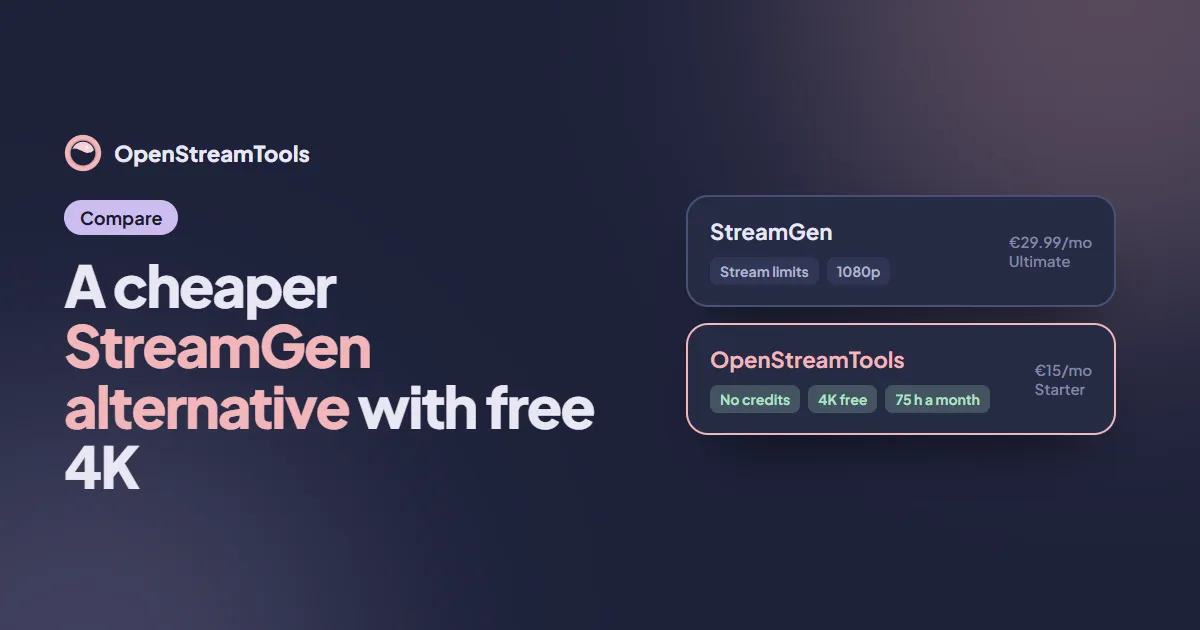
StreamGen Ultimate is €29.99 a month and exports 1080p. OpenStreamTools finds clips in whole Twitch and Kick VODs for €15 a month, with free 4K export and up to 3 editors.
Compare
A Submagic alternative for streamers, with free 4K
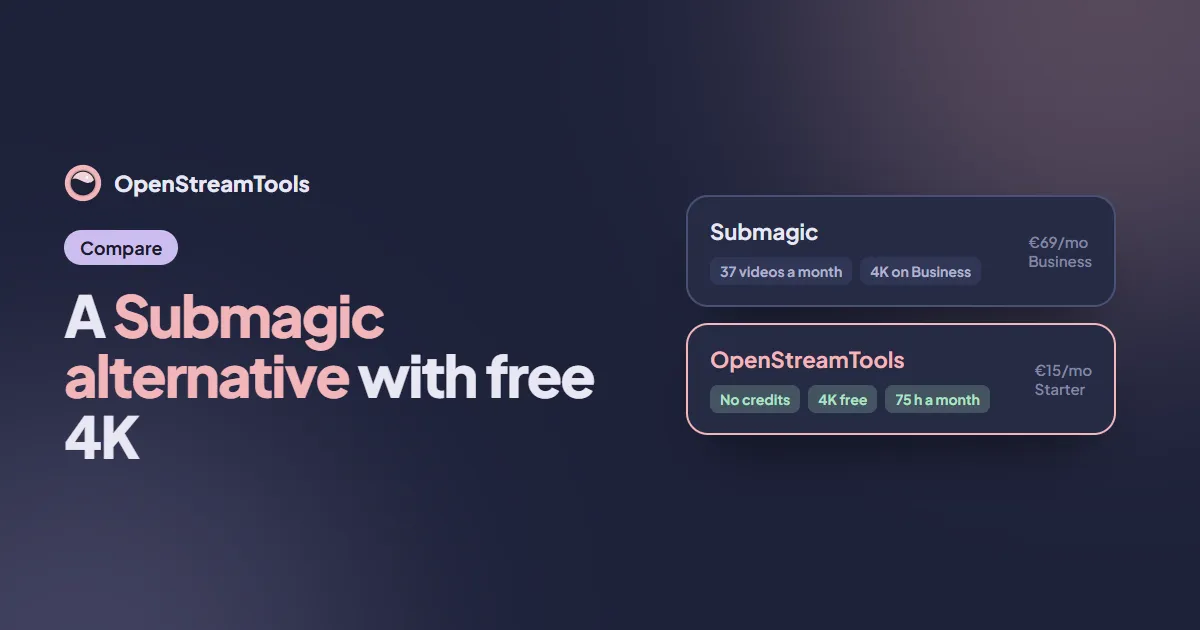
Submagic's 4K export is on Business, €69 a month, and its clip finder takes 37 long videos a month. OpenStreamTools exports 4K for free and finds clips in 75 hours of stream a month for €15.
Shorts
How to turn your Kick VODs into YouTube Shorts
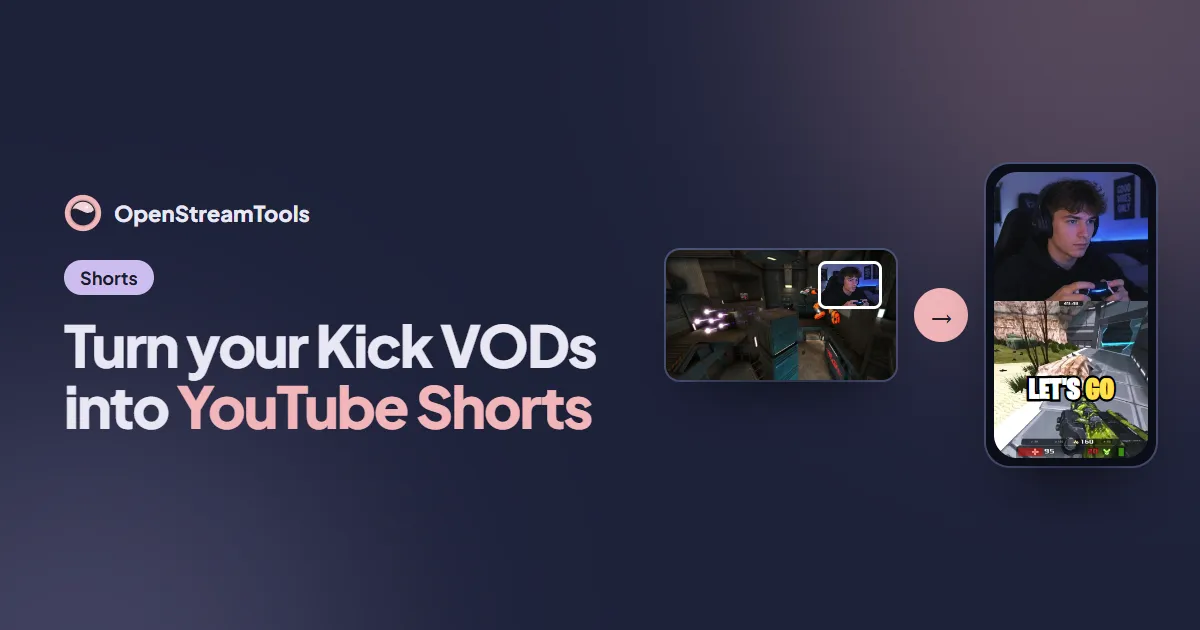
Your Kick streams can grow a YouTube channel. Here's how to turn a Kick VOD into YouTube Shorts: the right length and size, facecam over gameplay, captions, titles and how often to post.
Compare
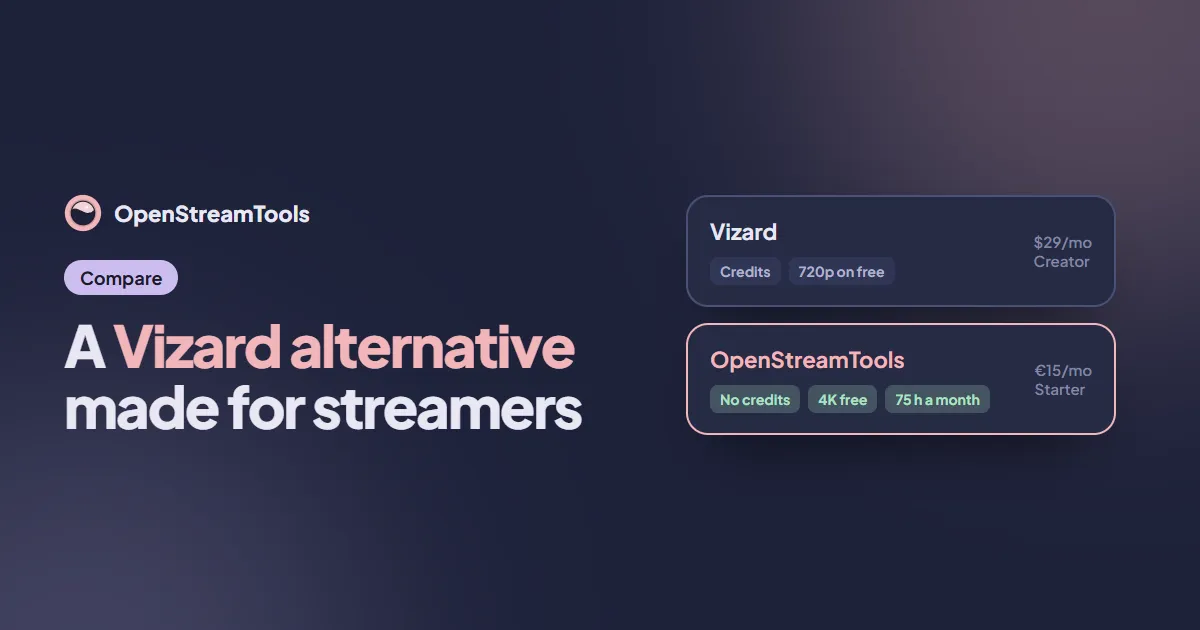
A Vizard alternative made for Twitch streamers
Vizard's free plan exports 720p with a watermark, and Creator is $29 a month in credits. OpenStreamTools gives you a free editor with 4K, and finds clips in whole Twitch VODs for €15 a month.
Clipping campaigns
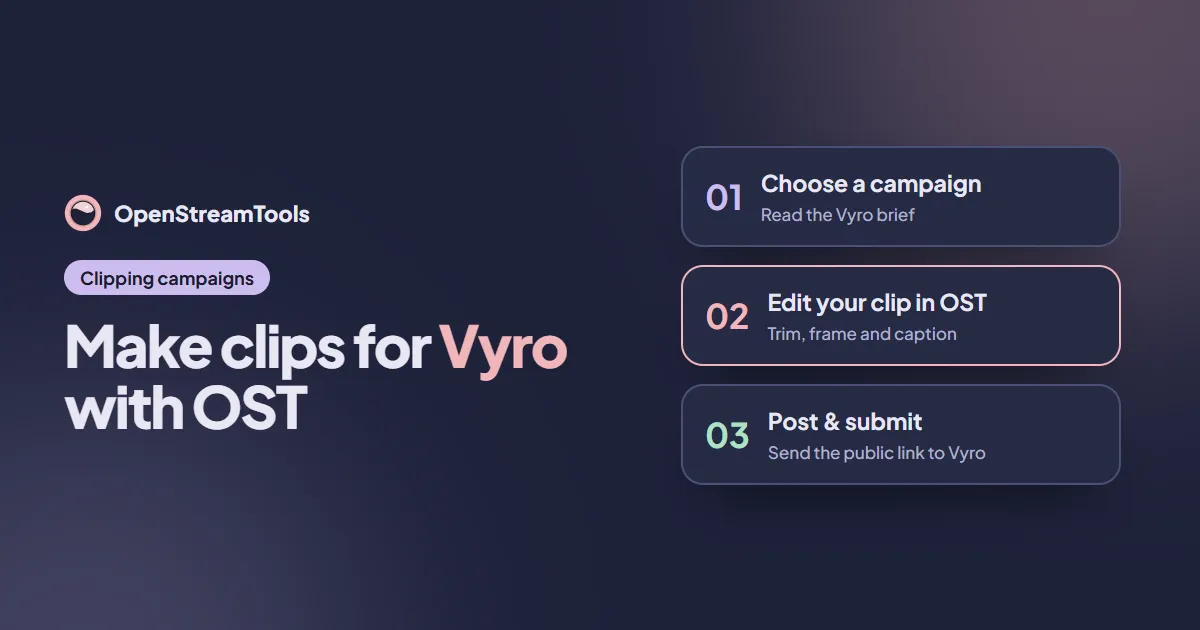
How to make money clipping on Vyro with OpenStreamTools
Find a Vyro campaign, turn its footage into vertical clips with OST, and submit your posts. A practical workflow, with an earnings example and the rules to check first.
Posting
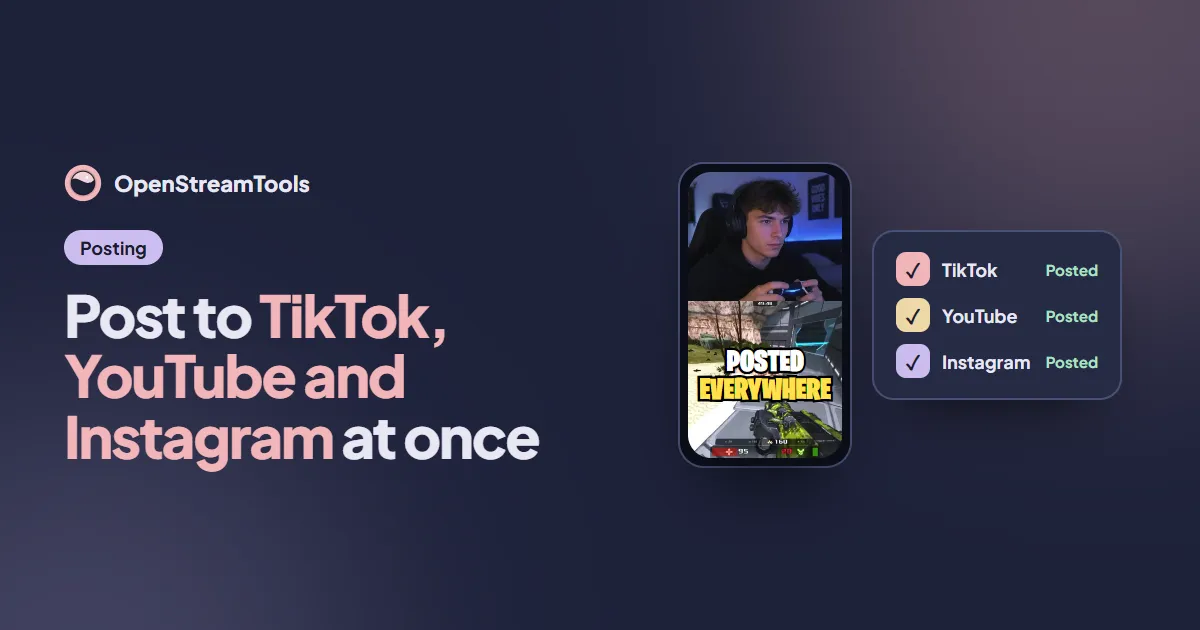
Post your clips to TikTok, YouTube and Instagram at once
OpenStreamTools now posts to TikTok, YouTube Shorts and Instagram Reels, all three at the same time, now or at a time you pick. Edit the clip, write one caption, post everywhere.
Compare
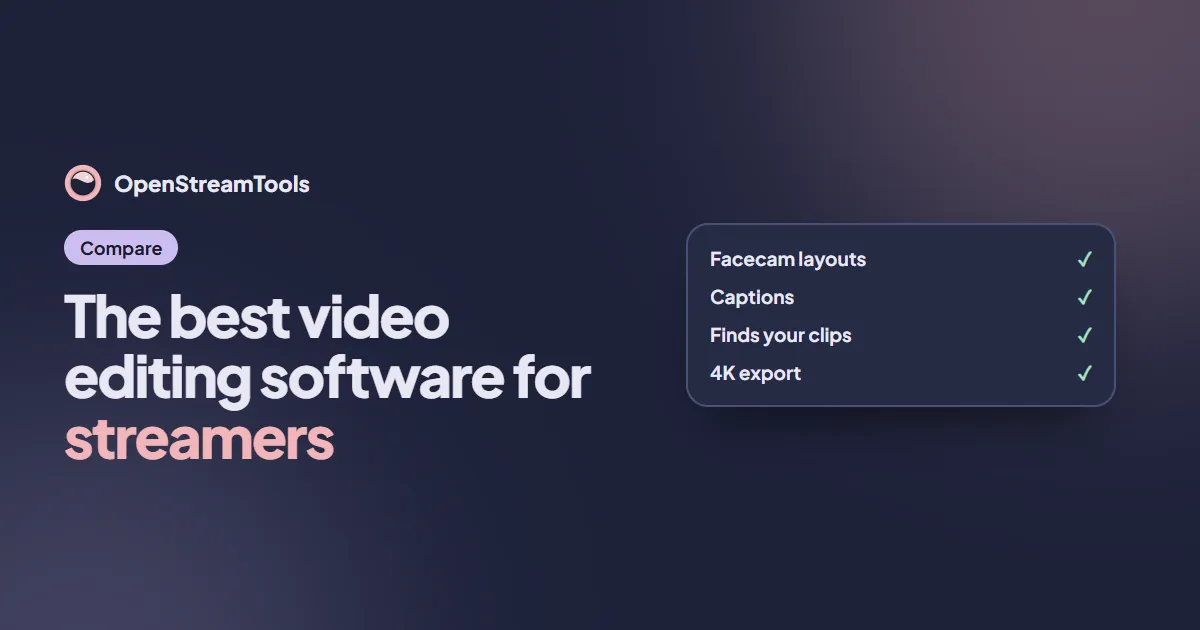
The best video editing software for streamers
CapCut, DaVinci Resolve, Premiere Pro, clip tools and OpenStreamTools compared for streamers: what each is good at when you edit gaming clips and Twitch VODs.
Shorts
The best YouTube Shorts editors
The best video editors for YouTube Shorts compared: YouTube's own tools, YouTube Create, CapCut and OpenStreamTools. What each does well, and what to pick for clips from a stream.
Twitch
How to download Twitch clips and VODs
Every safe way to download a Twitch clip or VOD: Twitch's own download buttons for your channel, and a free desktop app for clips, Highlights and past broadcasts.
TikTok
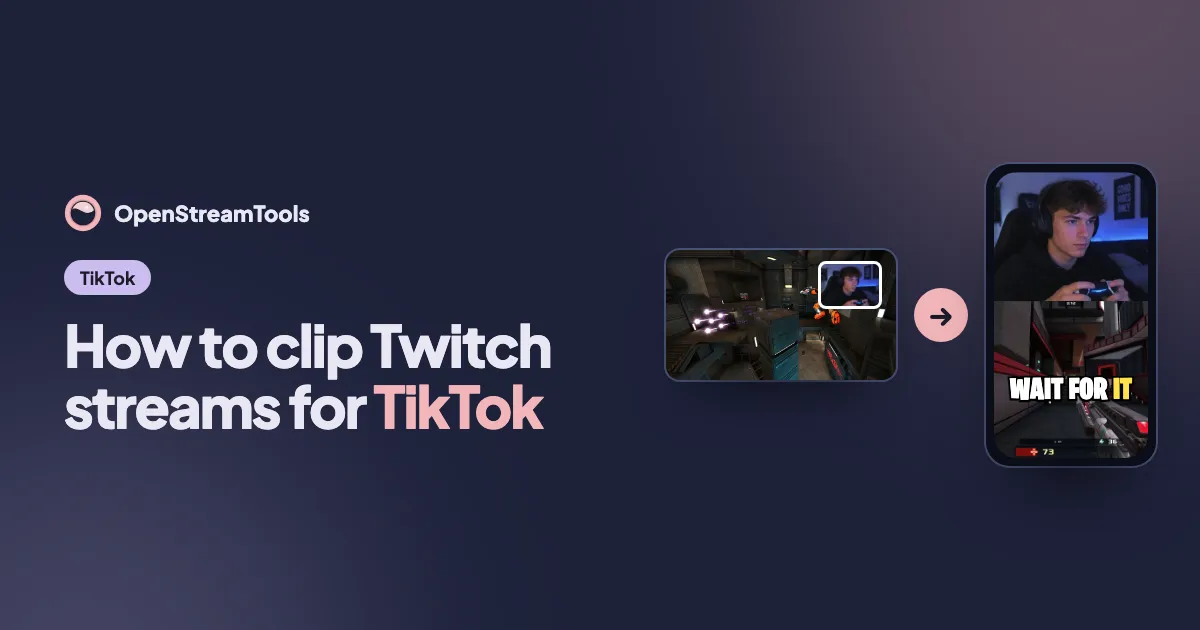
How to clip Twitch streams for TikTok
Step by step: find the moment in your stream, clip it, make it vertical with your facecam on top, add captions and upload it to TikTok. With what Twitch can do by itself, and where it stops.
Editor
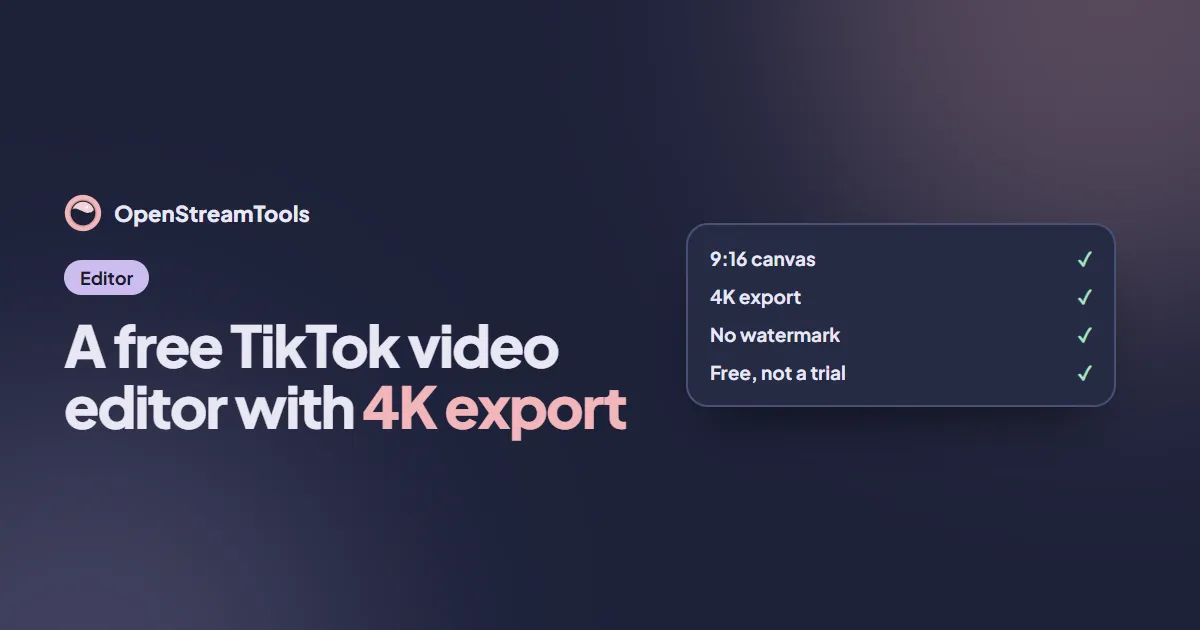
A free TikTok video editor with 4K export
Edit TikToks for free on a computer, with 4K export and no watermark. And the honest answer on whether TikTok actually shows your video in 4K.
Editor
A free video editor with no watermark, for vertical video
What to check before you trust a free video editor, and an editor for Shorts, TikToks and Reels with 4K export, no watermark and no trial that runs out.
GTA 6
How to get views with GTA 6 clips on TikTok and Shorts
GTA 6's launch is a rare chance for small creators. Which clips to post on TikTok, YouTube Shorts and Reels, when to post them, and how to avoid spoilers.
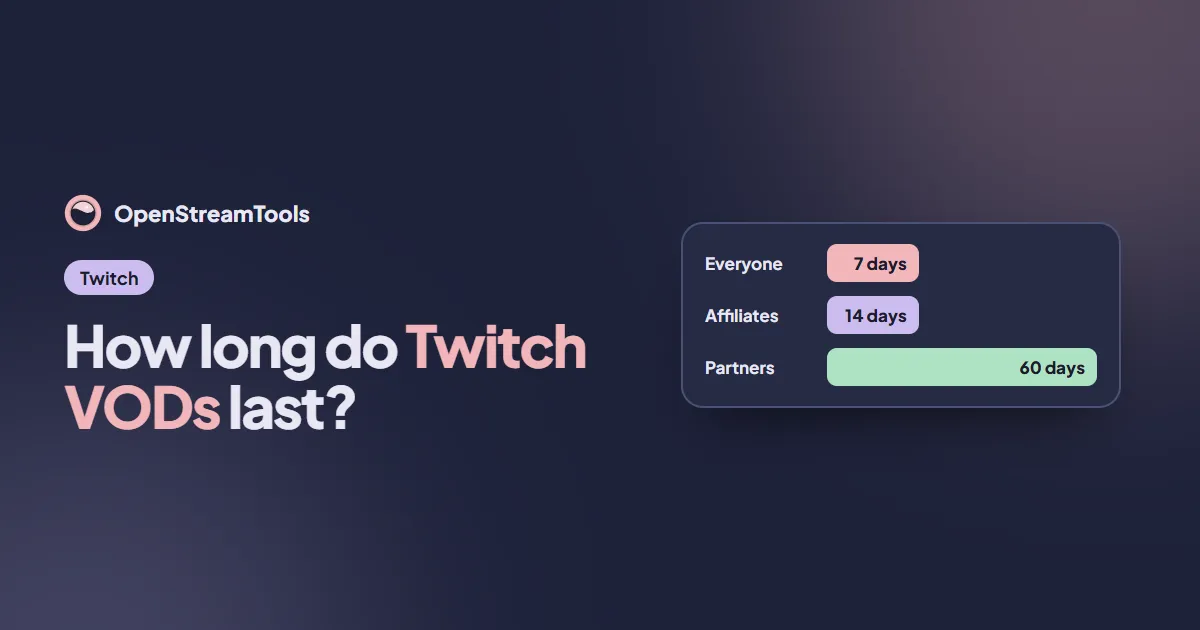
Twitch
How long do Twitch VODs last, and how to keep them
Twitch keeps past broadcasts for 7, 14 or 60 days, depending on your account. Here's how to turn VODs on, save them before they're deleted, and use them first.
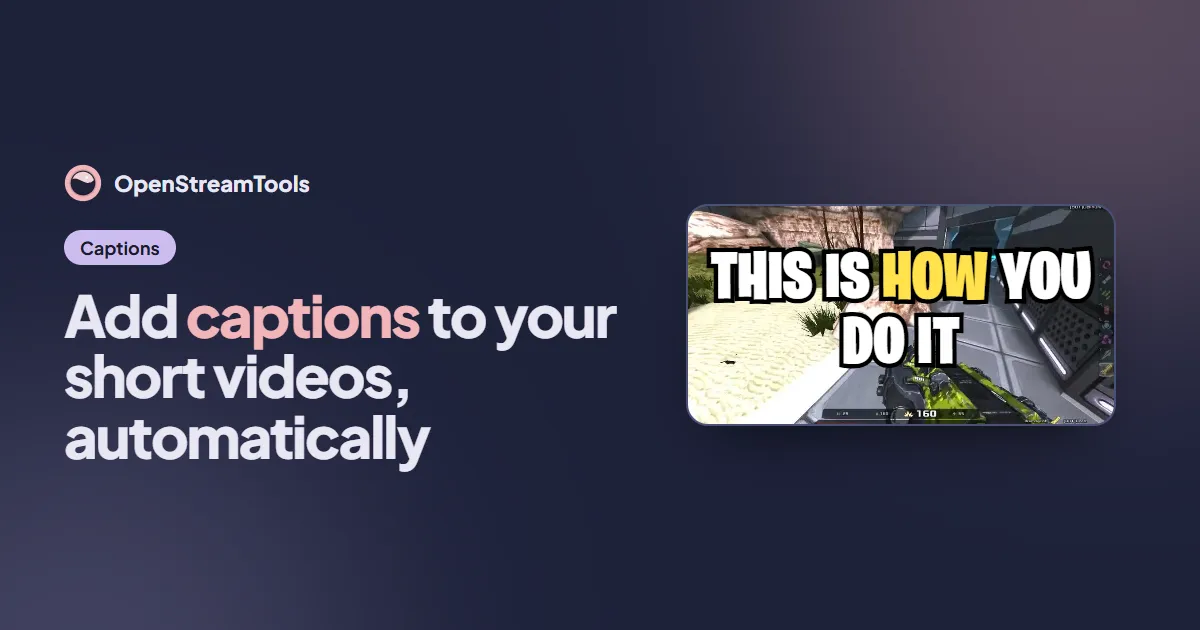
Captions
How to add captions to short videos automatically
Add captions to TikToks, Shorts and Reels automatically: where to place them, how big to make them, word-by-word timing, and the mistakes to fix before posting.
GTA 6
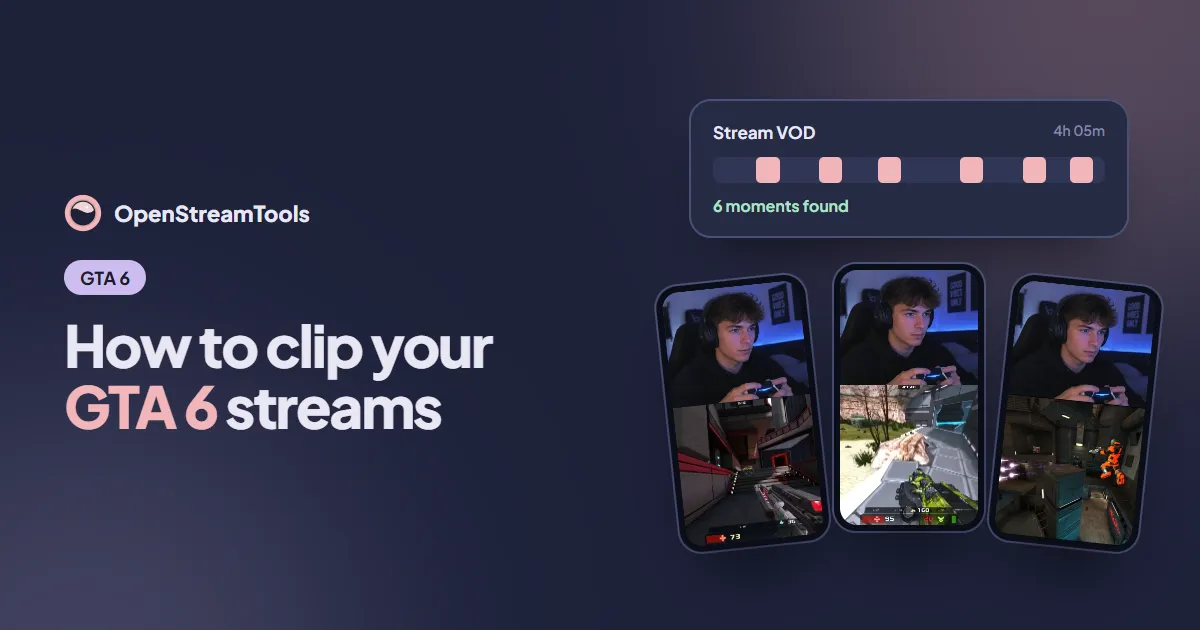
How to clip your GTA 6 streams and gameplay
Turn your GTA 6 streams into short clips: save the moment on PS5 or Xbox, find the best parts of a long VOD, frame it vertically and add captions.
GTA 6
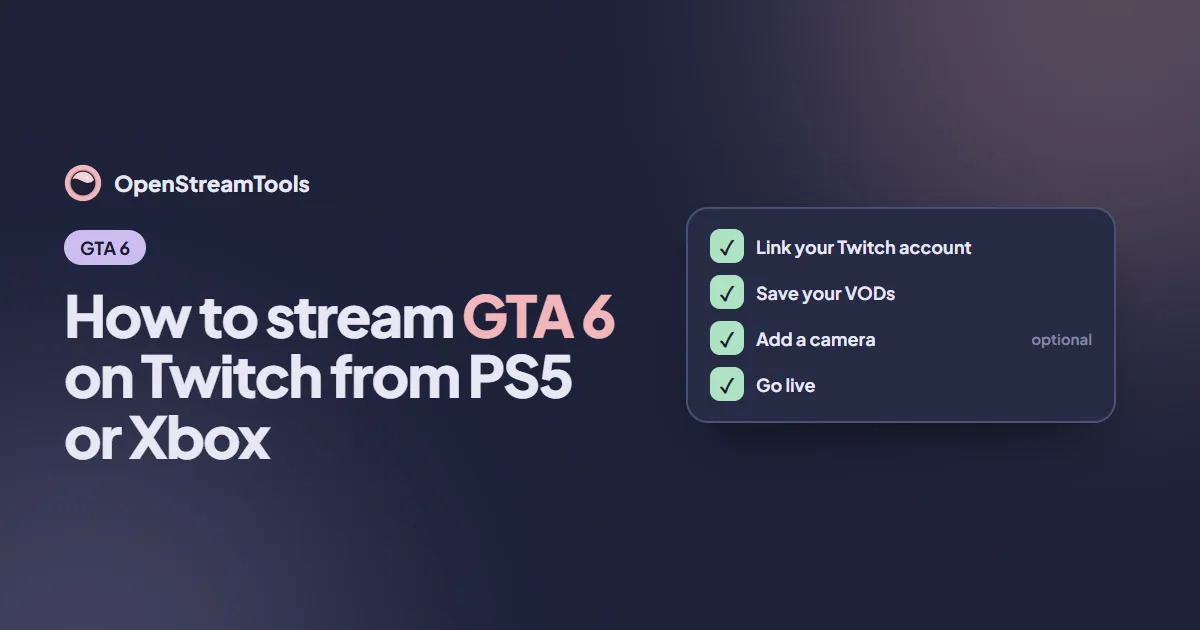
How to stream GTA 6 on Twitch from PS5 or Xbox
GTA 6 launches on PS5 and Xbox Series X|S on 19 November. How to stream it on Twitch from your console, add a camera, and be ready before launch day.
Podcasts
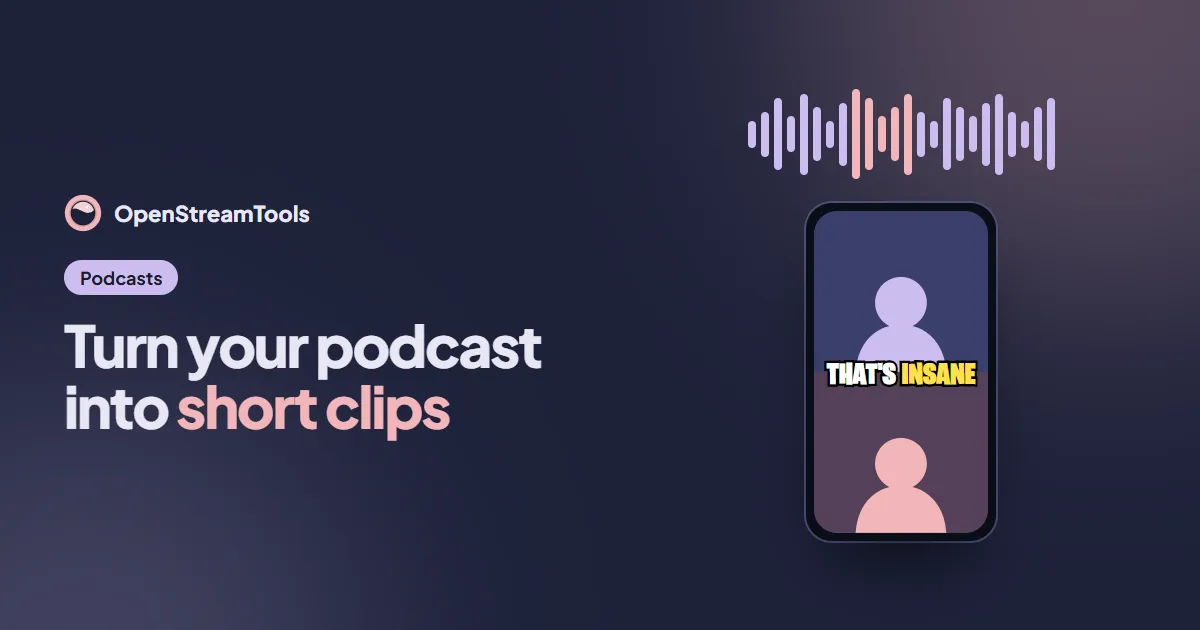
How to turn a podcast into short clips
Turn a video podcast into TikToks, Shorts and Reels: find the moments that work alone, frame two speakers for 9:16, and add captions that show who's talking.
Shorts
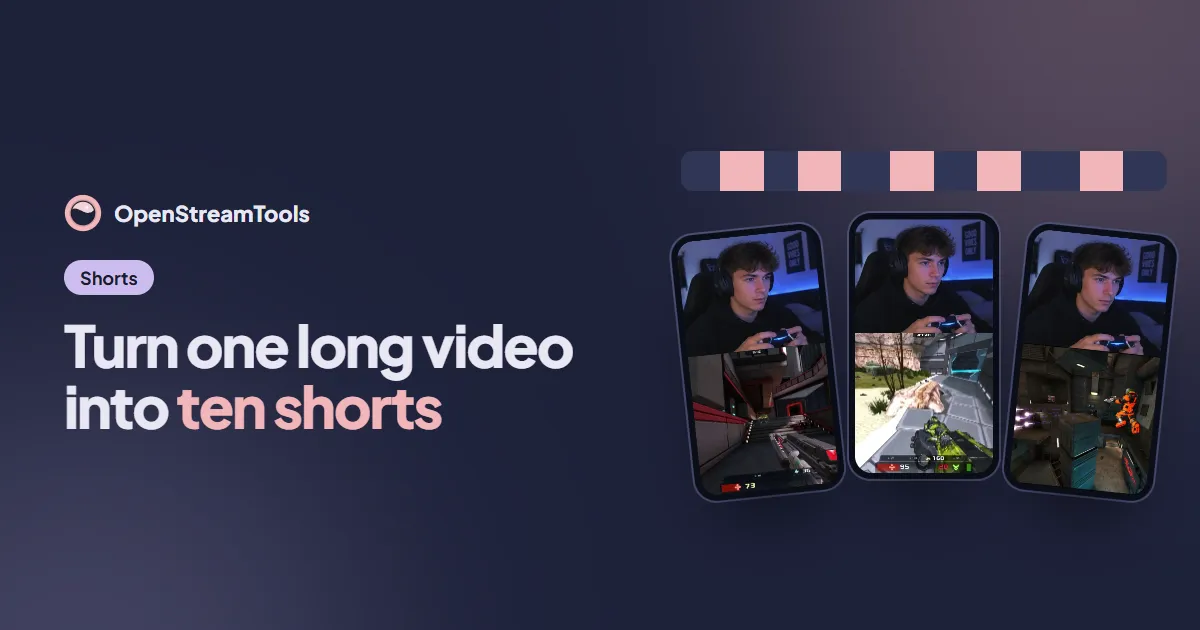
How to turn a long video into Shorts
Repurpose one long video into YouTube Shorts, TikToks and Reels: what to look for, how to cut and reframe it for 9:16, and how many to post.
Layouts
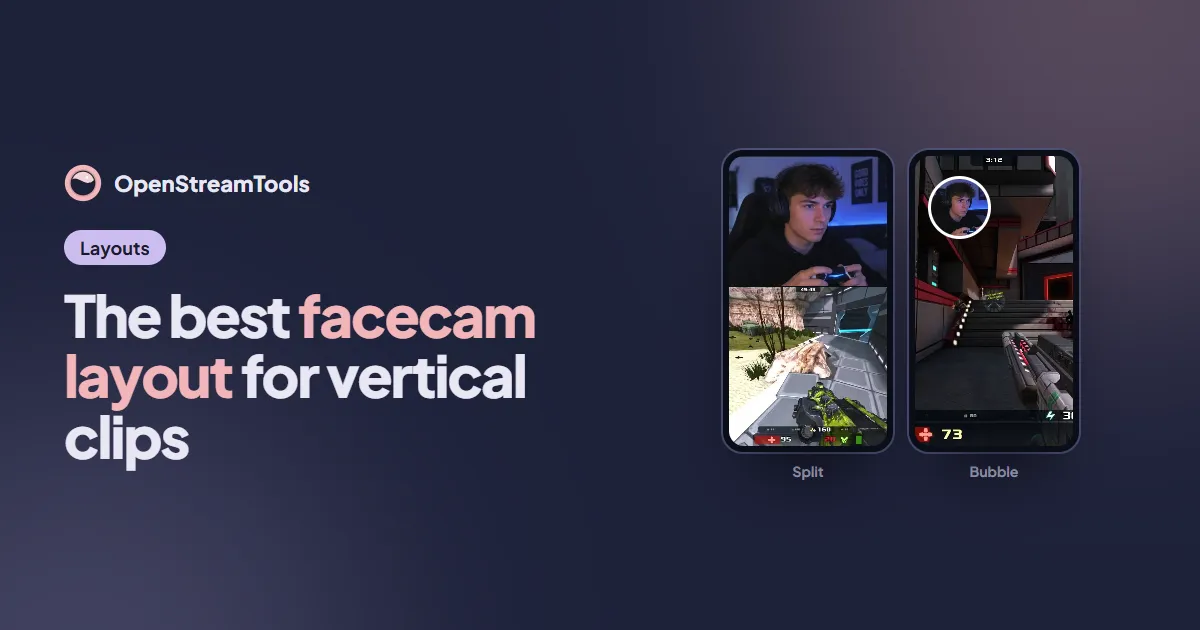
The best facecam layout for vertical clips
Split, bubble, facecam only or gameplay only: which layout to use for TikTok, YouTube Shorts and Reels clips from your stream, and how to crop each one.
Growing
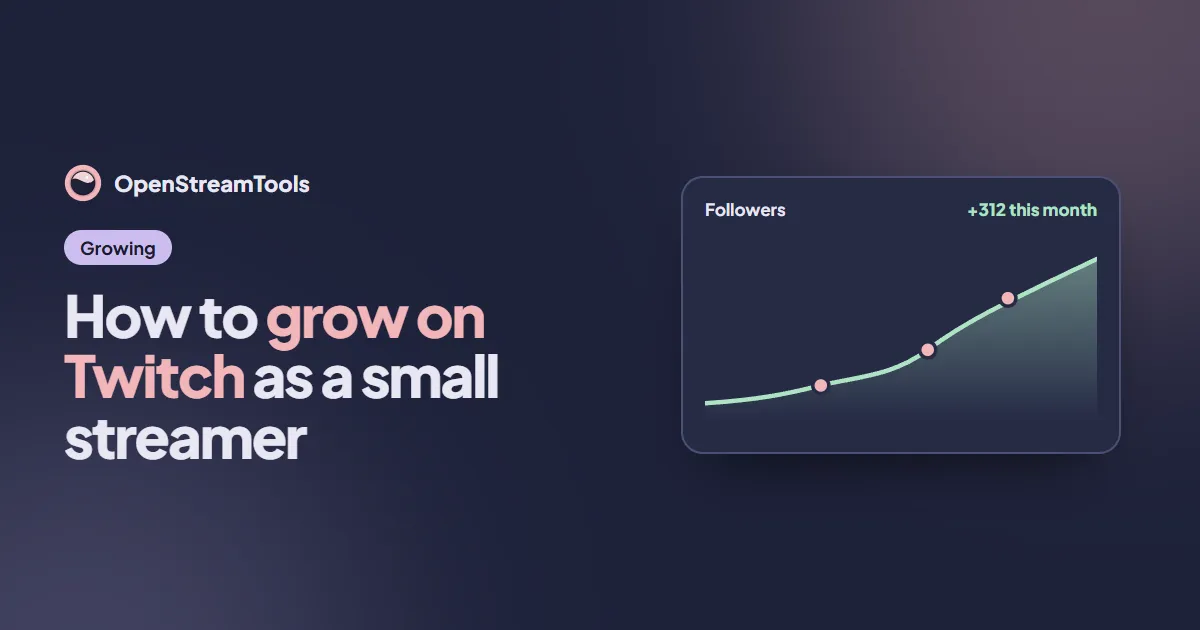
How to grow on Twitch as a small streamer
Why small Twitch streams are hard to find, and a weekly plan that works: the right category, a schedule, and short clips that bring new viewers to your channel.
TikTok
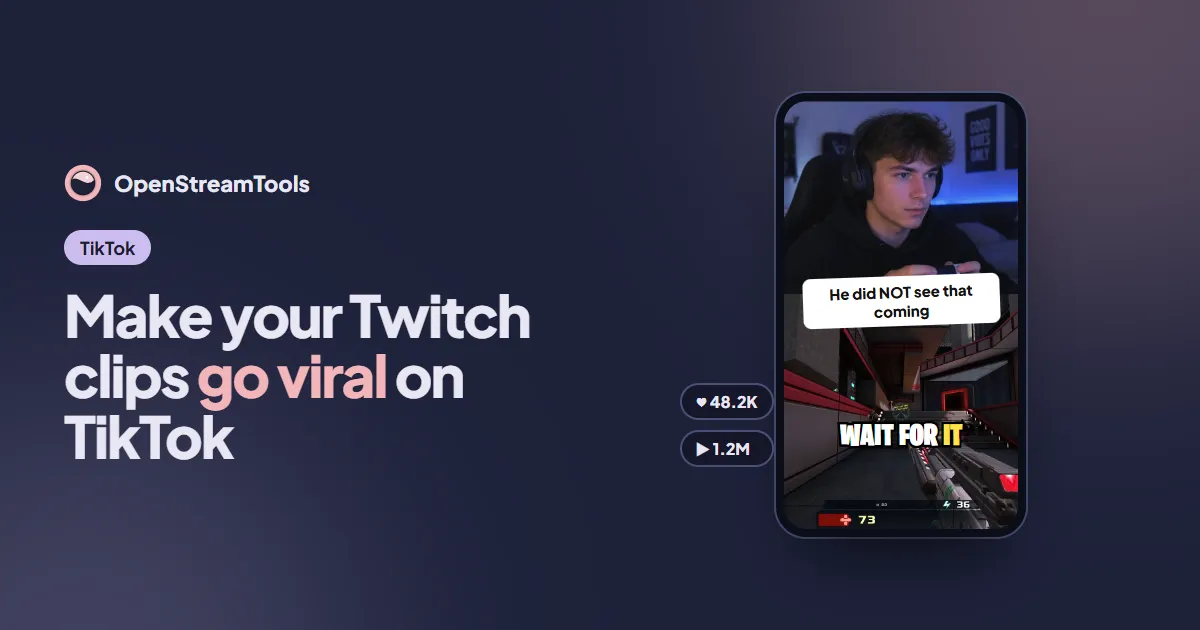
How to make your Twitch clips go viral on TikTok
What makes a stream clip take off on TikTok: a hook in the first second, your face on screen, big captions, and edges kept clear of TikTok's buttons.
Shorts
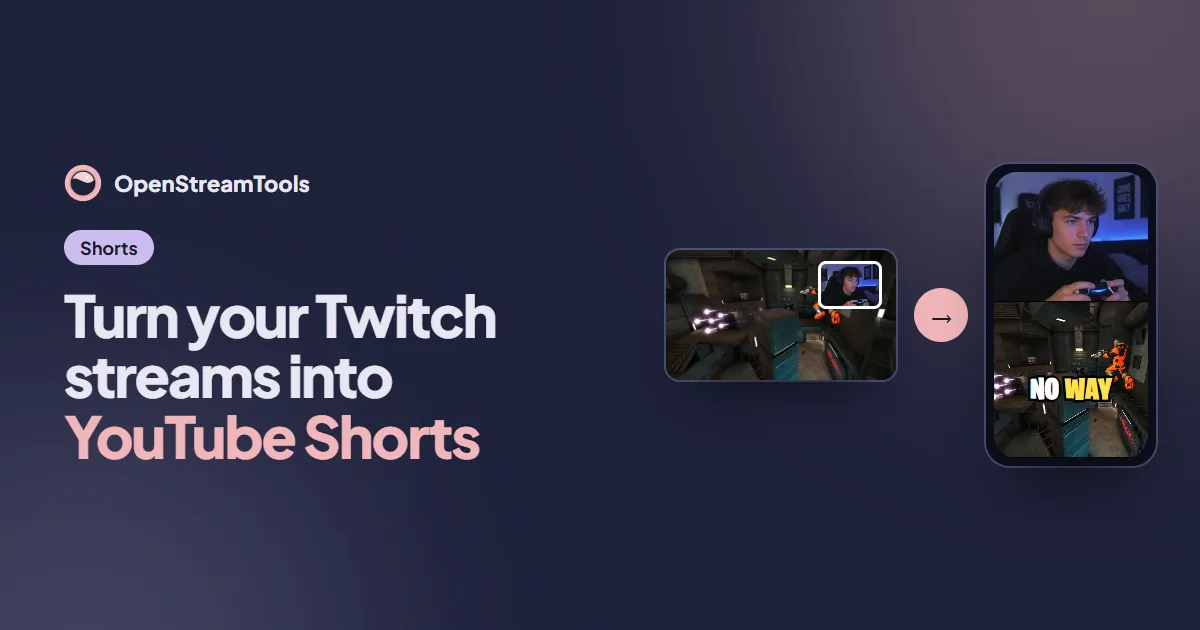
How to turn your Twitch streams into YouTube Shorts
Step by step: find the moment in your VOD, cut it tight, frame your facecam and gameplay for 9:16, add captions, and post it as a YouTube Short.
Twitch
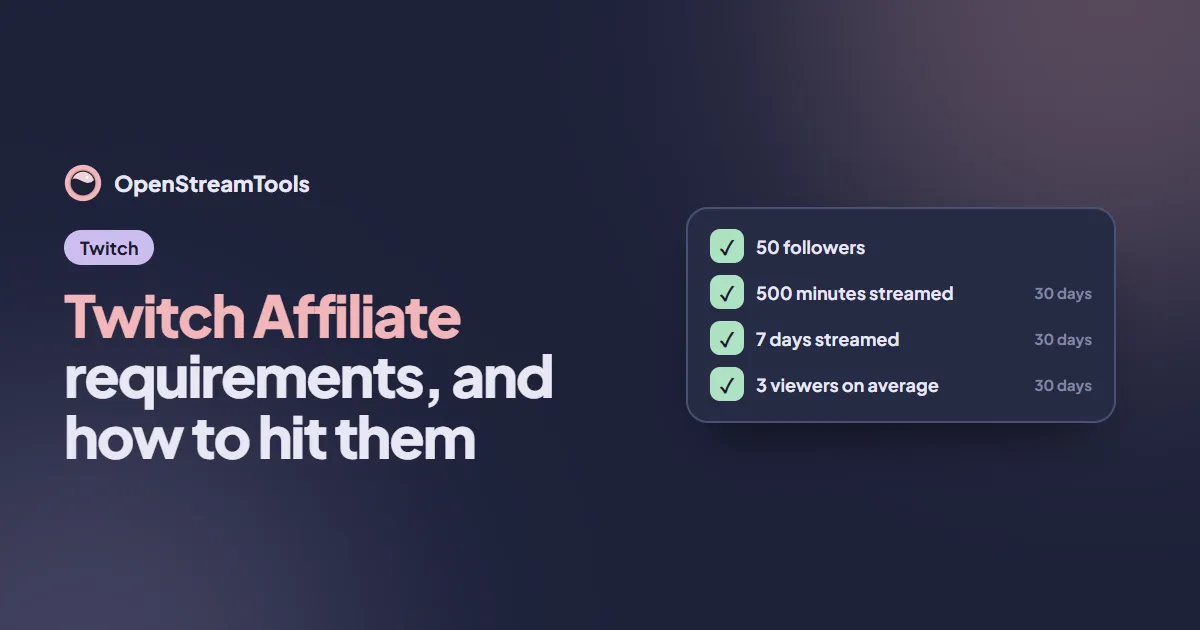
Twitch Affiliate requirements, and how to hit them faster
What you need for Twitch Affiliate: 50 followers, 500 minutes and 7 days streamed, and 3 viewers on average in 30 days. Plus a plan to get there sooner.
Clip finder
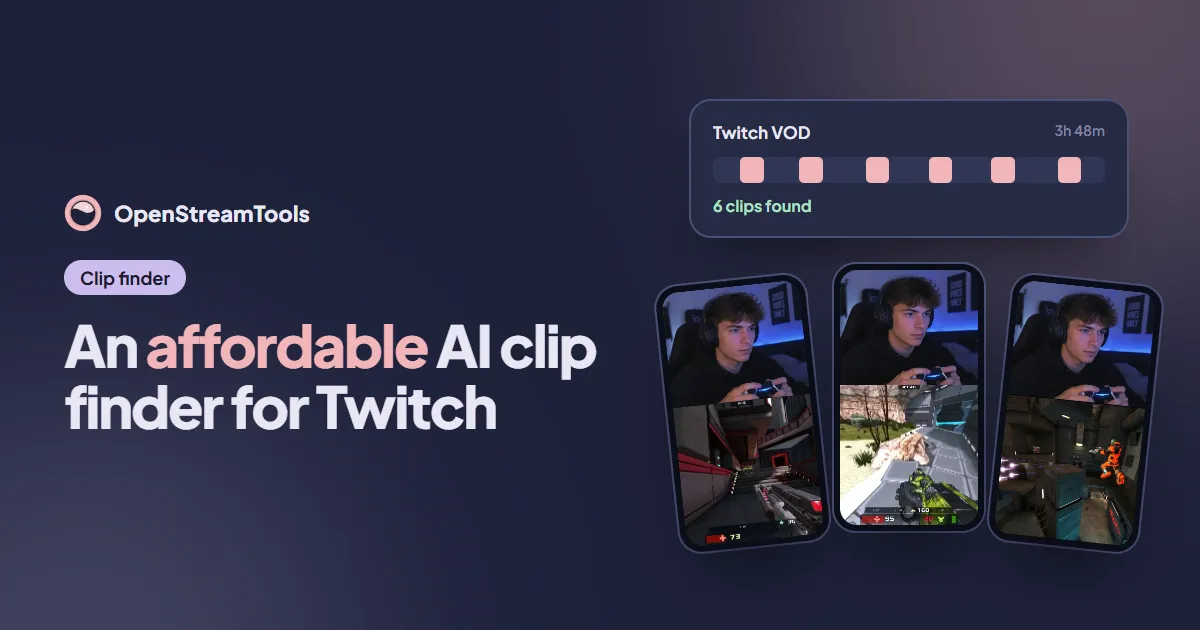
An affordable AI clip finder for Twitch streamers
Paste a Twitch VOD link and the AI finds the moments worth posting, framed and captioned as vertical shorts. No credits, a 7-day free trial, and 75 hours of stream a month for €15.
Compare
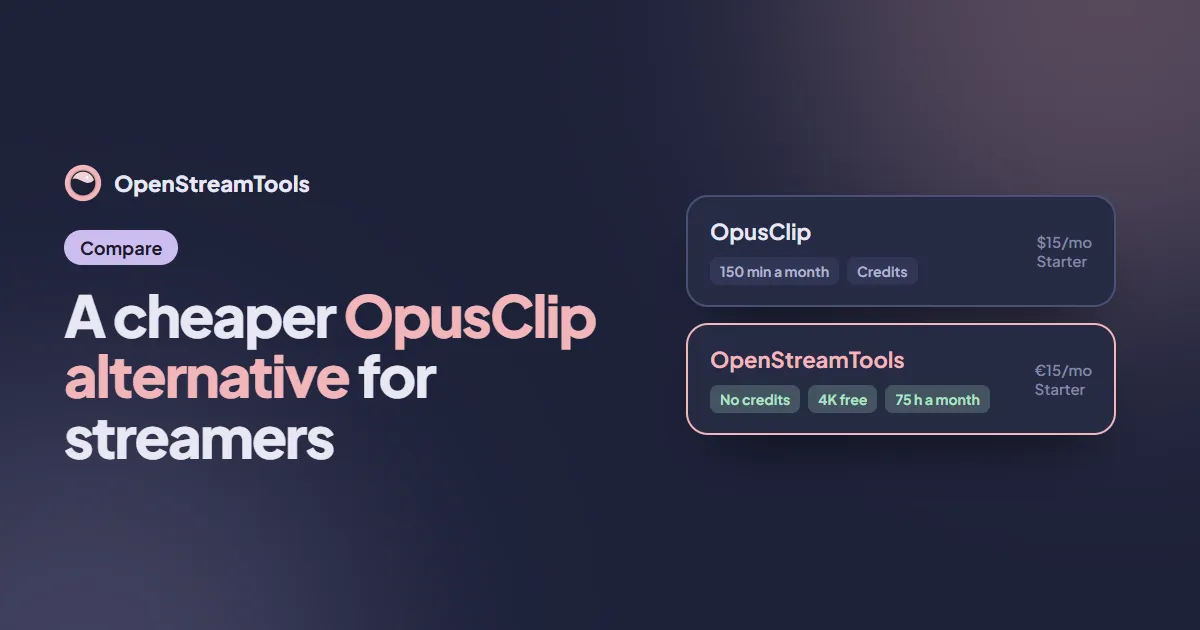
A cheaper OpusClip alternative for Twitch streamers
OpusClip Starter is $15 a month for 150 minutes of video. OpenStreamTools Starter is €15 a month for 75 hours of Twitch or Kick stream: 30 times as much, with no credits and free 4K.
Compare
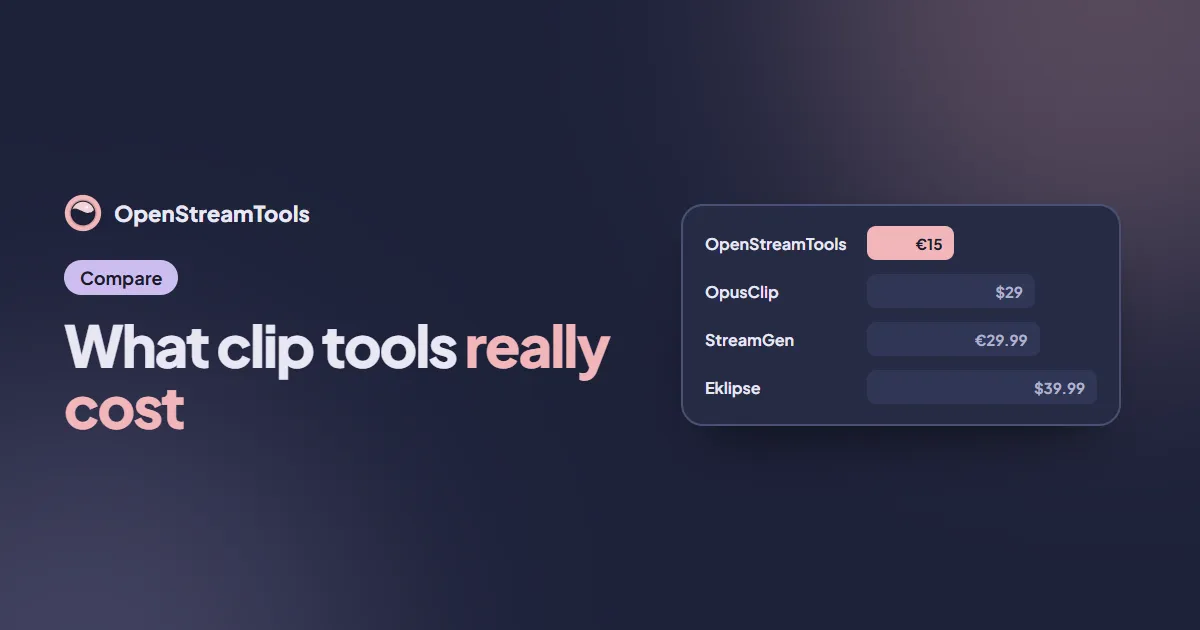
What clip tools really cost once you want everything
OpusClip, Eklipse and StreamGen look cheap on their first plan. Here's what they cost once you want the clip finder, 4K, a team and posting, next to OpenStreamTools Starter at €15 a month.
Desktop app
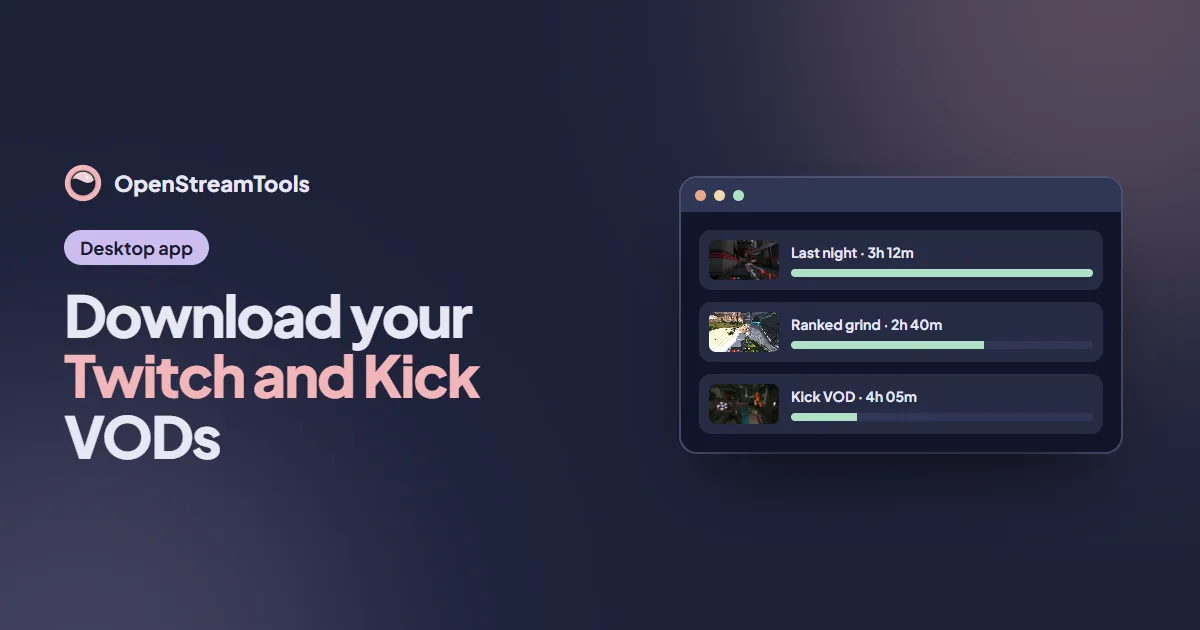
Download your Twitch and Kick VODs with the OST desktop app
Paste a Twitch or Kick link, or type a Twitch username to see a channel's VODs and clips, and download them to your computer. It's in the OST desktop app, free on every plan.
Editor
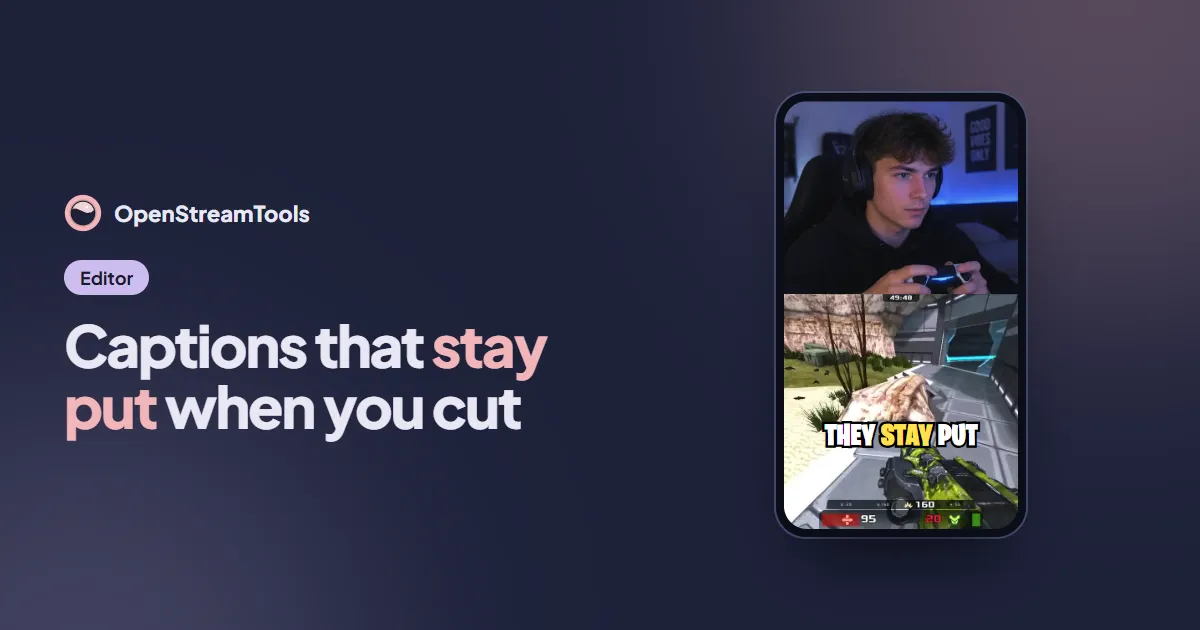
Captions that stay put when you cut
In most editors, moving a clip leaves its captions behind. In OST the words belong to the video, so you can split, move and freeze frames without fixing a single caption.