The best tools for Twitch streamers to make clips
There are two parts to making clips from a stream: finding the moments, and editing them into something that works on a phone. Some tools only do one. Here’s what each tool does for a Twitch streamer, what it costs, and where it stops.
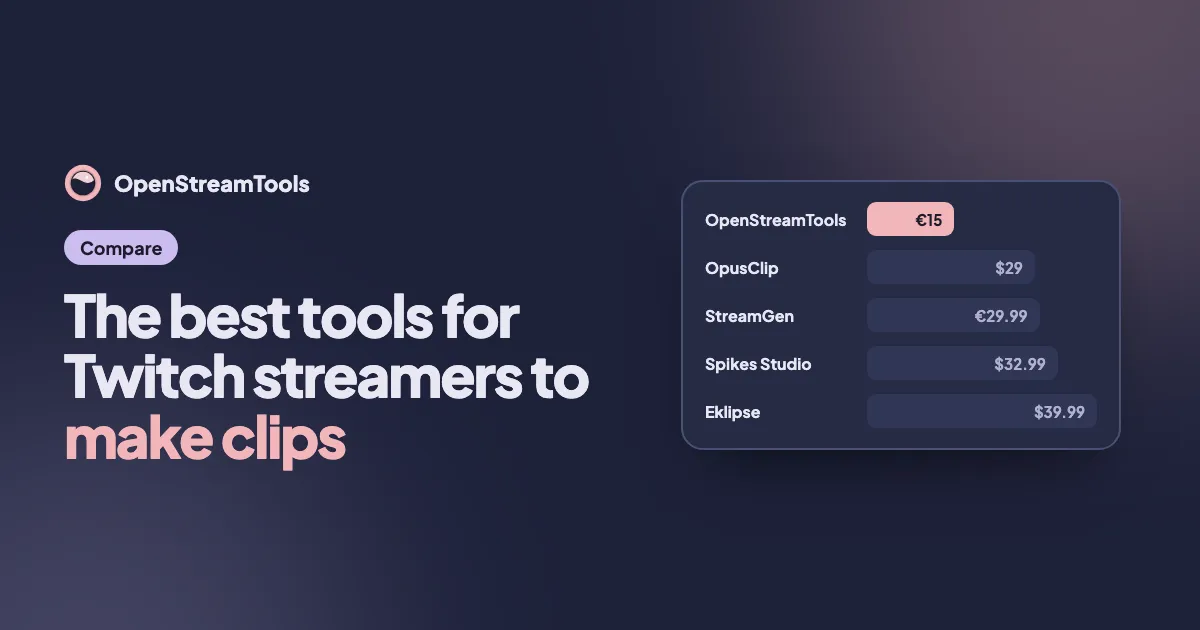
Prices are monthly, billed monthly, from each tool’s own pricing page (Eklipse and StreamGen on 30 October 2026, the others on 18 November 2026). Pricing pages change, so check before you pay.
At a glance
| Tool | Finds clips for you | Edits clips | Price for the full plan | How much stream |
|---|---|---|---|---|
| Twitch Clips | No, you or your viewers clip | Basic vertical crop | Free | Clips up to 60 seconds |
| OpenStreamTools | Yes, whole Twitch and Kick VODs | Full timeline editor | €15 (Starter), editor free | 75 hours a month, 225 on Pro (€25) |
| OpusClip | Yes | Light editing | $29 (Pro) | 300 credits a month |
| Eklipse | Yes | Templates | $39.99 (Premium Pro) | Clip limits per plan |
| StreamGen | Yes | Templates | €29.99 (Ultimate) | 150 streams a month |
| Spikes Studio | Yes | Light editing | $32.99 (PRO+) | 300 minutes a month |
| Nexus Clips | Yes | Light editing | Shown after you sign up | Credits every month |
| CapCut | No | Full editor | Free, Pro is paid | Whatever you import |
Twitch Clips: free, and already there
Start with what Twitch gives you. You and your viewers can clip up to 60 seconds, and the clip editor in the Creator Dashboard (Content → Clips) turns a clip vertical and posts it to TikTok, YouTube, Instagram or Snapchat.
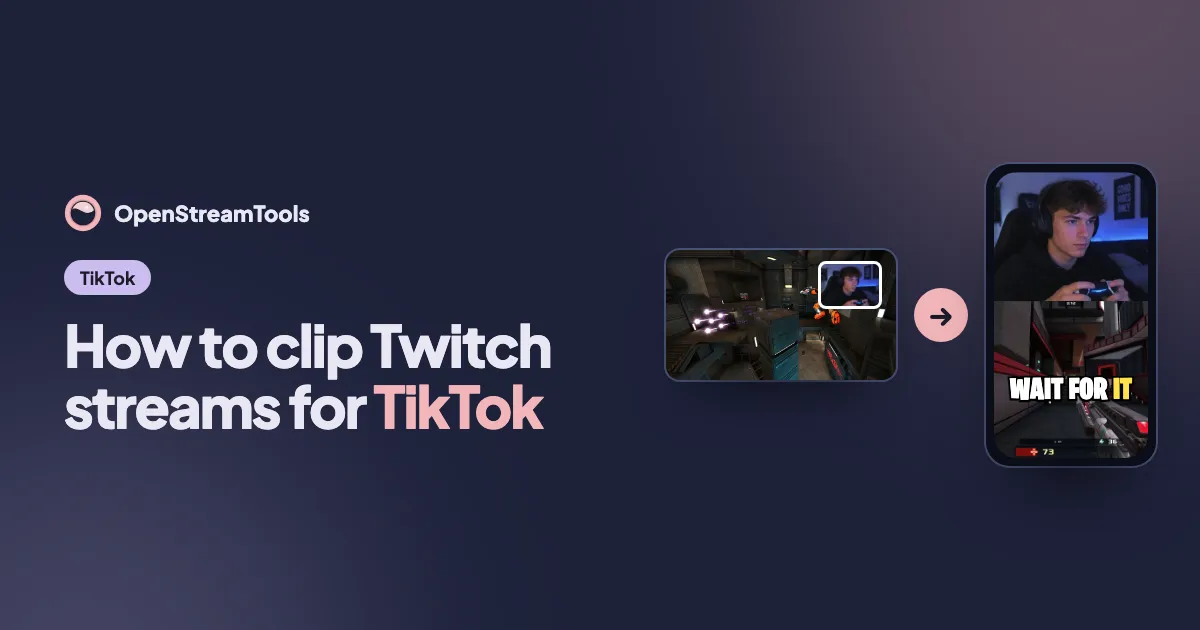
Good for: a quick post of a moment someone already clipped. Where it stops: it only covers what someone thought to clip. No split facecam layout, no word-by-word captions, no hook, and it can’t search a VOD for you. How to take a clip further: turn Twitch clips into TikToks.
OpenStreamTools: finding and editing, made for streams
Full disclosure: this is ours. We built it because the other tools either found clips or edited them well, not both, and charged per minute for streams that are hours long.
Paste a Twitch VOD link (or a Kick VOD in the desktop app, or your own recording) and the AI clip finder reads the whole stream. Each clip comes out vertical, facecam over gameplay, with captions, cut on whole sentences. Then every clip opens on a real timeline: trim, split, move the facecam, style the captions, add a hook. Post to TikTok, YouTube and Instagram from the app.
- Free: the whole editor, 4K export, no watermark. Not a trial. Plus one free AI search of 30 minutes of a stream.
- Starter, €15 a month: the clip finder for 75 hours of stream a month, AI captions, posting and up to 3 editors. 7-day free trial.
- Pro, €25 a month: the same, with 225 hours.
Good for: streamers who stream long and want to fix clips by hand before posting. Where it stops: it’s made for streams and shorts. It doesn’t edit long YouTube videos, and it doesn’t do podcasts filmed with three cameras.
OpusClip: the best-known AI clipper
OpusClip takes links from more than ten sources and turns long videos into shorts with a virality score. Pro is $29 a month for 300 credits, one credit per minute of video, with 4K only on its Business plan. Starter is $15 for 150 minutes.
Good for: podcasts, interviews and YouTube videos of an hour or less. Where it stops: a 4-hour stream is 240 credits, so 300 a month is about one stream. More: OpusClip’s 150 minutes vs 75 hours.
Eklipse: made for gaming
Eklipse connects to your Twitch or Kick channel and pulls highlights from your streams by itself, with templates for TikTok and Shorts. Premium Pro is $39.99 a month, exports up to 1080p at 60 fps and has clip limits per plan. You can say “clip it” out loud while you play.
Good for: streamers who want clips to appear without doing anything. Where it stops: the price, 1080p, and less control over each clip. More: Eklipse pricing and a cheaper alternative.
StreamGen: per stream, not per minute
StreamGen counts streams instead of minutes, which suits long streams. Ultimate is €29.99 a month for 150 streams, with 1080p export. Its free plan gives 3 streams a month without a watermark. One team slot is included, two more are €19.
Good for: streamers who want lots of streams processed. Where it stops: 1080p, and editing is template-based. More: StreamGen alternative.
Spikes Studio: minutes, with a free start
Spikes Studio has a free Basic plan (30 minutes a month, 720p, watermark). PRO+ is $32.99 a month for 300 minutes in 1080p.
Good for: trying an AI clipper on a short stream for free. Where it stops: 300 minutes is one or two streams a month. More: Spikes Studio alternative.
Nexus Clips: price after sign-up
Nexus Clips connects to Twitch or YouTube, frames clips on your face and adds captions. Its Pro plan gives HD downloads without a watermark, credits every month and posting to TikTok and YouTube. The price only shows once you’ve made an account.
Good for: creators who film more than they stream; it also makes shorts from scripts you record. Where it stops: you can’t compare the price before signing up. More: Nexus Clips pricing.
CapCut: the editor most people start with
CapCut is free on phones and computers, easy, and full of effects. Pro materials put a watermark on the export until you pay.
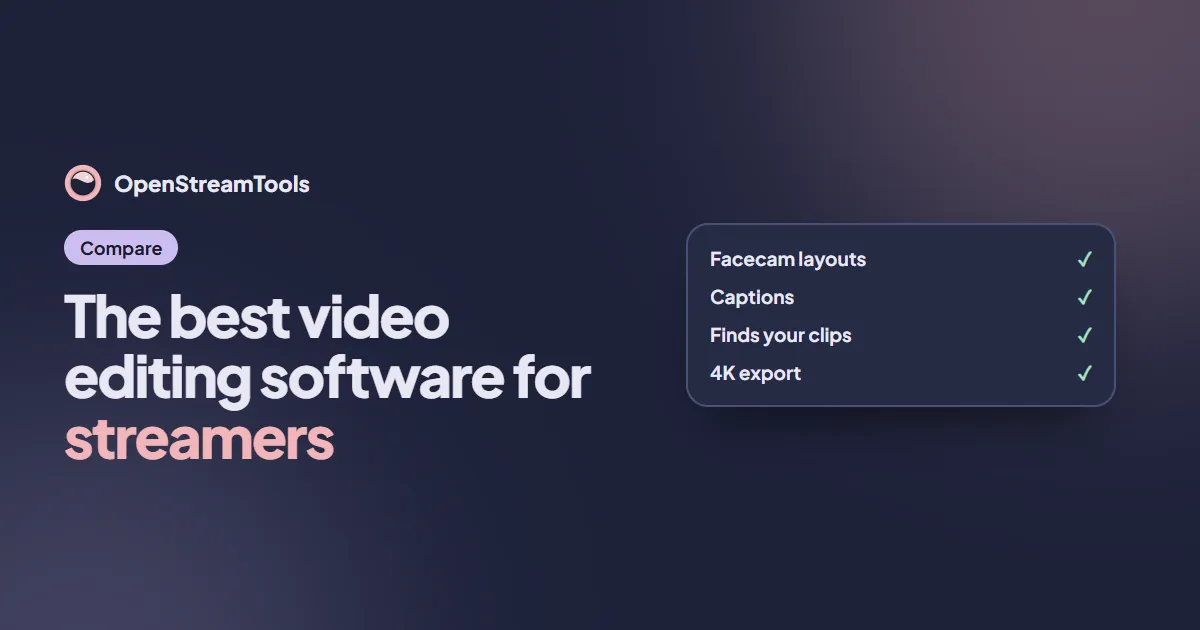
Good for: editing a clip you already have, by hand. Where it stops: it doesn’t find anything in a VOD, and the facecam split is manual on every clip. Editors compared: the best video editing software for streamers.
Which one should you use?
- You post a clip now and then: Twitch’s own clip tool, and a free editor to add captions.
- You stream 3 hours or more, several times a week: a tool that counts hours or streams, not minutes. That’s OpenStreamTools or StreamGen.
- You want clips with no work at all: Eklipse, if the price and 1080p are fine.
- You make podcasts or YouTube videos, not streams: OpusClip or Nexus Clips.
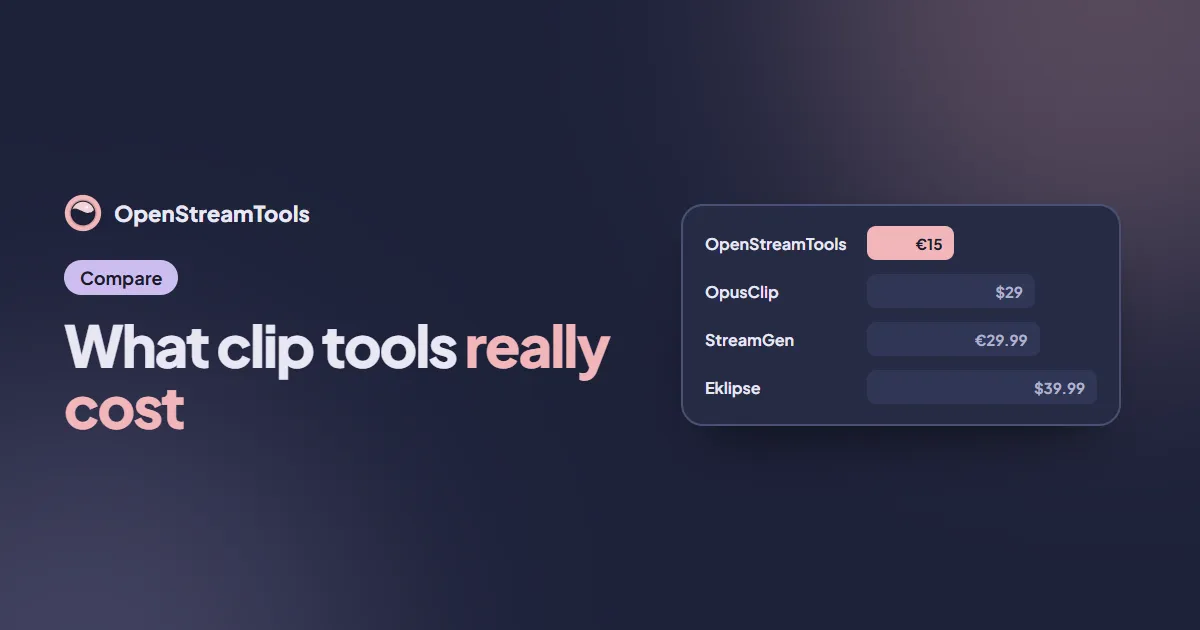
Every tool feature by feature: the comparison page. What they cost once you want everything: what clip tools really cost.
Questions streamers ask
What is the best free tool to make clips from Twitch streams?
Twitch's own clip editor is free and can turn a clip vertical and post it to TikTok or YouTube. For a split facecam layout, captions and 4K export without a watermark, the OpenStreamTools editor is free too. Finding clips with AI costs money everywhere; OpenStreamTools gives one free search of 30 minutes.
Which clip tool is best for long Twitch streams?
One that counts hours of stream, not minutes or credits. OpenStreamTools Starter searches 75 hours of stream a month for €15. Most other tools count source minutes, often 150 to 300 a month, which is one or two long streams.
Do I need an AI clip tool, or can I clip by hand?
By hand works if you remember where the good moments were. For a 4-hour stream, an AI clip finder saves you from watching it back: it reads what's said and gives you the moments, framed and captioned, to check and post.
Can I clip Kick streams with these tools?
OpenStreamTools (in the desktop app), Eklipse and StreamGen take Kick. Twitch's own tool only does Twitch.