A cheaper StreamGen alternative with free 4K
· Updated
StreamGen turns your streams into shorts, and its autopilot can do it after every stream without you opening anything. It’s a good tool. Here’s how it compares on price, export and team.
What StreamGen costs
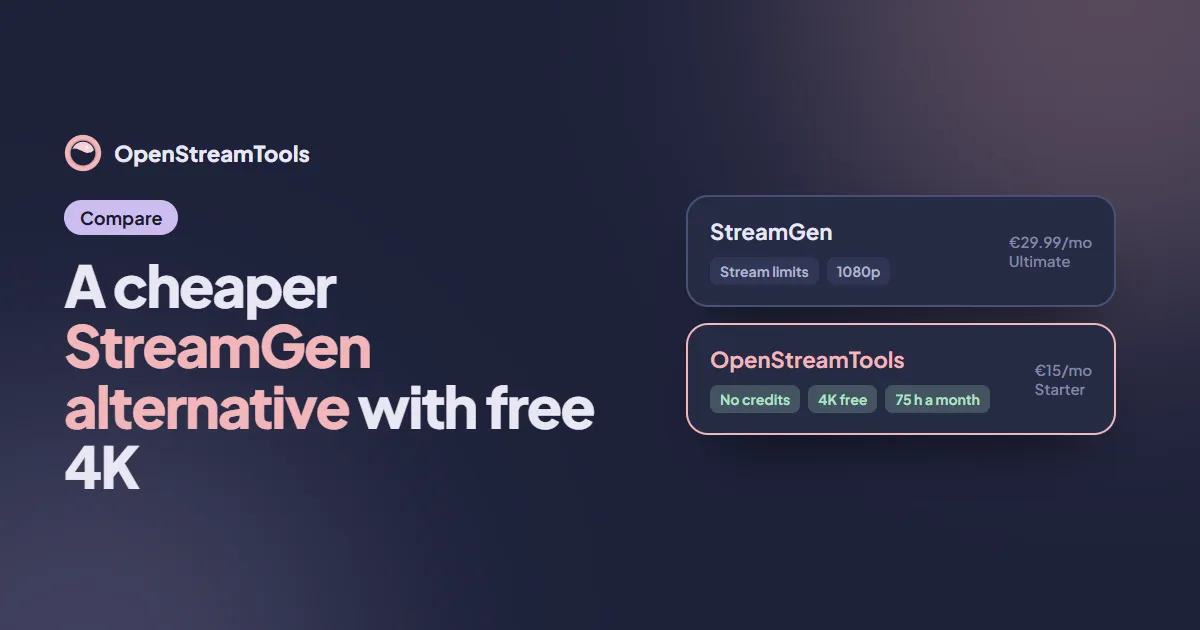
StreamGen Ultimate, the plan with all of its features, is €29.99 a month billed monthly. It covers 150 streams a month and exports up to 1080p at 60 fps. One team slot is included, two more cost €19. Posting starts on Plus, €14.99. The free plan is 3 streams a month in 1080p, without a watermark.
What OpenStreamTools costs
Starter is €15 a month: the clip finder for 75 hours of stream a month, AI captions, posting to TikTok, YouTube and Instagram, and up to 3 editors on your team. The editor is free on its own, with 4K export and no watermark. Starter has a 7-day free trial. Clip a lot? Pro is €25 a month for 225 hours.
Side by side
Monthly prices, billed monthly, from StreamGen’s own pricing page on 30 October 2026.
| OpenStreamTools Starter | StreamGen Ultimate | |
|---|---|---|
| Price | €15 a month (Starter) | €29.99 a month |
| How much you can clip | 75 hours of stream a month (225 on Pro, €25) | 150 streams a month |
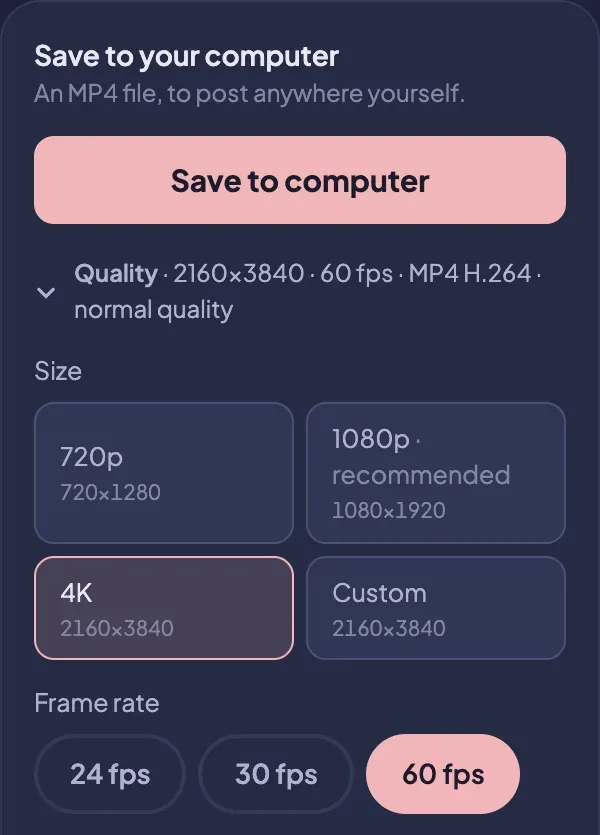
| Best export | 4K, 60 fps, on every plan | 1080p, 60 fps |
| Free plan | The whole editor, 4K, no watermark | 3 streams a month, 1080p |
| Editors on your team | Up to 3 | 1 slot, 2 more for €19 |
| Your videos | Stay on your computer | Imported or uploaded |
Your videos stay on your computer
Editing and exporting happen in your browser or the desktop app. Your source videos are never uploaded, which is why 4K at 60 fps costs us nothing and is free here.
Made for facecam and gameplay
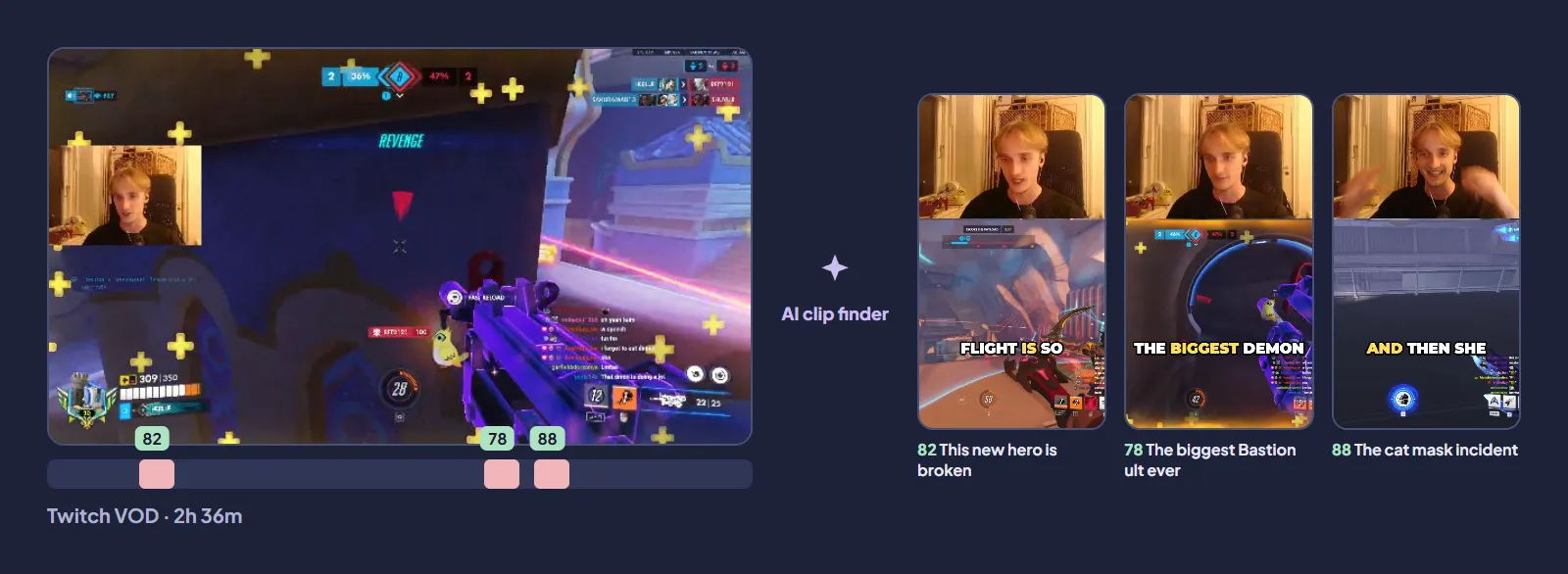
The clip finder reads the whole stream, ranks the moments worth posting, and frames each one as your facecam over your gameplay, scene by scene when you switch scenes in OBS.
Where StreamGen is better
StreamGen’s autopilot finds clips and makes shorts after every stream, fully hands-off. Here, live mode can search your stream by itself when it ends, but you still open and post the clips you want. If you want no clicks at all, StreamGen does more of that.
If you want 4K, a team without paying per seat, and a lower price, it’s €15 here. More detail: StreamGen alternative, or every tool on the comparison page.
Questions streamers ask
How much does StreamGen cost?
StreamGen Ultimate, the plan with everything, is €29.99 a month billed monthly, for 150 streams a month. Its free plan is 3 streams a month in 1080p.
Is OpenStreamTools cheaper than StreamGen?
Yes. Starter is €15 a month for the clip finder, AI captions, posting and up to 3 editors. The editor is free with 4K export.
Can my editor work on my clips?
Yes. Pro lets you invite up to 3 editors to your team at no extra cost. On StreamGen Ultimate, one team slot is included and two more are €19.