How to turn your Kick VODs into YouTube Shorts
· Updated
Kick is a great place to stream. YouTube is a great place to be found. Shorts are how people who’ve never heard of you end up in your Kick chat. Your streams are already full of them.
Here’s how to turn a Kick VOD into YouTube Shorts.
Why YouTube Shorts
People on Kick find you by browsing live channels. On YouTube, a Short gets shown to people who never searched for you. A good clip keeps working for weeks, long after the Kick replay is gone. Put your Kick channel in your YouTube profile, so viewers know where to find you live.
What a good Short looks like
- Vertical, 9:16. 1080 by 1920 is the usual size.
- 20 to 60 seconds. Shorts can be up to 3 minutes, but a stream clip rarely needs it.
- Starts on the moment. No intro, no “so basically”. The first two seconds decide.
- Captions. A lot of people watch without sound.
- Your face. Your reaction is half the clip.
From Kick VOD to Short
1. Find the moments
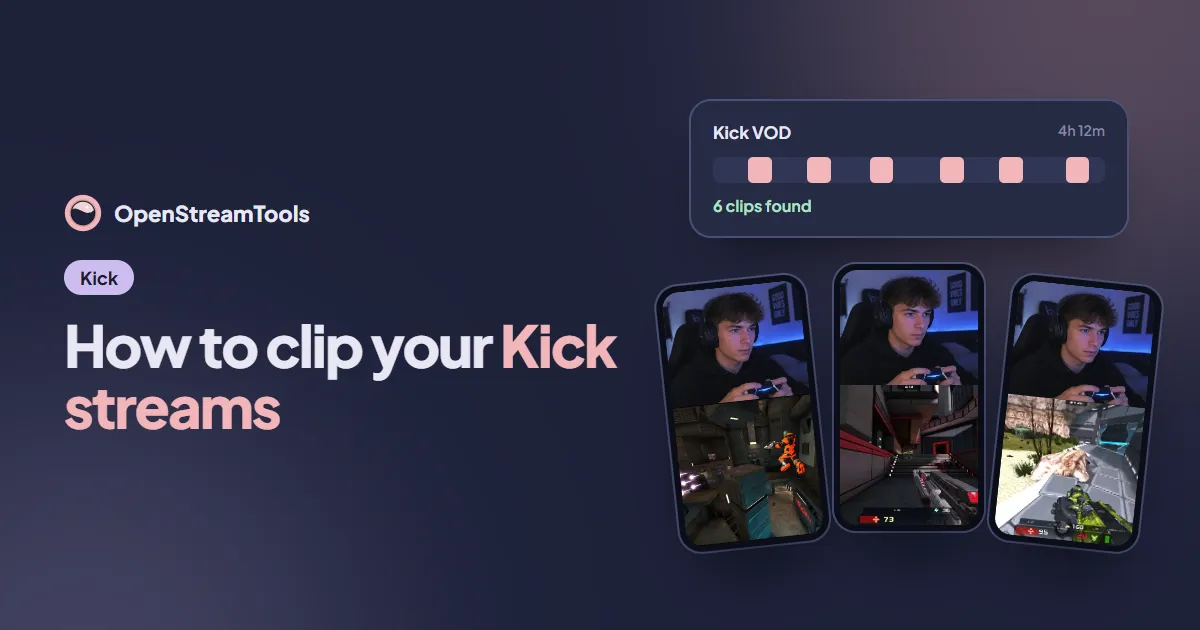
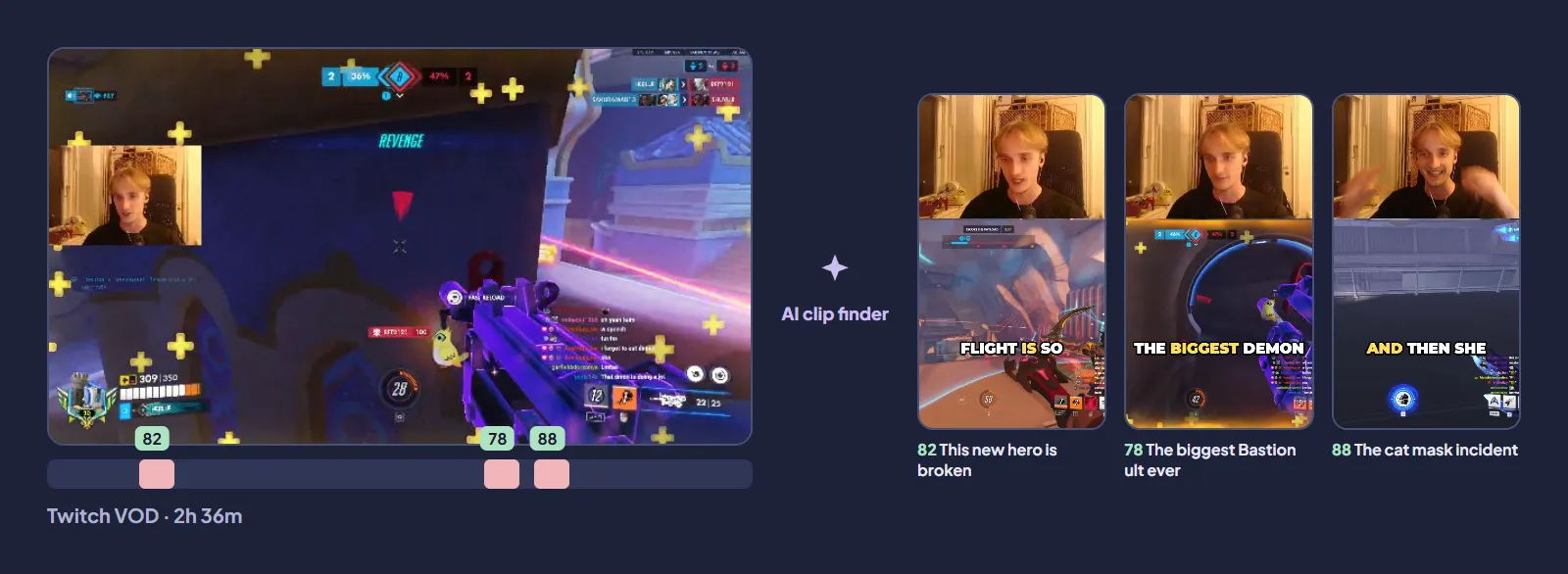
Go through your replay soon after the stream and note the best moments. Or let AI do it: in the OpenStreamTools desktop app, paste your Kick VOD link and the clip finder reads the whole stream and ranks the moments worth posting, each with a title.
2. Frame your facecam and gameplay
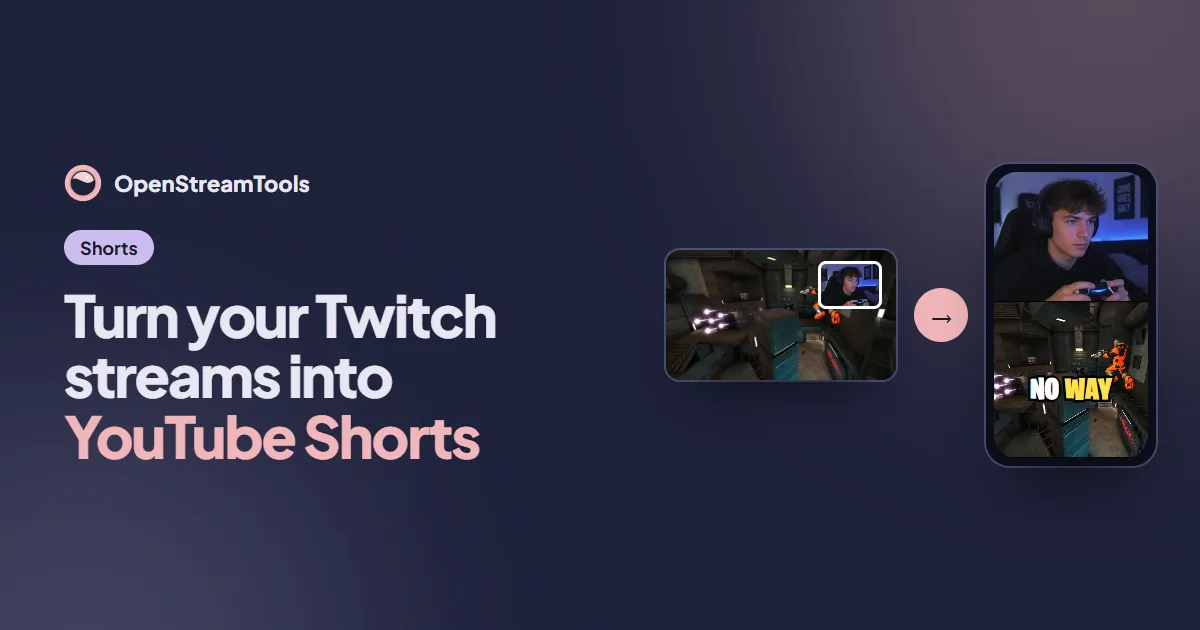
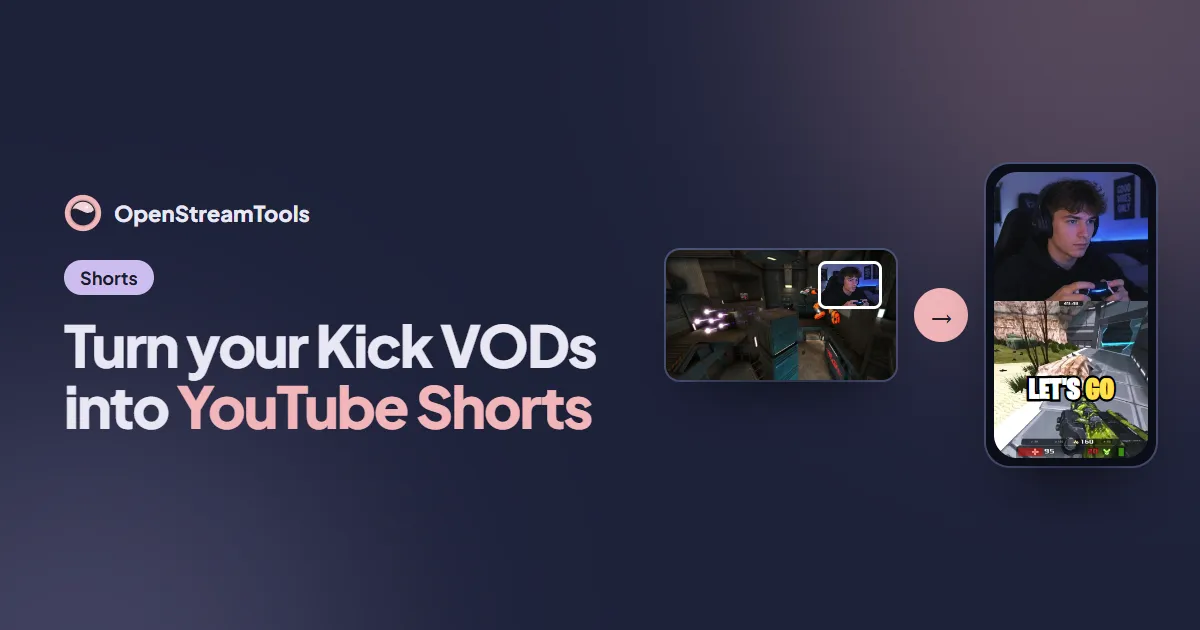
Your stream is 16:9, a Short is 9:16. Facecam on top, gameplay below works for most games. The clip finder frames every clip like that for you, scene by scene.
3. Add captions and a hook
Captions keep people who watch without sound. A short line of text at the start tells them why to keep watching. Each clip the finder makes comes with one.
4. Write a title people search for
Say what happens, the way you’d say it in chat: “Clutched a 1v4 with 3 HP”. Add the game’s name. Skip the hype words.
5. Post it
Export in up to 4K, free and without a watermark, and upload it to YouTube. Or post it from the export page straight to YouTube, and to TikTok and Instagram at the same time, now or at a time you pick.
How often to post
A few Shorts a week, from your best moments only, is a good start. Steady beats a big batch once a month. A routine that works: the day after each stream, post the best two or three moments.
Try it on your last stream
The editor is free, with 4K export and no watermark. The clip finder comes with Starter and Pro, with a 7-day free trial. Got Twitch streams too? The same steps work there: Twitch streams to YouTube Shorts.
Questions streamers ask
Can I post my Kick clips on YouTube Shorts?
Yes, they're your streams. Watch out for music: songs playing in the background of your stream can get a Short muted or claimed. Clips where you're talking over the game are the safest.
How long can a YouTube Short be?
Up to 3 minutes, as long as the video is vertical or square. For stream clips, 20 to 60 seconds usually works best.
What size should a YouTube Short be?
Vertical, 9:16. 1080 by 1920 is the usual size. OpenStreamTools exports up to 4K, free.
How often should I post Shorts from my Kick streams?
A few a week is a good start, from your best moments only. Steady posting beats a big batch once a month.