An affordable AI clip finder for Twitch streamers
· Updated
You streamed for four hours last night. Somewhere in there are five or six moments that would do well as a short. Finding them means scrubbing back through the whole VOD, and by the time you’ve found one, cut it, framed your facecam and typed out the captions, the evening is gone.
That’s the job an AI clip finder is for. The trouble is that most of them are priced for agencies and podcasters, not for someone streaming three nights a week. So we built one that a starting streamer can actually pay for.
What it does
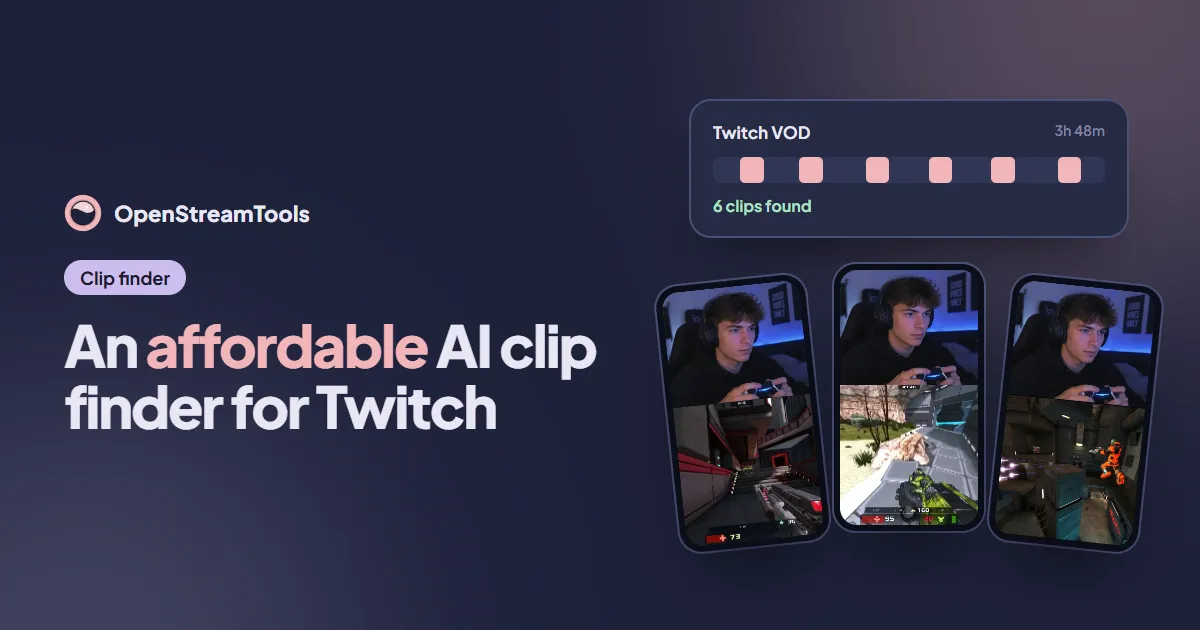
You paste a Twitch VOD link. The clip finder goes through the whole stream, however long it is, and comes back with the moments worth posting, ranked by how good they are.
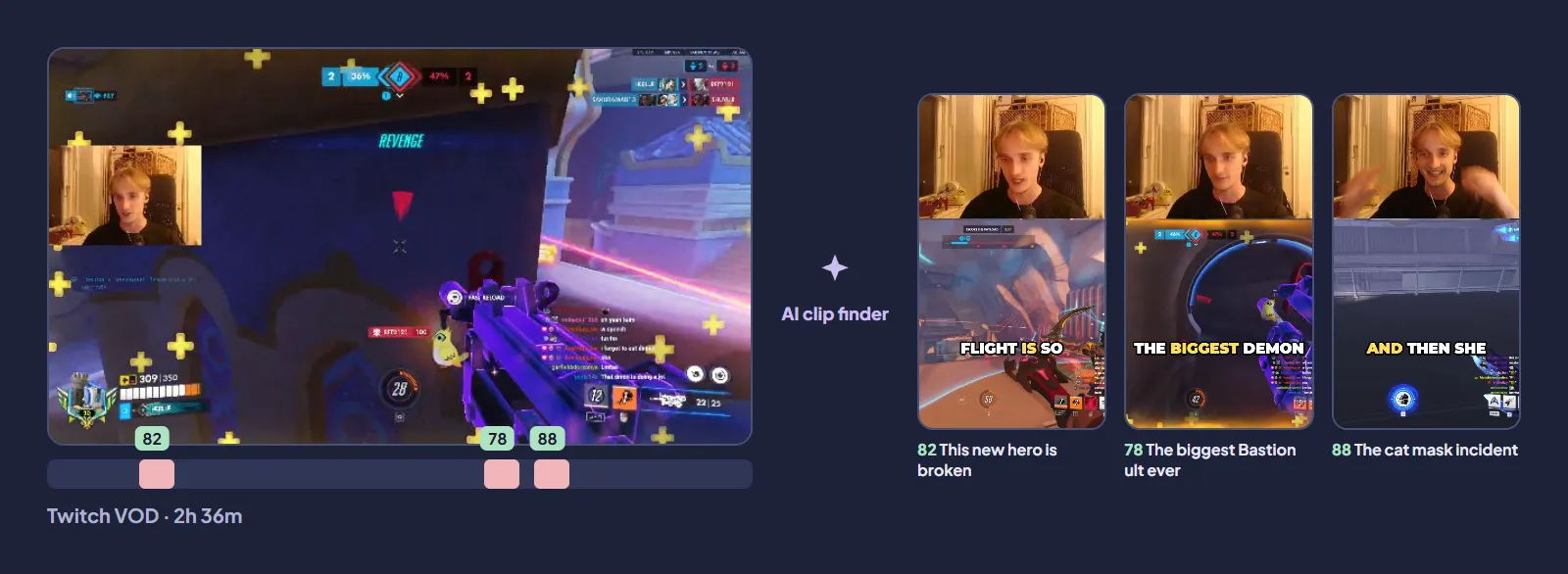
That’s a real search: a 2 hour 36 minute Overwatch stream, and three of the clips it found. Each one comes out as a vertical short, ready to post:
- Framed for you. Your facecam on top, the gameplay below, cropped to 9:16. If you switch OBS scenes in the middle of a clip, each scene gets its own framing.
- Cut where sentences start and end. Clips begin and end on whole sentences, not halfway through a word.
- A title and a hook. Every clip gets a title and a short line of text for its first seconds, so people know why they should keep watching.
How it finds the moments
It listens to what you say. The AI turns your whole VOD into text, then reads it the way a person would, looking for the parts that stand on their own: the story with a punchline, the play you couldn’t believe you pulled off, the rant that’s funnier out of context. Each one gets a score, so the best ones are on top.
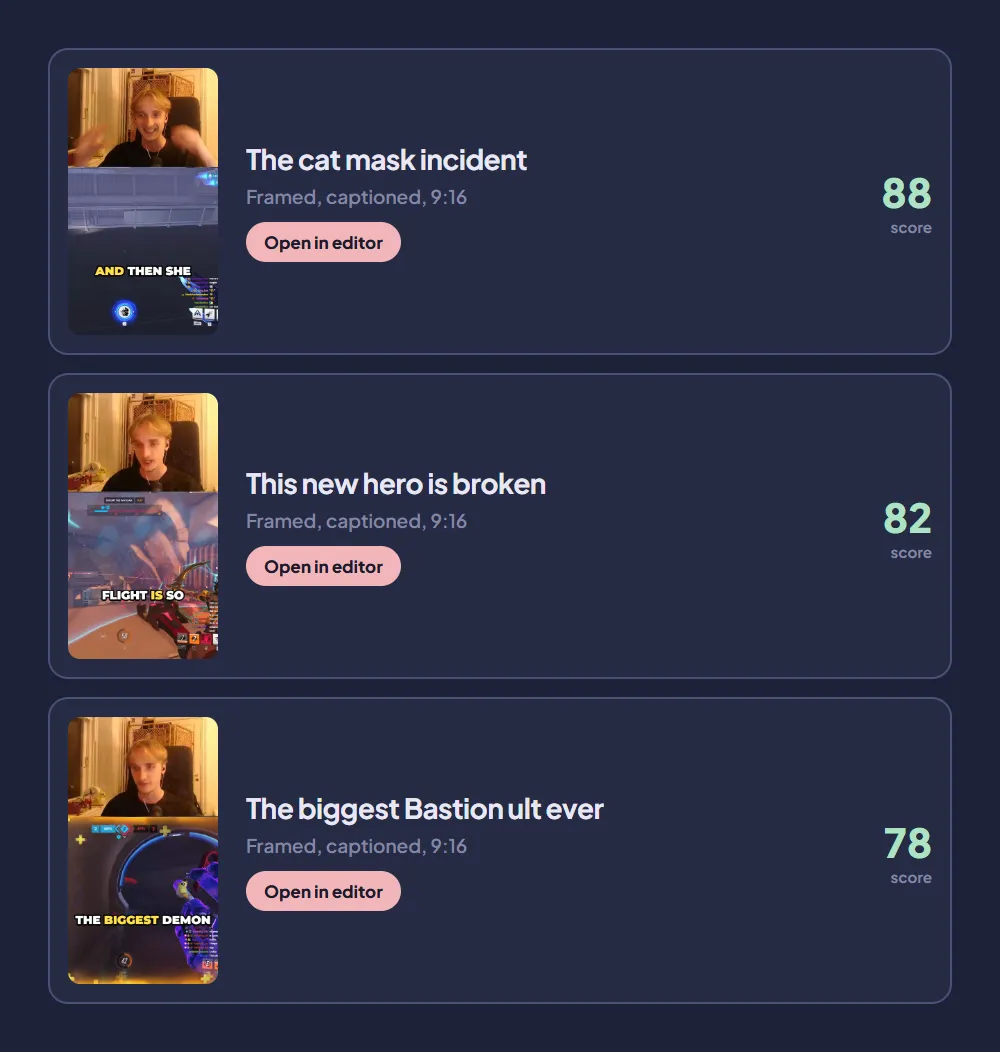
You can search the whole stream or only part of it: on a 6-hour stream where you only want the last hour, it searches that hour.
Then edit it, or don’t
Some clips are ready as they come out. For the others, “Open in editor” puts the clip on a real timeline: trim it, move the facecam, change the caption style, add a sound. The captions belong to the video, so cutting a pause out doesn’t leave them behind.
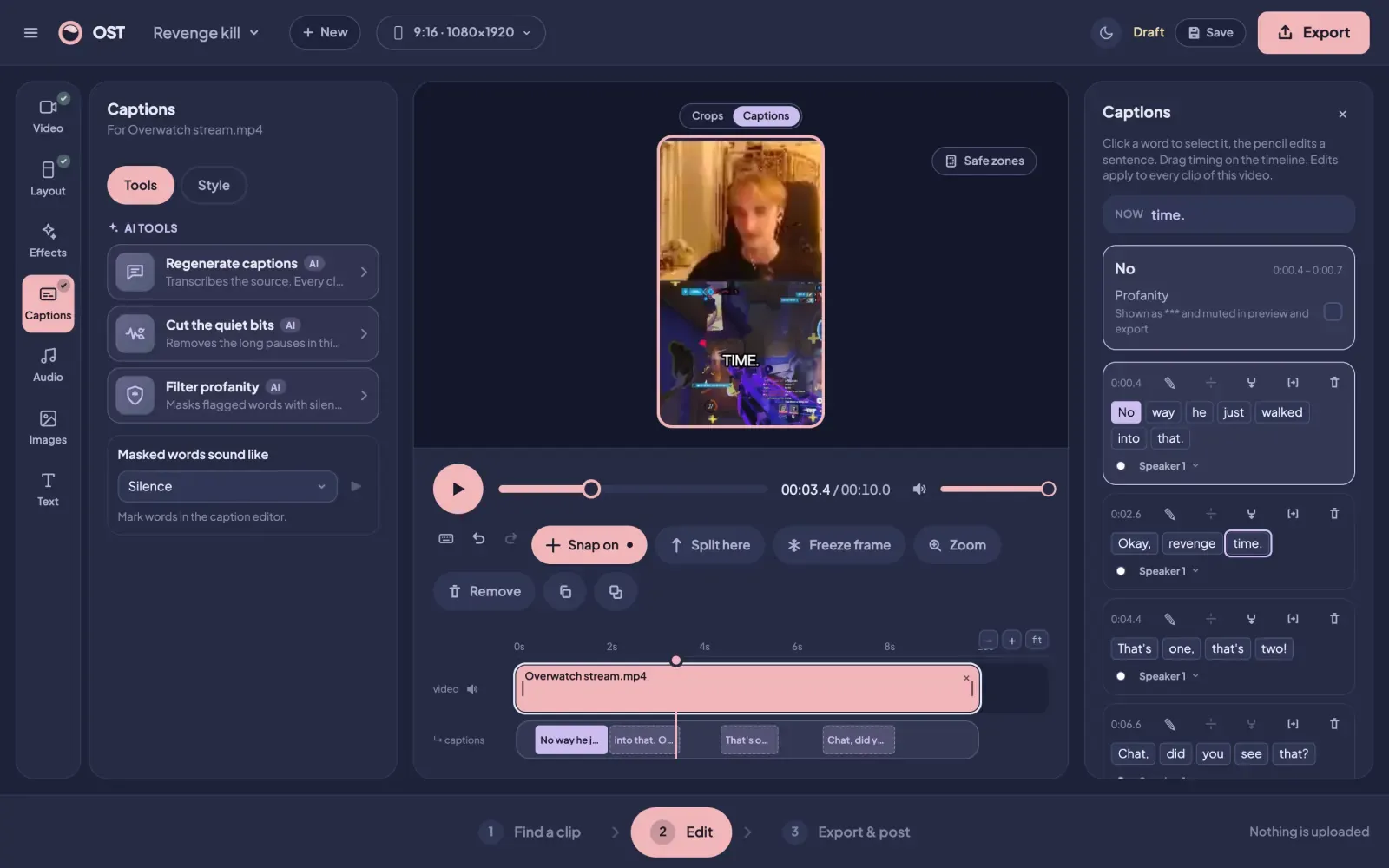
When it’s done, export it in up to 4K at 60 fps, with no watermark, or post it straight to TikTok, YouTube and Instagram.
Why it costs less
Most clip finders charge per minute of video. That sounds cheap until you remember a stream is three or four hours long: one VOD can use up a month of credits.
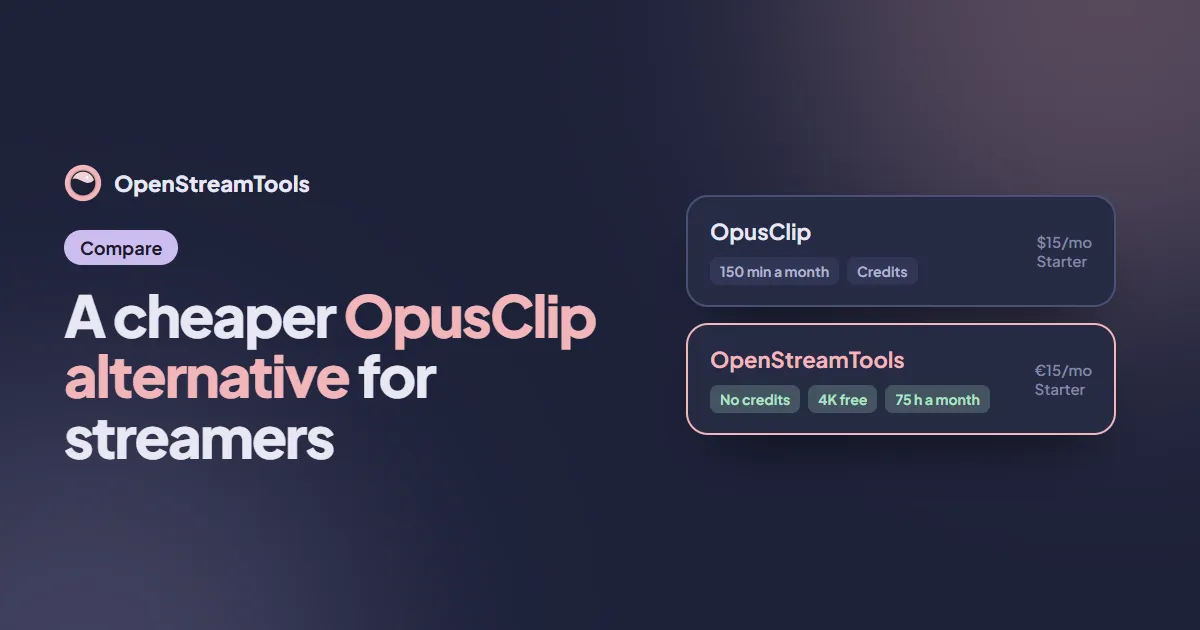
Here the clip finder comes with Starter and Pro, and it isn’t counted per minute or per clip. Starter, €15 a month, searches 75 hours of stream a month: a 4-hour stream four times a week. It also has AI captions, posting, and room for up to 3 editors on your team. Stream every day? Pro is €25 a month for 225 hours, about seven hours of streaming a day.
It can cost that little because the expensive part, rendering video, happens on your computer. Editing and exporting run in your browser or the desktop app, and your videos are never uploaded. What you pay for is the AI that reads your stream, and nothing else.
It works with more than Twitch
- Kick VODs, in the desktop app.
- Your own recordings. Pick a file on your computer and only the sound is sent to be transcribed. The video itself never leaves your machine.
- Live mode. In the desktop app, press a key while you stream to mark a clip, and when the stream ends, the clip finder can search the recording by itself.
Try it
The editor is free and not a trial: 4K export, no watermark, saved projects. Starter, with the clip finder, has a 7-day free trial, so you can run it on last night’s stream before you pay anything.
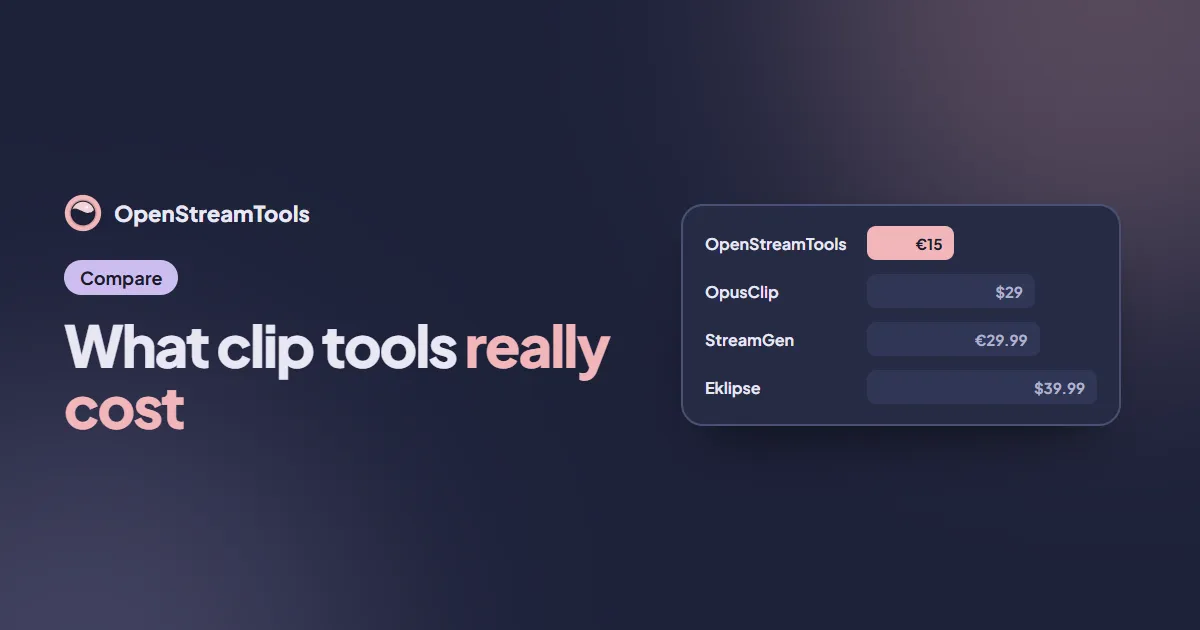
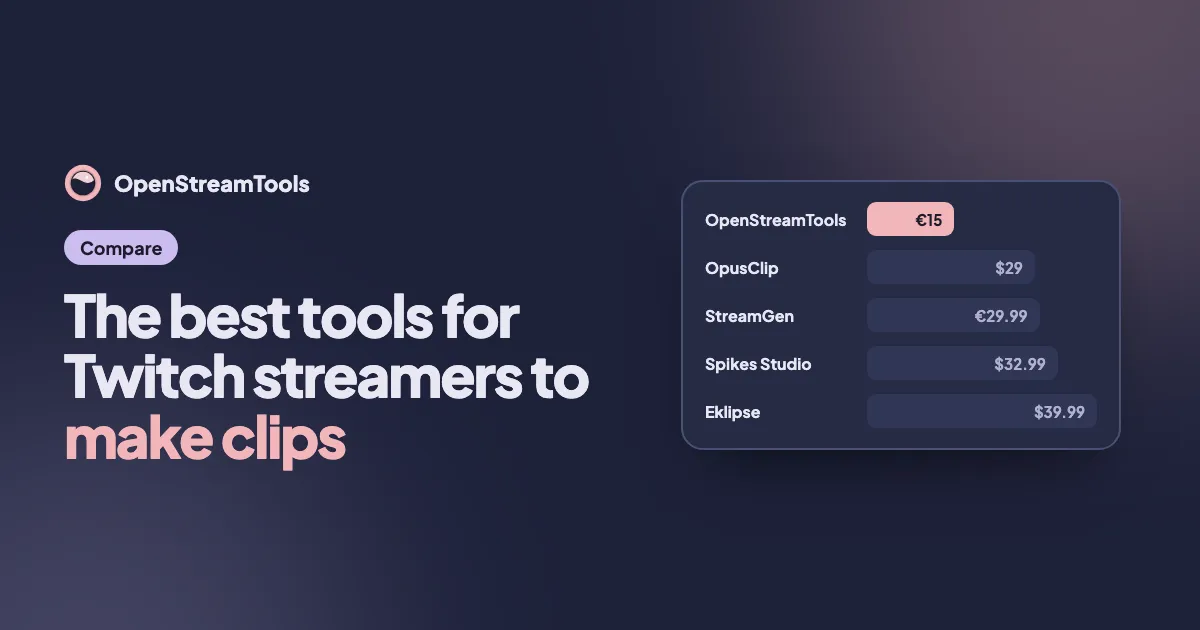
If you’re coming from another tool, here’s how the prices compare: what clip tools really cost once you want everything.