GTA 6 radio and copyright: keep your VODs and clips from getting muted
· Updated
Every GTA has a radio, and GTA 6 is no different: get in a car and a station starts playing. Many of those songs are licensed hits. That’s great for the game and a problem for your stream, because buying the game doesn’t give you the right to broadcast the music in it.
What Twitch does
Twitch’s music guidelines are clear about it:
We may mute VODs and delete Clips where our audio recognition system detects copyrighted audio in them.
So a long drive with the radio on can mean:
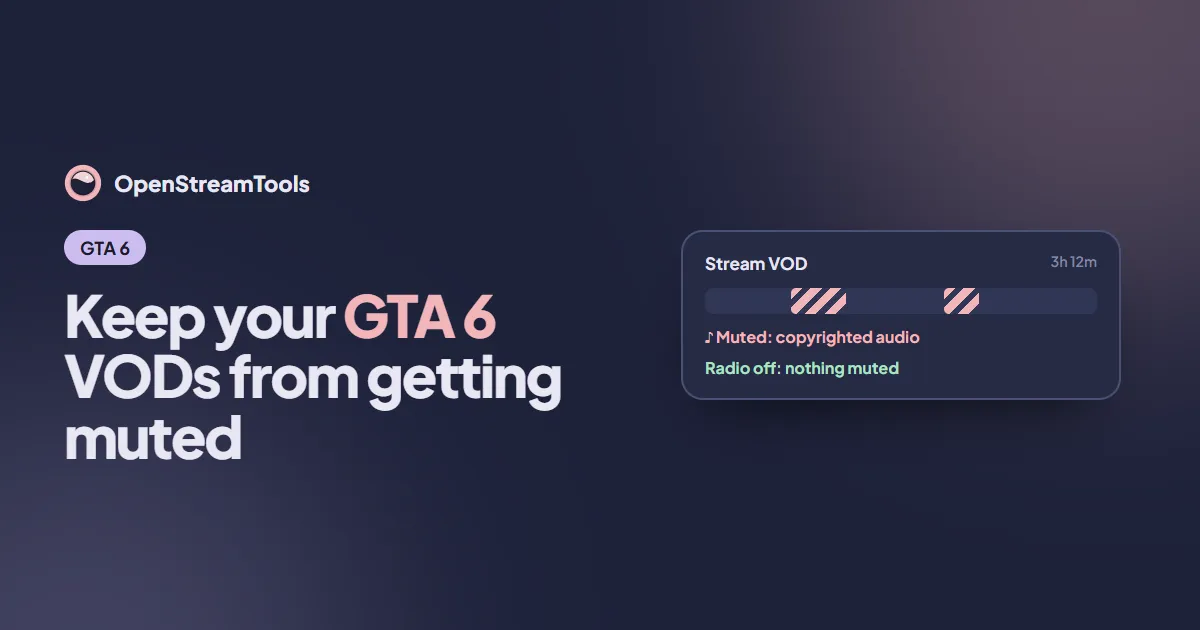
- Muted stretches in your VOD. The picture stays, the sound is gone, including your voice.
- Deleted clips. The clip your viewer made of your best moment, gone because a song played under it.
- In the worst case, a DMCA notice. A rights holder can ask Twitch to take your content down, and repeated notices can cost you your channel.
You can appeal a mute if you have the rights to the music. For a song on the in-game radio you usually don’t.
What YouTube and TikTok do
- YouTube recognizes songs with Content ID. A claimed Short can have its ad money sent to the song’s owner, or be blocked in some countries. A claim isn’t a strike, but it isn’t nothing.
- TikTok can mute a video with a song it recognizes, and then it’s a silent clip in a feed of loud ones.
While you play
- Turn the station off in the car. Earlier GTA games let you pick no station at all.
- Or turn the radio down in the audio settings. The sound effects, the city and your voice stay.
- Look for a streamer option in the settings. Rockstar hasn’t announced one, but check when you start the game.
- Talk. It’s better for your viewers anyway, and it’s what your clips are made of.
When you clip
A clip only needs a few seconds of music to get flagged. Before you post:
- Cut around the song if the moment works without it.
- Turn the clip’s own sound down where the song plays, and keep your voice and the action audible. Short fades make it sound deliberate.
- Put your own sound on top: a sound effect on the big moment covers more than you’d think.
A muted VOD hurts twice
A muted stretch isn’t only a problem for whoever watches your VOD later. There’s no sound left, so nothing can be heard there, not even you. Any tool that finds moments by listening, an AI clip finder included, has nothing to work with. The moments in a muted stretch are lost for clipping too.
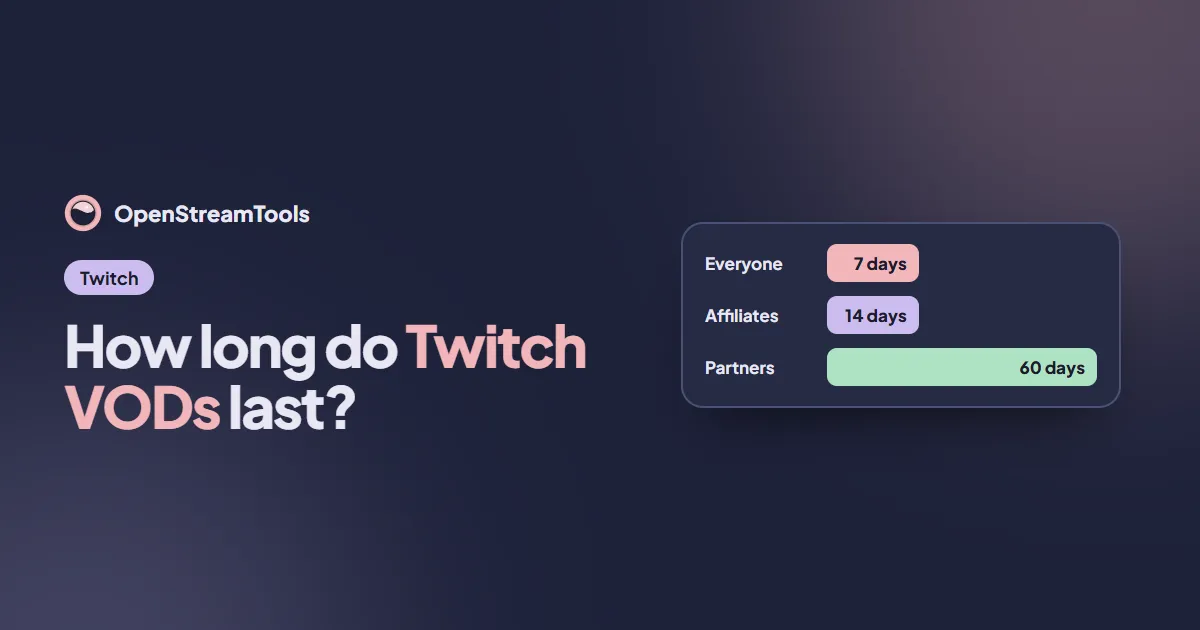
Turning the radio down protects your VOD, your clips, and the moments you didn’t know you’d want later. Twitch also deletes VODs after a while, so check how long yours last.
Edit the sound in OpenStreamTools
In the OpenStreamTools editor, which is free, every clip has its own volume and fades, and you can add sound effects on top. The AI clip finder (from Starter, with a 7-day free trial) finds the best moments in your VOD from what you say, so the more you talk over the game, the better it works.
OpenStreamTools isn’t affiliated with Rockstar Games or Take-Two Interactive. Grand Theft Auto is their trademark. This isn’t legal advice.
Questions streamers ask
Can I play GTA 6's radio on stream?
It's a risk. The radio plays licensed songs, and buying the game doesn't give you the right to broadcast them. Twitch says it may mute VODs and delete clips where it detects copyrighted audio.
Will Twitch mute my GTA 6 VOD?
It can. Twitch's audio recognition can mute the parts of a VOD where it hears copyrighted music. You can appeal a mute if you have the rights, but for a pop song on the in-game radio you usually don't.
Does GTA 6 have a streamer mode?
Rockstar hasn't announced one. Check the audio settings when you start: lowering the radio's volume, or turning the station off in the car, is the safe choice.
Do YouTube Shorts and TikTok detect GTA 6 music?
Yes. YouTube's Content ID can claim a Short with a licensed song in it, which can send the ad money to the song's owner or block the video. TikTok can mute it. Cut the song out, or turn its sound down, before you post.
Can an AI clip finder use a muted part of my VOD?
Not really. A muted stretch has no sound, so there's nothing to hear, including your own voice. A clip finder that reads speech has nothing to go on there.