How long do Twitch VODs last, and how to keep them
Every stream you do disappears on a timer. It’s easy to forget, until you go back for that one great moment from three weeks ago and find it’s gone.
Here’s how long Twitch keeps your streams, and how to make sure you don’t lose the good parts.
How long Twitch keeps past broadcasts
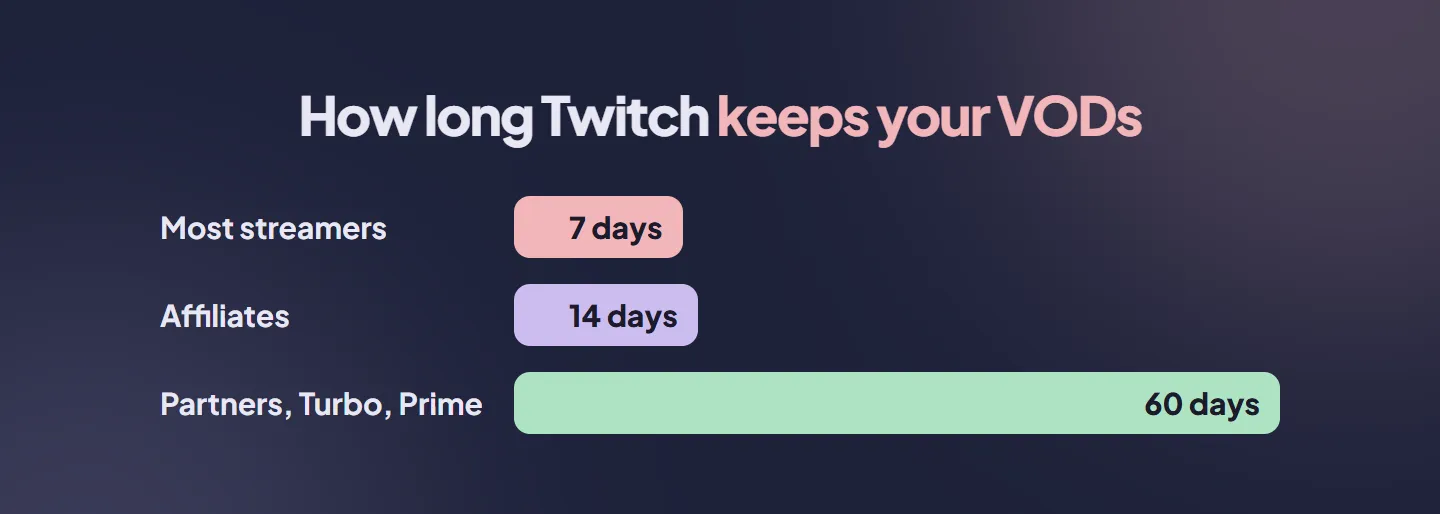
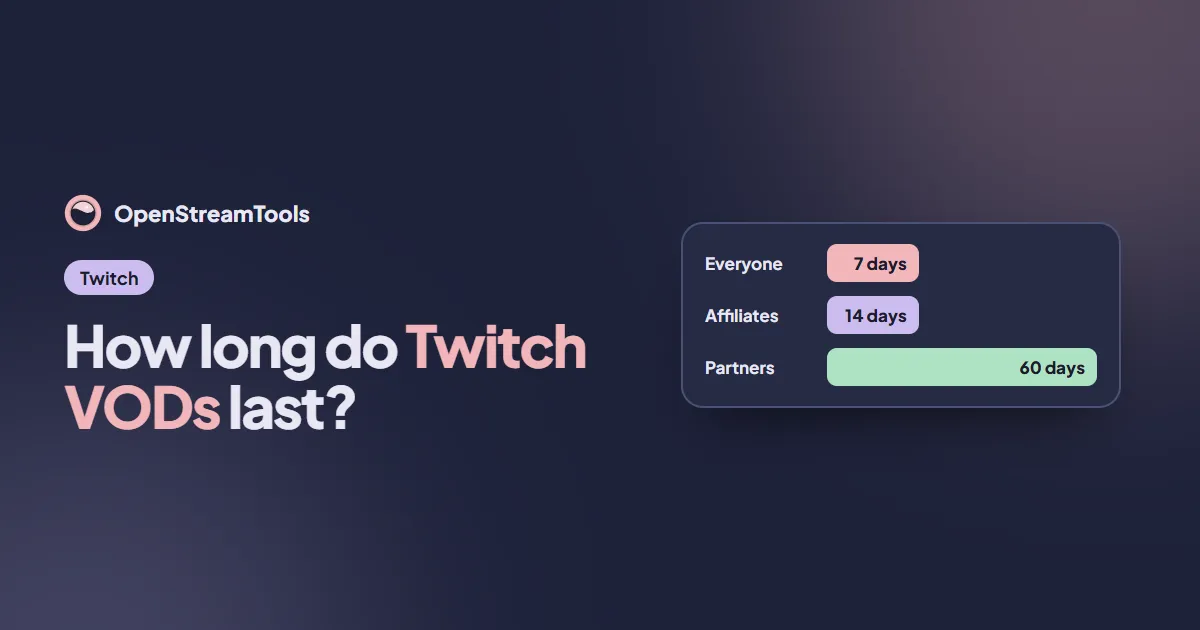
| Your account | Past broadcasts are kept for |
|---|---|
| Most streamers | 7 days |
| Affiliates | 14 days |
| Most Partners, and Prime or Turbo users | 60 days |
Streaming in 2K, or with a separate vertical version? Twitch keeps that higher-quality or extra version for only 7 days. The 1080p or horizontal version stays for the rest of the period.
Twitch changes these rules from time to time, so check its help pages if you’re counting on a date.
Reaching Affiliate doubles your time from 7 to 14 days, one more reason to hit the Affiliate requirements.
Make sure VODs are turned on
If your streams aren’t showing up at all, the setting is probably off. Turn on Store past broadcasts in your Creator Dashboard, in the stream settings. It works for streams from then on, not for ones you’ve already done.
How to keep a VOD
Download it
You can download your own past broadcasts from your Video Producer page in the Creator Dashboard. A multi-hour stream is a big file, so don’t leave it until the last day.
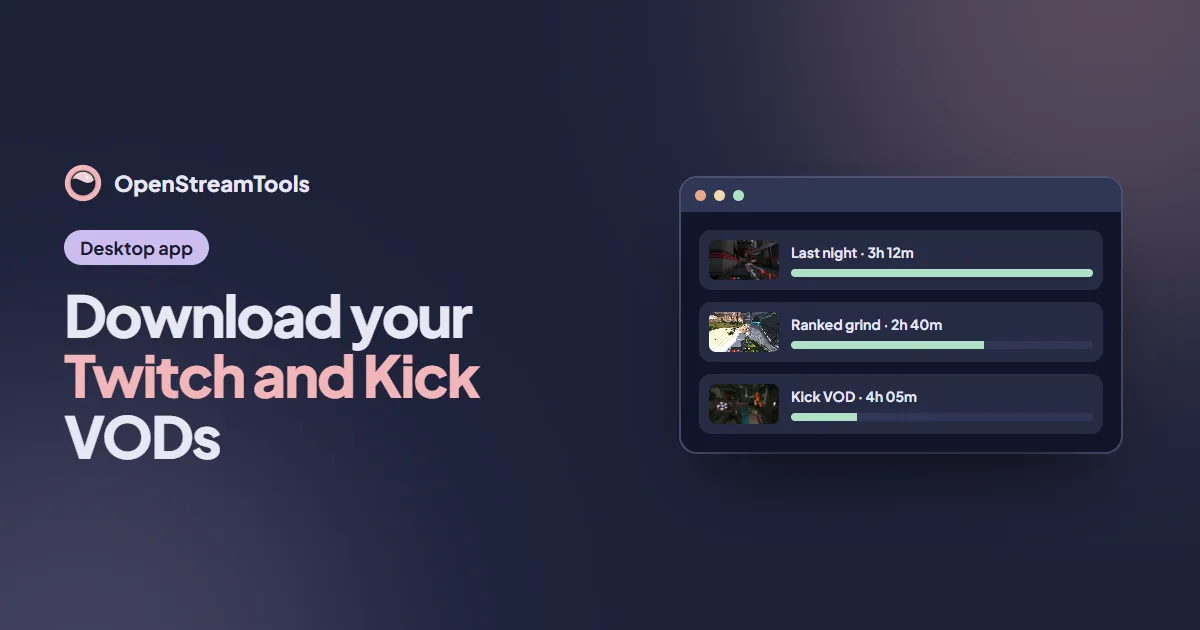
The OpenStreamTools desktop app has a free video downloader for Twitch and Kick VODs too.
Save the best parts as Highlights
A Highlight is a part of a past broadcast saved separately on your channel, so it doesn’t expire with the VOD. Twitch’s storage rules for these have changed over time, so check its current limits and don’t treat Highlights as your only copy.
Record locally
The safest option: tick the box in OBS to record while you stream. The file is on your own computer from the first second, in better quality than the VOD, and no timer applies. Just watch your disk space, since long recordings get large.
Use it before you lose it
Saving every VOD isn’t really the goal. Nobody goes back through a folder of three-hour files. What matters is getting the good moments out while you still remember them.
A routine that works: the day after each stream, take the best two or three moments and turn them into short clips. That keeps your best material, and those clips bring in new viewers long after the VOD is gone. Our guide on turning streams into YouTube Shorts goes through it step by step.
If finding those moments is what you never get to, the AI clip finder in OpenStreamTools reads a whole VOD and gives you the best moments as vertical shorts. Run it while the VOD is still on Twitch, because it streams the video from there rather than copying it, and export the clips you want to keep. With OBS recordings, you can pick the file on your computer instead, with no timer at all. To keep a copy yourself, see how to download Twitch clips and VODs.
Questions streamers ask
How long do Twitch VODs last?
7 days for most streamers, 14 days for Affiliates, and 60 days for most Partners and for streamers with Prime or Turbo. After that, past broadcasts are deleted automatically.
Why is my stream not saving on Twitch?
Saving past broadcasts is a setting you have to turn on. Look for Store past broadcasts in your Creator Dashboard, under the stream settings. It only applies to streams after you turn it on.
Can I get a deleted Twitch VOD back?
As a rule, no. Once a past broadcast has expired it's gone, so download what you want to keep before then. Keep your own recording too if you can.
How do I keep a Twitch VOD forever?
Download it, or record locally in OBS while you stream so the file is on your own computer from the start. You can also save the best parts as Highlights on Twitch.