How to clip your GTA 6 streams and gameplay
· Updated
An open world throws up something clip-worthy every few minutes. A chase goes wrong, a plan falls apart, a stranger does something nobody saw coming. Then the session ends, you’ve got four hours of footage, and you can’t remember where any of it was.
GTA 6 launches on 19 November 2026 on PS5 and Xbox Series X|S. Here’s how to get your best moments out of it, and into short clips, while the game is still new.
Save the moment while you play
Both consoles keep the last stretch of gameplay in memory.
- PS5: press the Create button and save a recent clip.
- Xbox: press the Xbox button, go to Capture and Share, and record what just happened.
That’s perfect for the one thing that just happened. It doesn’t help with what you didn’t notice, or with a long session, which is where your VOD comes in.
Or clip from your stream
If you stream to Twitch, the whole session is already saved as a VOD. Make sure Store past broadcasts is on, because Twitch deletes VODs after 7 to 60 days. Not streaming from your console yet? Here’s how to set it up.
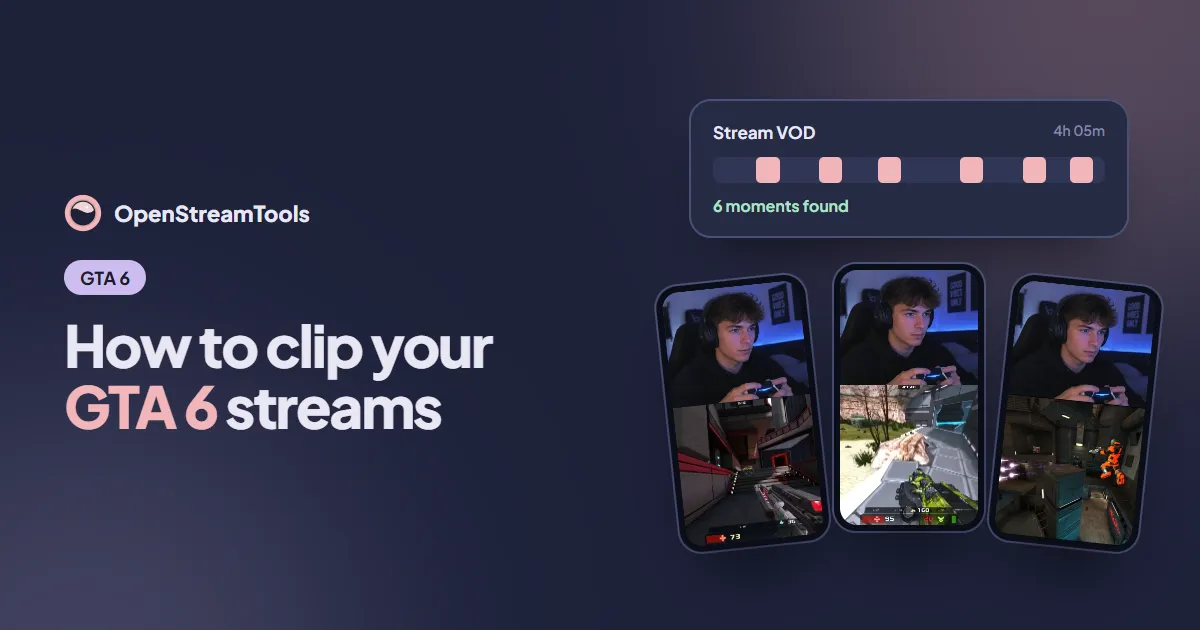
You can go back through the VOD yourself. Check where your chat exploded, and look at clips your viewers made. Or let AI do the long part:
Know what to look for
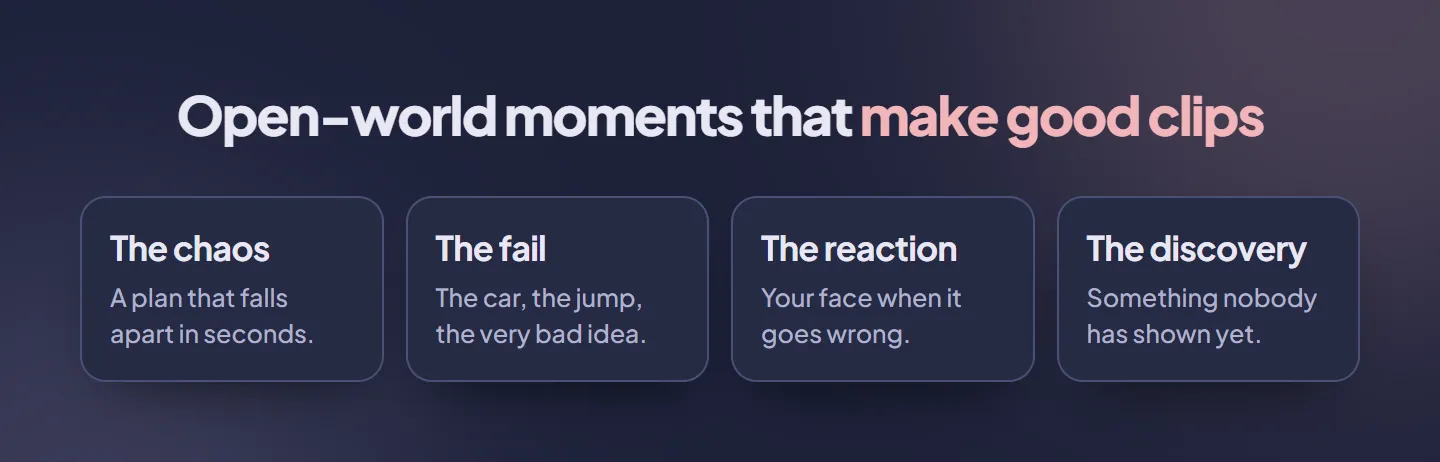
React out loud. It makes every moment better for viewers, and an AI that reads your stream finds moments by what you say. Saying “no way, did you see that?” is what turns a car crash into a clip.
Cut it tight
- Start right before it happens. Not with the drive there.
- End on the reaction. Leave a second for your face or your voice, then cut.
- 15 to 45 seconds is plenty for most clips.
Make it vertical
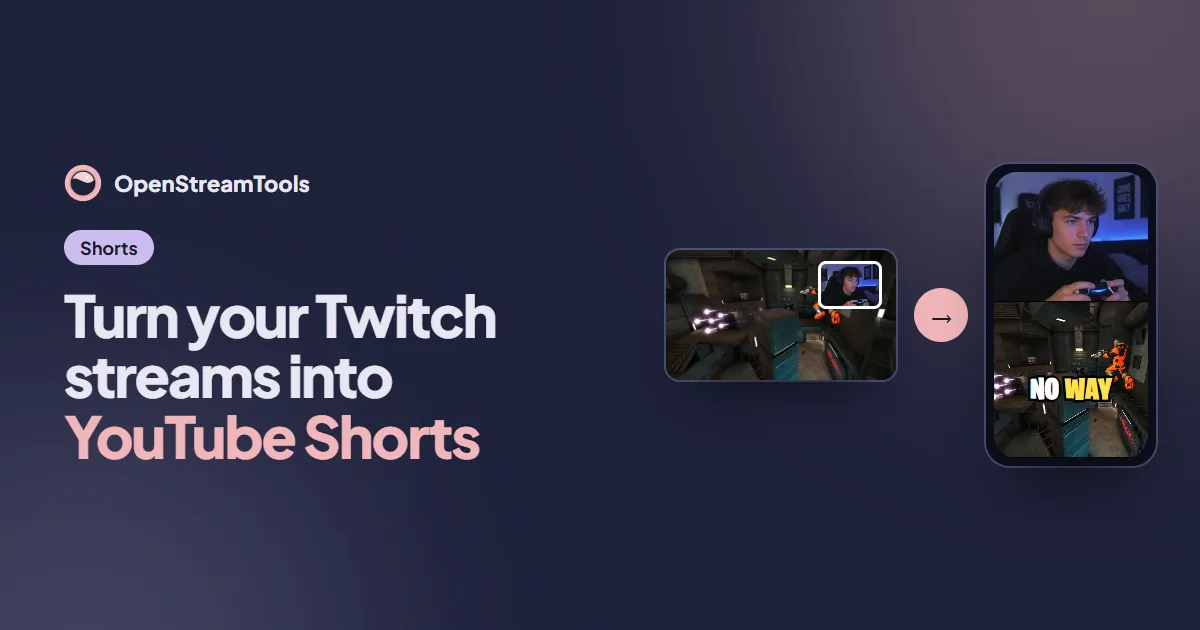
Your stream is 16:9 and a short is 9:16.
- With a facecam: put your face on top and the game below.
- Without one: crop in on the action and fill the frame with gameplay.
- For a big moment: let the game fill the frame, with your face in a small bubble.
There’s more on this in the best facecam layout for vertical clips.
Add captions
Big, in the middle, a few words at a time. People scroll with the sound off, and in a game this loud, your voice can get lost anyway. Here’s how to do captions well.
Do it in minutes with OpenStreamTools
During a launch, you want your clips out the same day, not after an evening of editing. OpenStreamTools does the slow part:
- Paste your Twitch VOD link. The AI clip finder (from Starter, with a 7-day free trial) reads the whole stream, however long it is, and returns the best moments, ranked. It doesn’t matter that you streamed from a console.
- Each clip comes framed, with captions, a title and a hook.
- No credits or per-minute pricing, so a marathon session on launch night is fine: Starter covers 75 hours of stream a month, Pro 225.
- Recorded with a capture card? Pick the file on your computer. Only the sound is sent to be transcribed, and your video never leaves your machine.
- The editor is free, with 4K export and no watermark, if you’d rather cut by hand.
Next: how to get views with your GTA 6 clips.
OpenStreamTools isn’t affiliated with Rockstar Games or Take-Two Interactive. Grand Theft Auto is their trademark.
Questions streamers ask
How do I clip GTA 6 on PS5?
Press the Create button to save a recent stretch of gameplay as a video clip on the console. If you're streaming to Twitch, you can also cut clips from your VOD afterwards, which is easier for finding moments in a long session.
How do I clip GTA 6 on Xbox?
Open the guide with the Xbox button and go to Capture and Share to record what just happened. If you stream to Twitch, you can cut clips from your VOD afterwards too.
What's the best length for a GTA 6 clip?
Usually 15 to 45 seconds. Start right before the moment happens and end on the reaction. Open-world chaos is quick to read, so it rarely needs more.
How do I make a GTA 6 clip vertical without a facecam?
Crop in on the action, and zoom further than feels natural, because a full 16:9 frame is tiny on a phone. Then add big captions, since your voice is all that's left of you.
Can AI find the best moments in my GTA 6 stream?
Yes. An AI clip finder reads what you say in the whole VOD and ranks the moments. It works from speech, so talk through what's happening: the more you react out loud, the better it finds things.