How to grow on Twitch as a small streamer
Almost every streamer starts the same way: you go live, you do your best, and the viewer count says 0, then 1, then 0 again. It isn’t because you’re bad at it. It’s because nobody can find you.
This guide is about fixing that part. Not with tricks, but with a plan you can keep up every week.
Why small streams are so hard to find
Twitch’s browse page sorts every category by how many people are watching. The streams with thousands of viewers sit at the top, and a new stream with two viewers ends up hundreds of rows down, where nobody scrolls.
So the people who would like your stream never see it. Waiting for Twitch to send them doesn’t work well. You have to go and get them, and the place to do that is outside Twitch.
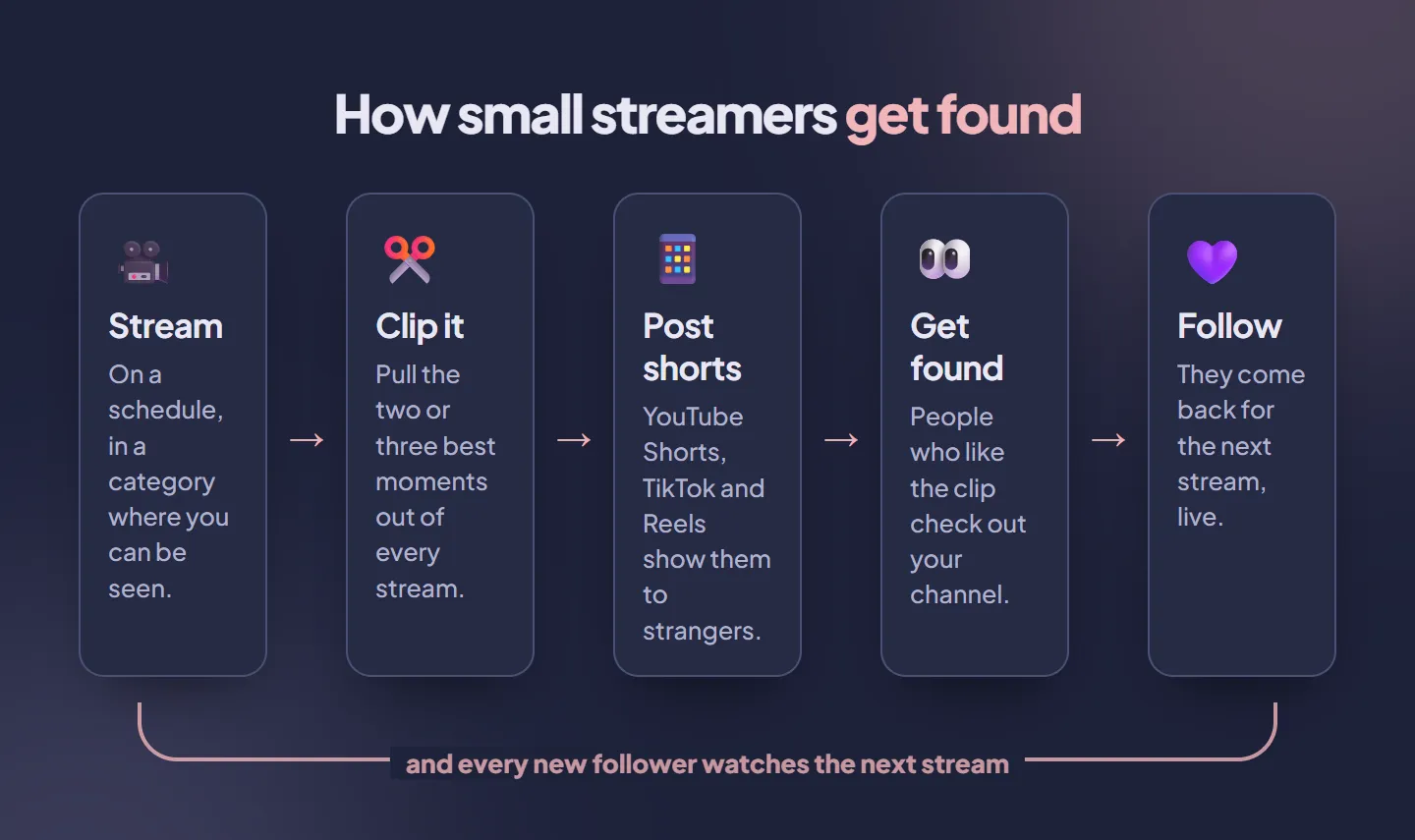
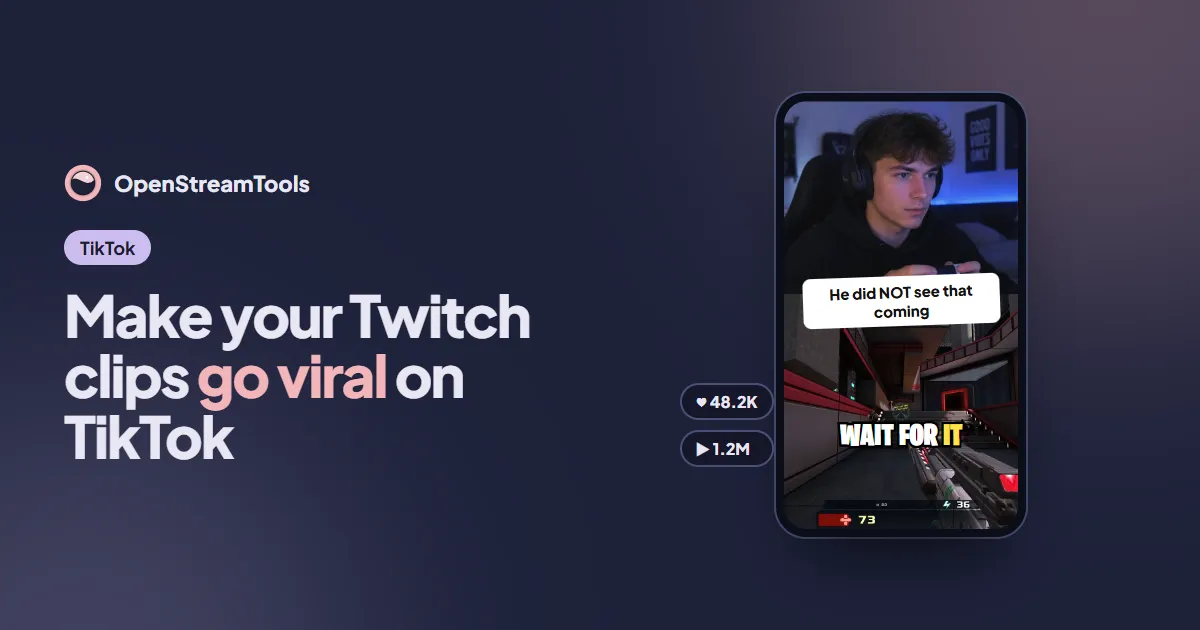
That’s the loop most growing channels run on now. You stream as usual. Afterwards, you take the two or three best moments and post them as short vertical videos on YouTube Shorts, TikTok and Reels. Those apps show clips to people who don’t know you yet. Some of them like what they see, look you up, and come to your next stream.
1. Pick a category where you can be seen
Before your first stream of the week, look at the category you want to play. Sort it by viewers and scroll down to where streams of your size are.
- Too big (the top games): you’re on page twenty. Nobody gets there.
- Too small (a game with ten viewers in total): you’re visible, but there’s nobody to see you.
- Right: a game where a stream with a handful of viewers still shows up on the first screen or two.
You don’t have to change games for good. Many streamers keep their main game and add a night of something smaller where they’re easier to find.
2. Stream on a schedule you can keep
People come back to a stream they can plan around. “Tuesday, Thursday and Saturday at 8” is something a viewer remembers. “Whenever I feel like it” isn’t.
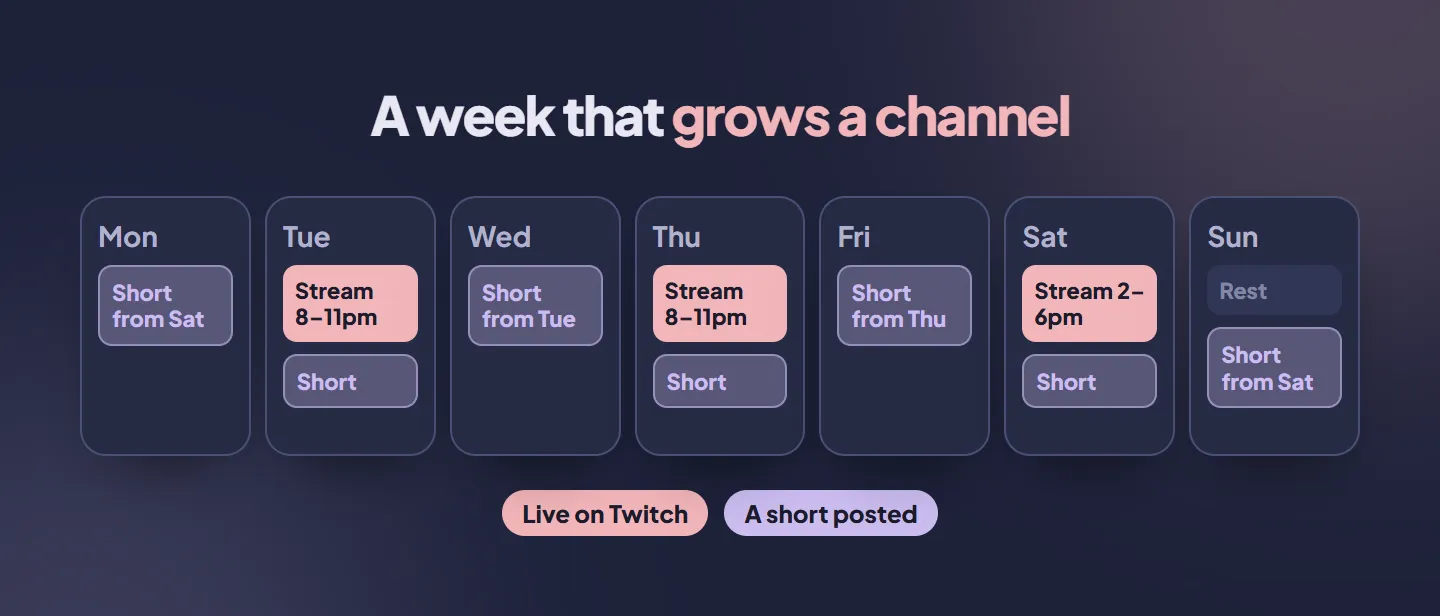
Pick fewer days and keep every one of them. Put the schedule on your Twitch page, in your panels and in your Discord. If you have to skip, say so in advance.
Notice the other half of that week: a short every day. Three streams give you plenty of material for seven clips, and the days you don’t stream are when those clips keep working for you.
3. Turn every stream into clips
This is the part that does the most for growth, and the part most streamers skip, because it takes time. Going back through a three-hour VOD to find the good bits easily takes longer than the stream itself.
What makes a good clip:
- One moment, one idea. The play, the joke, the reaction, the story with a punchline.
- It starts right before it happens. No warm-up. People decide in the first second.
- It works without sound. Big captions, because most people scroll with the sound off.
- Your face is in it. A clip of gameplay alone could be anyone. Your reaction makes it yours.
We wrote a whole guide on this: how to turn your Twitch streams into YouTube Shorts.
4. Make your channel worth a click
When someone sees your clip and taps your name, what do they find?
- A profile picture and banner that look like the clips they just saw.
- A schedule right there in your panels.
- Your Twitch link in the bio of your YouTube, TikTok and Instagram.
- Something to do while you’re offline: your other clips, a Discord, your last VOD.
5. Talk to the people who are already there
When you have two viewers, talk to them like you would with twenty. Say their name, answer their questions, ask them things. A small stream where the streamer talks to you is a reason to come back that big streams can’t offer.
Talk even when chat is empty. Someone might be watching without typing, and a VOD or clip of you talking is far better than one of silence.
6. Raid, collab and show up
- Raid someone your size at the end of every stream. They’ll often raid back.
- Collab with streamers in your game: a duo stream puts you in front of their viewers.
- Show up in other small streams and Discords as yourself, not to advertise. People notice.
7. Look at what worked
Once a week, check two things:
- Which clips did best? Make more of that kind. If your funny moments do better than your skill clips, that’s what people want from you.
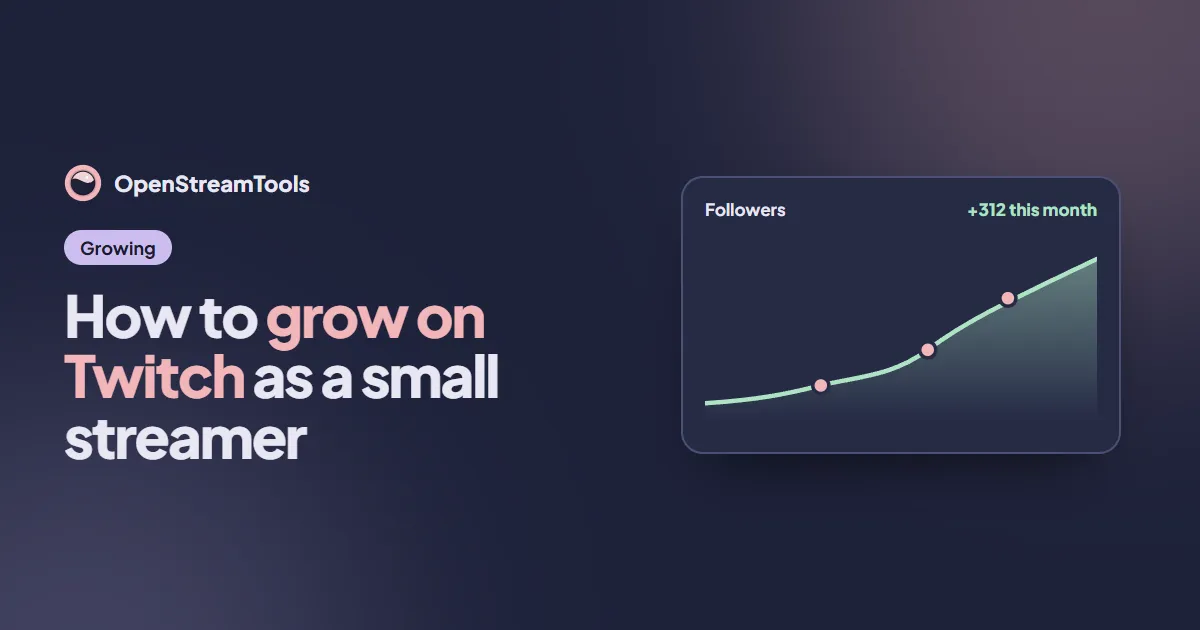
- When did your stream grow? Twitch’s stream summary shows when viewers came in. Often it lines up with a clip that took off.
The short version
Stream on fixed days in a category where you can be seen, and turn every stream into a few short clips. The stream keeps the viewers you have. The clips bring the new ones.
If clipping is what you never get to, that’s what we built OpenStreamTools for: paste your Twitch VOD link and the AI clip finder finds the moments worth posting, framed and captioned as vertical shorts. The editor is free, with 4K export and no watermark.
Questions streamers ask
How long does it take to grow on Twitch?
For most small streamers it takes months, not weeks. What speeds it up is being found outside Twitch: posting short clips from every stream gives strangers a way to discover you while you're offline.
Is it still possible to grow on Twitch in 2026?
Yes, but rarely from the browse page alone, because Twitch sorts it by viewer count and small streams end up at the bottom. Streamers who grow now usually bring people in from YouTube Shorts, TikTok and Reels.
How many days a week should I stream?
As many as you can keep up, on fixed days. Three set streams a week that you never skip do more than six irregular ones, because people can plan around them.
What is the best category to stream in as a small streamer?
One where your stream shows up on the first screen of the category when it's sorted by viewers. Huge categories bury small streams; tiny ones have no audience. Look for a game with a few hundred viewers in total spread over a handful of channels.