How to make your Twitch clips go viral on TikTok
· Updated
Some stream clips get 200 views on TikTok and others get two million. Most of the time the difference isn’t the moment itself. It’s what happens in the first second, and how easy the clip is to watch with the sound off.
Here’s what the clips that take off have in common.
How TikTok decides who sees your clip
TikTok shows every new video to a small group of people first. If they watch it to the end, rewatch it, share it or comment, it goes out to a bigger group, and so on. If they swipe away, it stops.
So you’re not trying to impress TikTok. You’re trying to keep the first few hundred people watching to the end. Everything below is about that.
The anatomy of a clip people finish
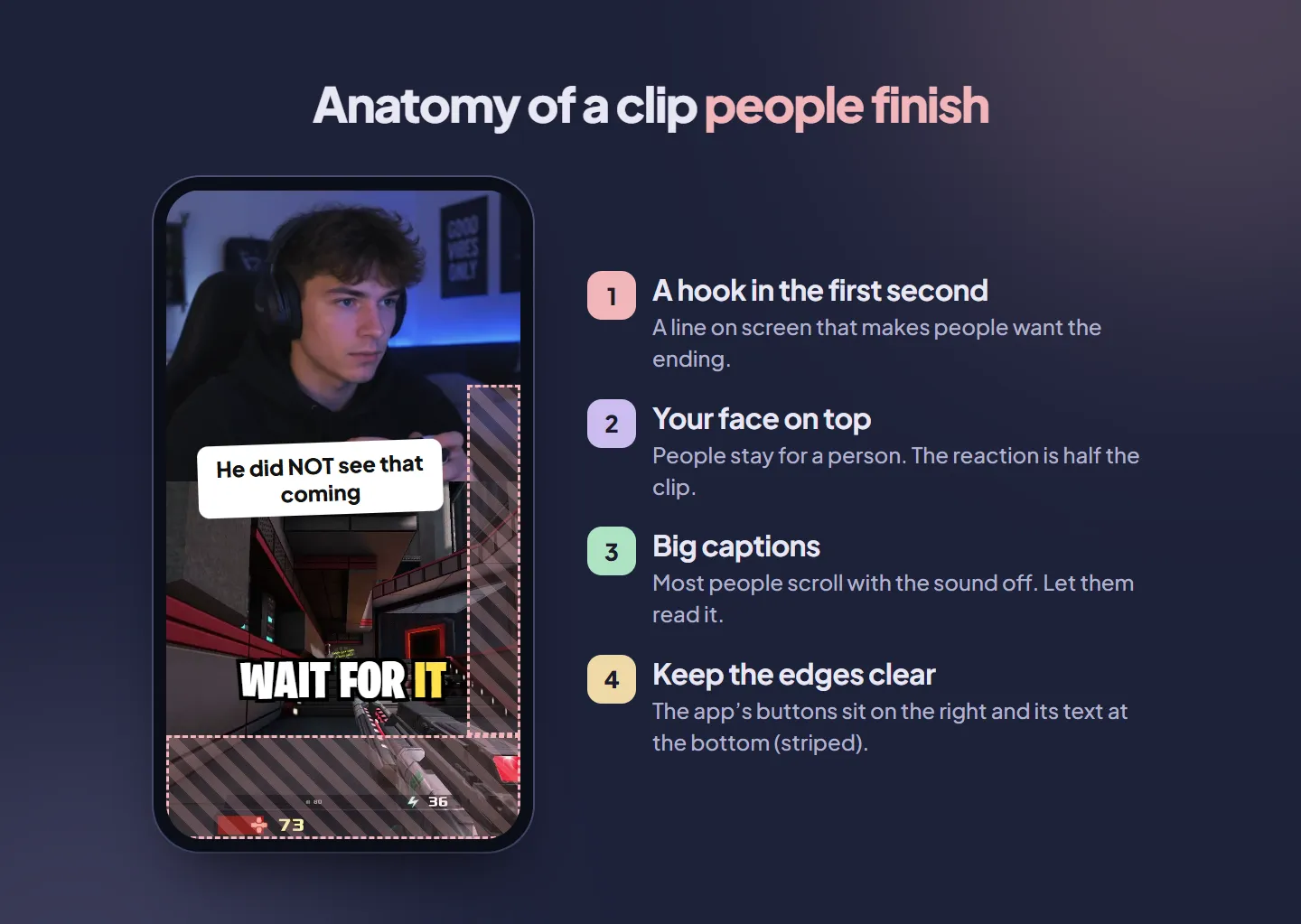
1. A hook in the first second
People decide almost immediately. Two things work:
- Start in the middle of it. Cut the setup. If the clip is a clutch, start with one enemy left.
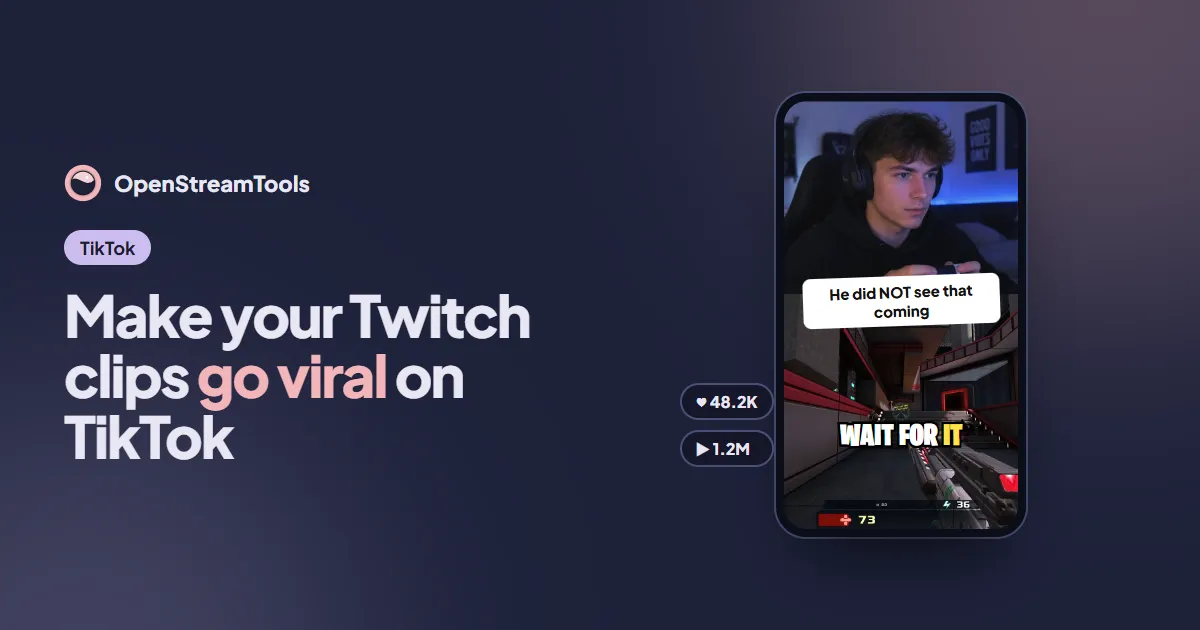
- Put a line on screen that makes them want the ending: “He did NOT see that coming”, “I wasn’t ready for this”, “Wait for the last second”. Keep it short enough to read in a second.
2. Your face on top
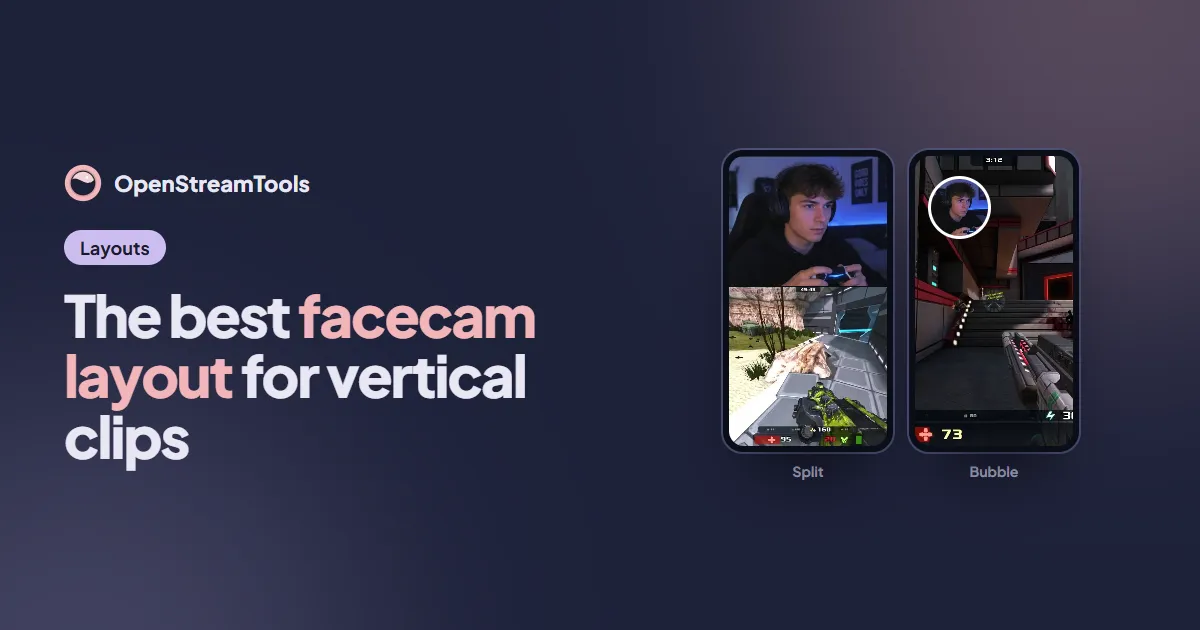
A clip of gameplay alone could be from anyone. Your reaction is what makes people care and what makes them follow you instead of the game. Give the facecam the top part of the frame and crop it tight on your face.
3. Big captions
Plenty of people scroll with the sound off. Captions keep them watching long enough to turn it on. Make them big, in the middle, a few words at a time, with the word being said highlighted.
4. Keep the edges clear
TikTok puts its like, comment and share buttons down the right side, and your caption and username along the bottom. Anything important there gets covered. Keep captions and the action in the middle and the upper part of the frame.
Pick moments that travel
Not every good stream moment works for strangers. The ones that do:
- Make sense without context. Someone who’s never seen you should get it in five seconds.
- Have an emotion. Shock, laughing, rage, pride. Flat moments don’t get shared.
- End on a payoff. The kill, the punchline, the reaction. Then cut.
Inside jokes with your chat are great for your stream and rarely work on TikTok.
Post like a channel, not like a dump
- Post every day, or as close as you can. Your last three streams are enough material.
- Write a caption that adds something: a question, a “would you have done this?”, the context in one line. Comments help a clip travel.
- Use a few hashtags for the game so TikTok knows who to show it to.
- Put your Twitch name in your bio and pin a clip that shows what your stream is like.
Learn from your own numbers
TikTok’s analytics show, for every video, how long people watched on average and how many watched to the end. Look at the clips that did best and copy what they did: the kind of moment, the length, the hook. Look at where people swiped away on the others: that’s the second to cut.
The slow part, done quicker
Finding the moments in a three-hour VOD, cutting them, framing your facecam and typing captions is an evening per stream. OpenStreamTools does it for you: the AI clip finder reads your whole VOD and gives you the best moments as vertical shorts, framed, captioned and with a hook line. You download them and post them, or fine-tune them in the free editor first. Posting to TikTok, YouTube and Instagram works straight from the app, all three at once. New to this? Start with how to turn Twitch clips into TikToks.
Questions streamers ask
How long should a Twitch clip be on TikTok?
Usually 15 to 45 seconds. TikTok counts how many people watch to the end, and a short clip that gets finished does better than a long one people leave halfway.
Why do my TikToks get views in the first hour and then stop?
TikTok shows every new video to a small group first, then to more people if that group watches it through. When it stops, the first seconds usually didn't hold people. Work on the hook and start the clip later.
Should I put my Twitch name on my clips?
Put it in your TikTok bio and your profile, where people look when they like a clip. A small handle on the video is fine; a big banner over the action takes space from the clip.
How often should I post clips on TikTok?
Once a day is a good rhythm if you stream a few times a week. Regular posting gives TikTok more chances to show you to the right people.
Do I need to use trending sounds?
Not for stream clips. Your own voice and the game are the content. Trending sounds help some videos, but they can drown out the moment that makes your clip good.