Nexus Clips pricing, and an alternative made for streamers
· Updated
Nexus Clips turns podcasts, streams and videos into shorts. You connect YouTube or Twitch, or paste a link, and it finds the moments, frames them on your face and adds captions. A lot of streamers search for its price before they sign up. That’s where it gets hard.
What Nexus Clips costs
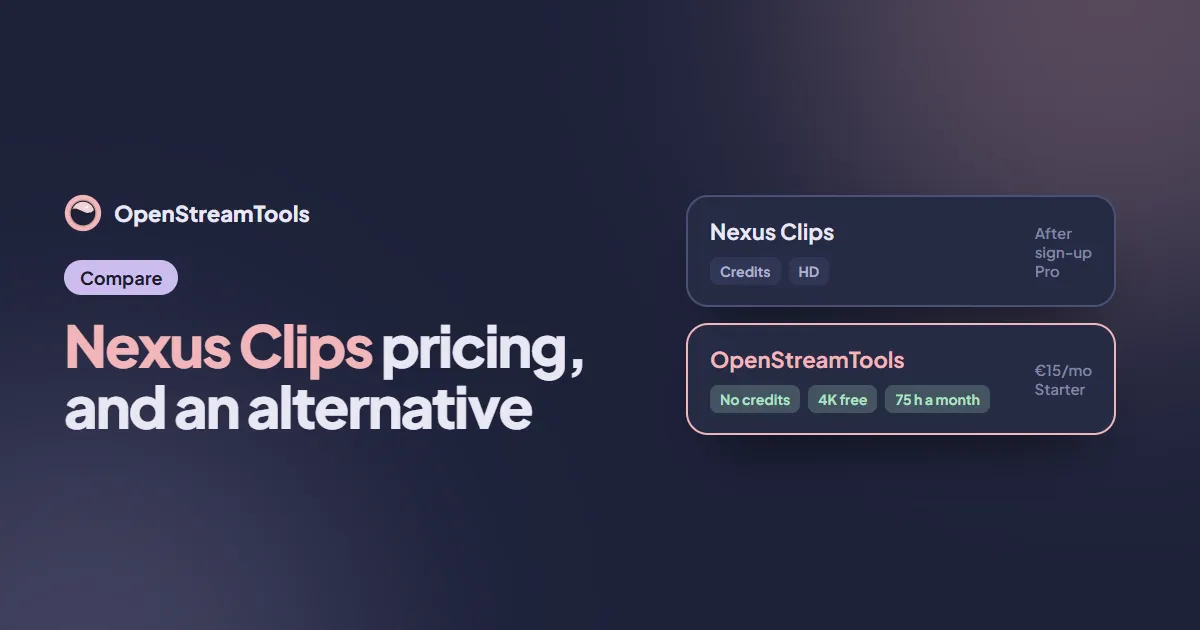
On 18 November 2026, the Nexus Clips homepage didn’t show a price. Its pricing link sends you to a sign-up, and the price for Pro appears once you’re in. What the site does say about Pro: your whole videos clipped, HD downloads without a watermark, credits every month, and posting to TikTok and YouTube.
So Nexus Clips counts credits, and the free account is there to show you the price.
What OpenStreamTools costs
Here the price is on the page. The editor is free, with 4K export and no watermark, and it’s not a trial. The AI clip finder comes with Starter, €15 a month, with a 7-day free trial and no credits. Starter searches 75 hours of stream a month. Nothing is counted per minute or per clip. Clip a lot? Pro is €25 a month for 225 hours.
Made for streams
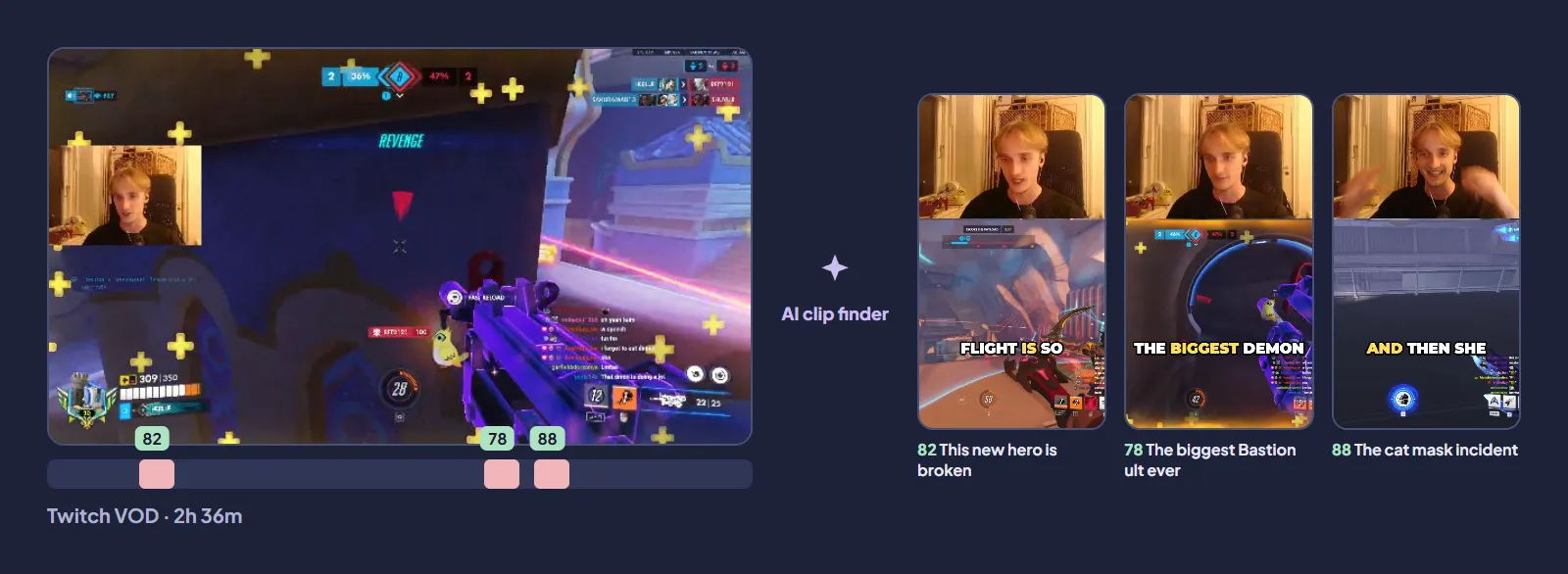
OpenStreamTools does one thing: streams. Paste a Twitch VOD link, a Kick VOD in the desktop app, or your own recording, and the clip finder goes through all of it. Each clip comes out framed as your facecam over your gameplay, with captions, cut on whole sentences.
Side by side
From each tool’s own site on 18 November 2026.
| OpenStreamTools Starter | Nexus Clips Pro | |
|---|---|---|
| Price | €15 a month (Starter) | Shown after you sign up |
| How much you can clip | 75 hours of stream a month (225 on Pro, €25) | Credits every month |
| Best export | 4K, on every plan | HD |
| Free plan | The whole editor, 4K, no watermark | A free account |
| Posting | TikTok, YouTube and Instagram | TikTok and YouTube |
| Twitch VODs | Yes | Yes |
| Kick VODs | Yes, in the desktop app | Not listed |
| Mark clips live with a hotkey | Yes, free with OBS | Not listed |
A free Nexus Clips alternative
Want to start without paying at all? Two things here cost nothing, with no card:
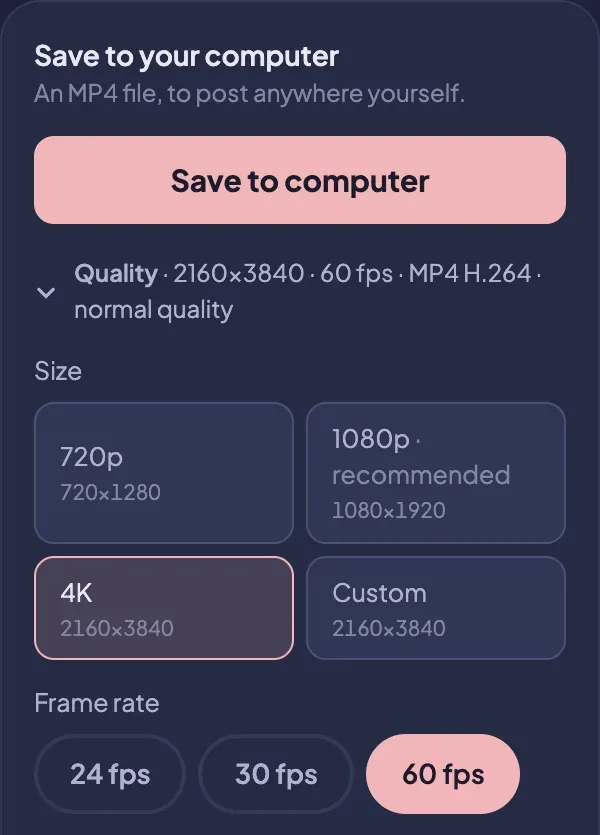
- The editor. Paste a Twitch clip or VOD link, or open a video from your computer. Make it vertical with your facecam on top, cut it, add text, and export in 4K without a watermark. It’s not a trial.
- One AI search. The clip finder searches 30 minutes of a stream of your choice for free, so you see what it finds before you decide.
Want the clip finder on whole streams after that? Starter’s 7-day trial is free too.
4K, free
Editing and exporting happen on your own computer, in your browser or the desktop app. Your source videos are never uploaded, so a 4K export costs us nothing, and it’s free on every plan.
Where Nexus Clips is better
Nexus Clips also makes shorts from a script you record, and it handles podcasts, interviews and talking-head videos as well as streams. If you film more than you stream, it covers more ground.
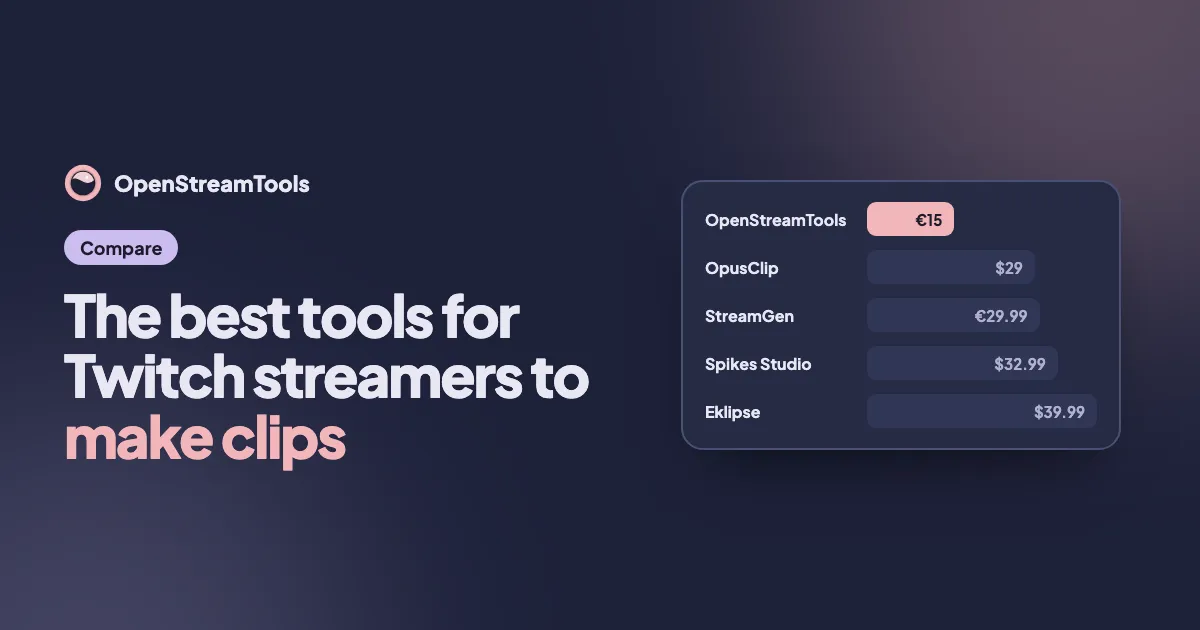
If you stream, you can see exactly what you’ll pay here before you make an account. Start with the free editor, or run Starter’s 7-day trial on your last stream. Every tool side by side: the comparison page, or the best tools for Twitch streamers to make clips.
Questions streamers ask
How much does Nexus Clips cost?
Nexus Clips doesn't put its Pro price on its homepage: you see it after you make a free account. Its site says Pro gives you HD downloads without a watermark, credits every month and posting to TikTok and YouTube.
Is there a free alternative to Nexus Clips?
The OpenStreamTools editor is free, with 4K export and no watermark. The AI clip finder comes with Starter, €15 a month, with a 7-day free trial.
Does OpenStreamTools work with Twitch like Nexus Clips?
Yes. Paste a Twitch VOD link and the clip finder reads the whole stream. Kick VODs and your own recordings work too, Kick in the desktop app.