How to stream GTA 6 on Twitch from PS5 or Xbox
GTA 6 launches on 19 November 2026, on PS5 and Xbox Series X|S. There’s no PC version announced, so for the first time in a long while, a huge share of streamers will play the biggest game of the year on a console.
The good news: you can stream from a console in a few minutes, without buying anything. Set it up before launch day, so you’re not fighting menus while everyone else is already live.
Three ways to stream from a console
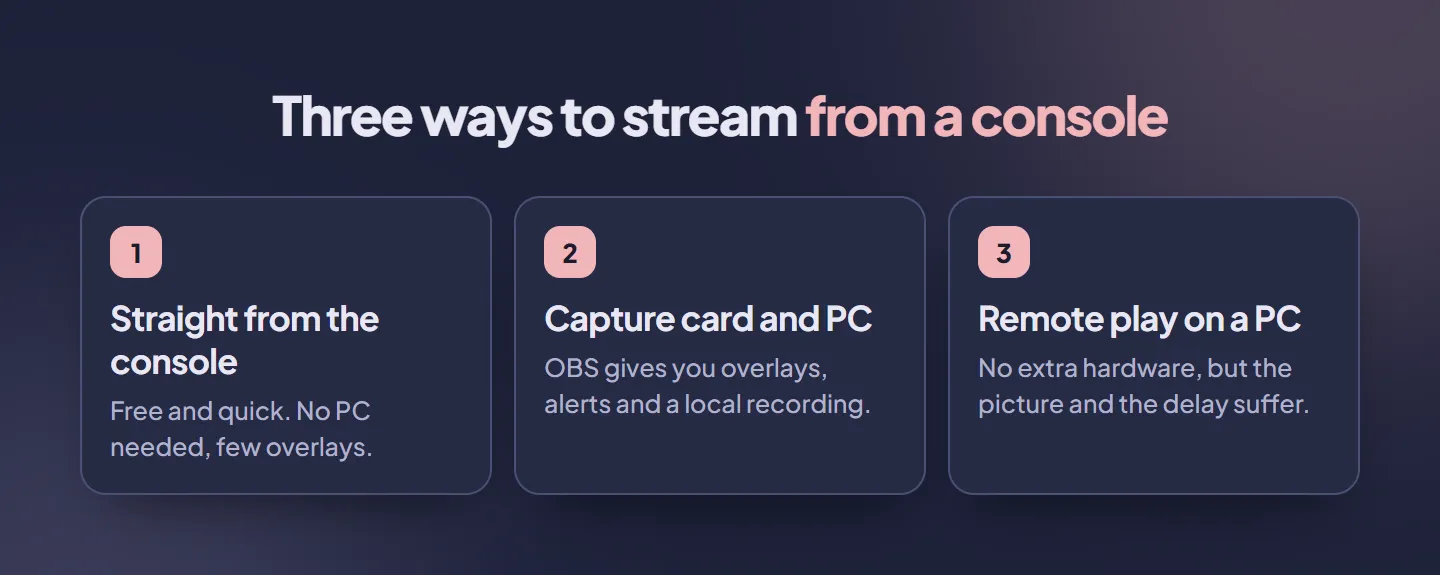
Straight from the console is the right start for most people. Add a capture card later if you want overlays and alerts.
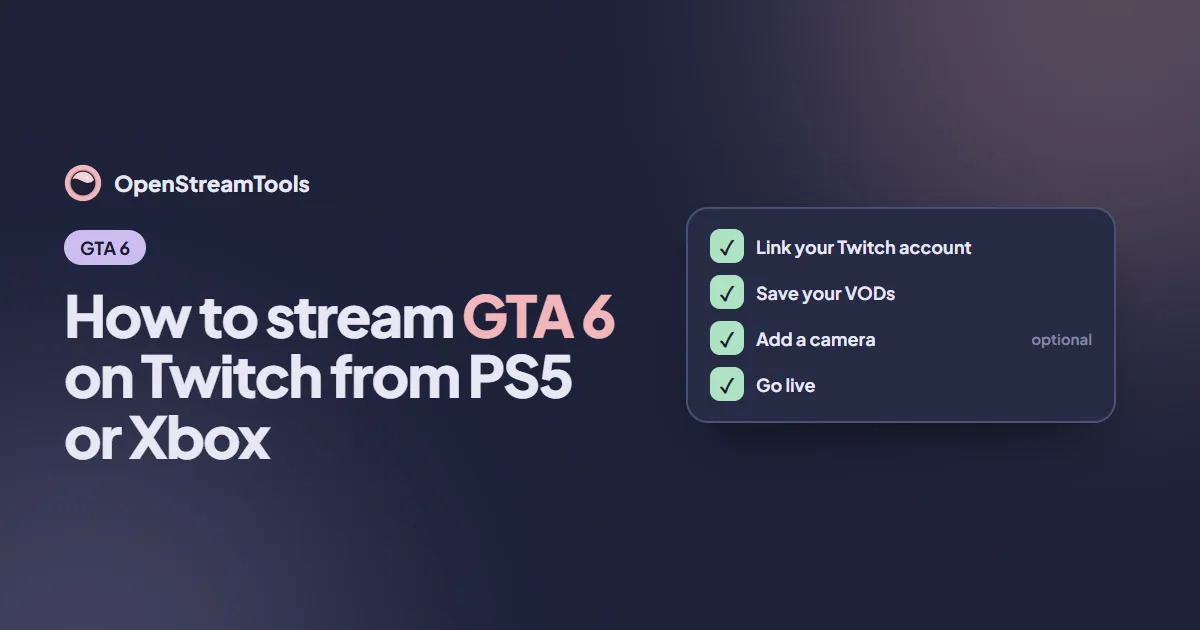
Stream from a PS5
- Link your account. Go to Settings, then Users and Accounts, then Link with Other Services, and pick Twitch. Scan the QR code, or enter the code at twitch.tv/activate.
- Start your game.
- Press the Create button on your controller, choose Broadcast and select Twitch.
- Add a title and go live.
To stop, press Create again and choose to stop the broadcast. Menu names can shift between system updates, so go by what’s on your screen.
Stream from an Xbox Series X|S
You don’t need the Twitch app for this any more.
- Open the guide with the Xbox button.
- Go to Capture and Share and select Live streaming.
- Link your Twitch account with the QR code or the web address shown.
- Check your resolution and bitrate, then choose to go live.
Most USB webcams work as your camera. Twitch suggests using its mobile app alongside this, to set your tags and go-live notification.
Use a capture card and a PC
A capture card takes the console’s picture into your PC, where OBS adds your camera, overlays and alerts. Two more things make it worth it:
- You get a recording on your own disk, in better quality than the VOD, with no timer on it.
- You can keep the console’s picture on a separate monitor or TV, so you play with less delay.
Do these before launch day
- Turn on Store past broadcasts in your Creator Dashboard. Without it, your stream is gone when it ends. Twitch then keeps it for 7 to 60 days, depending on your account.
- Do a test stream. Check your sound levels, your camera and your internet upload.
- Set up a camera if you can. Your reactions are what make your clips yours.
- Write your schedule down and put it on your channel, so people know when you’re on.
- Check your labels. Twitch automatically labels games with an ESRB M rating as mature, and earlier GTA games were rated M.
A warning about music
GTA games are full of licensed songs on their radio stations. How GTA 6’s music will be treated on streams isn’t known yet. If the game has a streamer option, use it. Until you know, turn the radio down when you can, because music can get a VOD muted or a clip claimed once you post it elsewhere.
The hard part: being found
On launch day, the GTA 6 category will be packed, and Twitch sorts it by viewers. A small stream ends up so far down that nobody will scroll to it. Just being live won’t get you seen.
That’s why the first weeks of a huge game are the best time to post clips. Everyone is searching for GTA 6 content on TikTok, YouTube Shorts and Reels, and those apps show clips to strangers. So:
- Stream.
- Take the best moments out the same day: how to clip your GTA 6 streams.
- Post them while the game is new: how to get views with GTA 6 clips.
The clip finder in OpenStreamTools works from your Twitch VOD, so it doesn’t matter that you streamed from a console. Paste the link, and it finds the moments.
OpenStreamTools isn’t affiliated with Rockstar Games or Take-Two Interactive. Grand Theft Auto is their trademark.
Questions streamers ask
Can you stream GTA 6 on PC?
Not at launch. GTA 6 comes out on PS5 and Xbox Series X|S on 19 November 2026, and Rockstar hasn't announced a PC version yet. You can still use a PC to stream the console with a capture card.
Do I need a capture card to stream GTA 6?
No. PS5 and Xbox Series X|S can both stream to Twitch without one. A capture card and a PC give you overlays, alerts and your own recording, but you can start without them.
Can I use a facecam when streaming from a console?
Yes. The PS5 works with the PlayStation HD Camera, and Xbox supports most USB webcams. A camera is worth it: your reactions are what make your stream and your clips yours.
Will Twitch mark GTA 6 as mature content?
Probably. Twitch adds its Mature-Rated Game label automatically to games with an ESRB M rating, and earlier GTA games were rated M. Check your stream's labels once the game is out.
How do I get viewers when everyone is streaming GTA 6?
It's hard to be found in a category that big, so don't count on the browse page. Post short clips from each stream on TikTok, YouTube Shorts and Reels, where people can find you.