How to get views with GTA 6 clips on TikTok and Shorts
A launch this big doesn’t come along often. For a few weeks, a huge number of people will be searching for and scrolling past anything about one game. Those weeks are when a small creator has the best chance of being seen.
GTA 6 comes out on 19 November 2026, on PS5 and Xbox Series X|S. Here’s how to make that work for you.
Why launch week matters
Twitch sorts its GTA 6 category by viewers, so a small stream will be buried under the big names. Short video works differently. TikTok, YouTube Shorts and Reels show a clip to people because of the clip, not because of who made it. One good clip can reach people a stream never would.
The window is real but short. In the first days, nearly everything is new to viewers, and that gets harder as the weeks go on.
What to clip
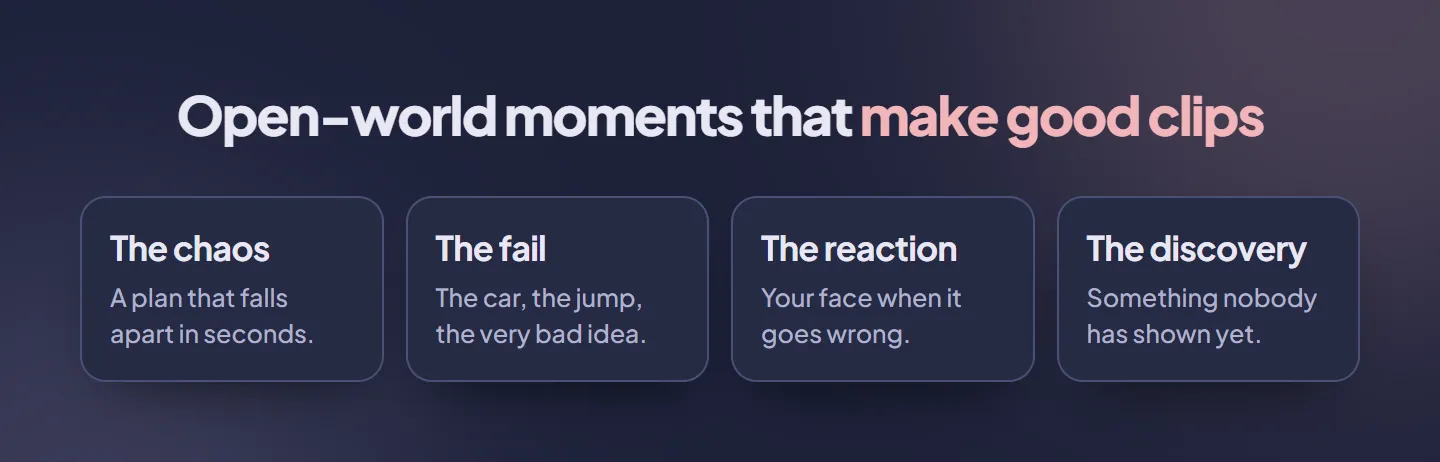
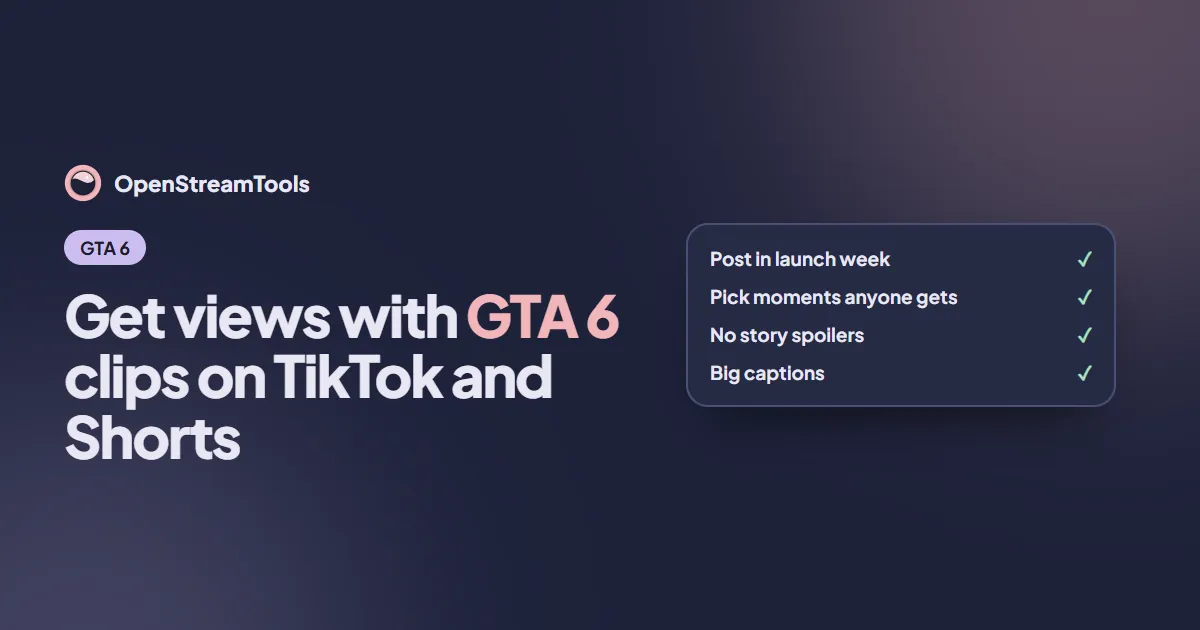
- Things people haven’t seen. In the first days, “I didn’t know you could do this” is the strongest hook there is.
- Chaos and fails. They need no context, and they work for people who aren’t playing yet.
- Your reaction. Thousands of people will show the same scene. Only you react like you.
- Quick tips. Early on, “don’t miss this” and “do this first” are what players search for.
Avoid spoilers
Story moments feel like your best material, and they’re the risky ones. People who are avoiding spoilers will block and report you. Stick to chaos, fails, the open world and your own reactions. If you do post a story moment, keep it out of the title and the first second, and wait a few weeks. Rockstar also removes cutscene clips and the ending: here’s what it allows.
Watch out for the music
GTA games are full of licensed songs on the radio, and how GTA 6’s music will be handled isn’t known yet. A song in the background can get a clip muted or claimed. Pick moments where it’s quiet or where you’re not in a car, or turn the radio down while you play. More in how to keep your VODs and clips from getting muted.
Make the first second count
Everyone is posting the same game, so the first second has to separate you:
- Start in the middle of the action. Not on the drive there.
- Put a line on screen: “I can’t believe this worked”, “Rockstar really added this?”.
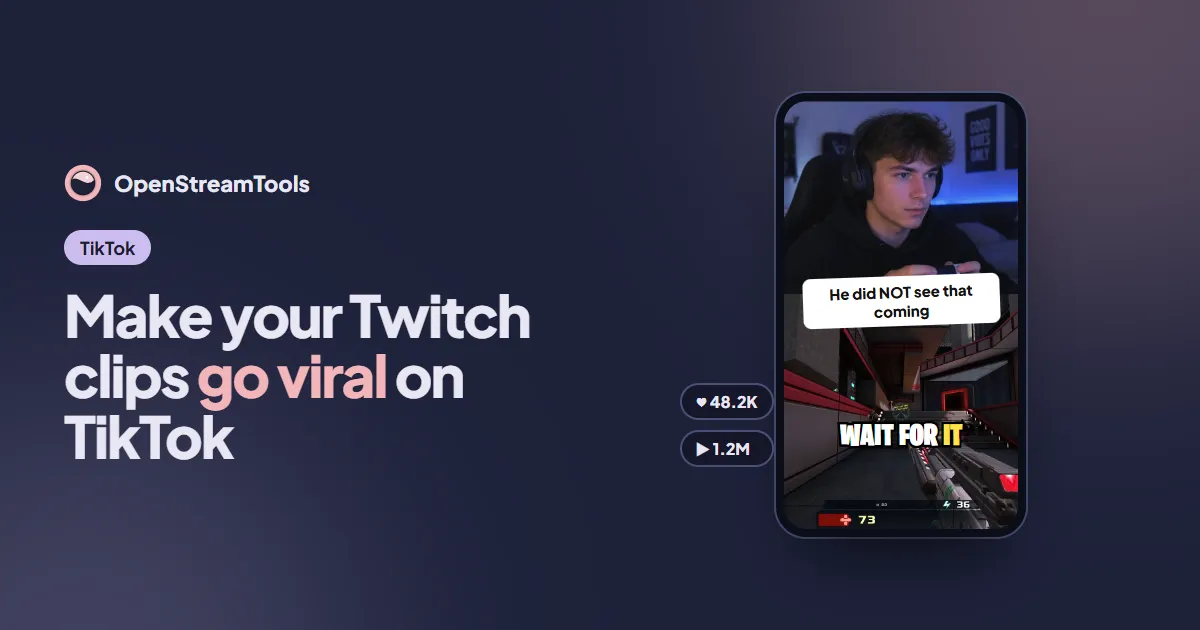
- Add big captions. People scroll with the sound off, and the game is loud.
- Show your face if you have a camera.
Our guide on making clips go viral on TikTok goes deeper.
Post fast, and post a lot
- Post the same day. A rough clip today beats a perfect one next week.
- Post daily during the first weeks.
- Use the same clip everywhere. One vertical file works on TikTok, Shorts and Reels.
- Put “GTA 6” in the title or caption, plus a couple of tags like #GTA6 and #GTAVI.
- Put your Twitch link in your bio so people who like the clip can find your stream.
The bottleneck is editing
If you want a clip out every day during launch, you can’t spend your evenings in a VOD. OpenStreamTools is built for this: paste your Twitch VOD link and the AI clip finder gives you the best moments as vertical shorts, framed and captioned, with a title and a hook. Download them and post. There are no credits to run out of on a long launch weekend. Here’s the full walkthrough.
OpenStreamTools isn’t affiliated with Rockstar Games or Take-Two Interactive. Grand Theft Auto is their trademark.
Questions streamers ask
When should I post GTA 6 clips?
As soon as you can after the game comes out on 19 November 2026, and then daily. Interest is highest around launch, and a clip posted the same day has less competition from people who are still editing.
Can I post GTA 6 gameplay on TikTok and YouTube?
Sharing gameplay is a normal part of how big games spread, but the game's music can be a problem. Licensed songs from the in-game radio can get a clip muted or claimed, so pick moments where the music isn't playing or is quiet.
Should I post GTA 6 story spoilers?
Not in the first weeks, and never in the title or the first second. People who run into a spoiler report and block it. Chaos and funny moments reach more people anyway, because they work for everyone.
What hashtags should I use for GTA 6 clips?
Keep it to a few: #GTA6, #GTAVI and one or two about the clip itself, like #gaming or #funnymoments. A long list of hashtags doesn't do more than a good first second.
What kind of GTA 6 clips will do best?
Moments anyone understands in a few seconds: chaos, fails, reactions, and things people haven't seen yet. In the first days, showing something new is the strongest reason for a stranger to watch.