How to turn a podcast into short clips
· Updated
A podcast episode is an hour of good material that almost nobody finds by accident. Podcast apps mostly show people what they already follow. TikTok, YouTube Shorts and Reels do the opposite: they show clips to strangers.
So the best moment of your episode, cut down to a minute, is how new listeners find your show. Here’s how to get from a full episode to clips people finish.
What makes a podcast moment work as a clip
A clip has to make sense to someone who has never heard your show, and they’ll give you about a second. The moments that do that:
- A strong opinion. One sentence people want to agree or argue with.
- A story with an ending. Setup, turn, payoff, in under a minute or so.
- A surprising fact. “I had no idea” is a reason to share.
- A real reaction. The laugh that takes over, the moment someone gets caught out.
- One useful tip. Something a viewer can use today.
What doesn’t work: inside jokes, anything that starts with “like we said earlier”, and long introductions. If it needs the ten minutes before it, leave it in the episode.
Step 1: find the moments
The slow way is listening back to the whole episode with a notepad. Some things make it quicker:
- Mark moments while you record. Write down the time, or clap, when something good happens.
- Read instead of listen. A transcript of an hour takes minutes to skim.
- Ask your guest. They usually remember which story landed.
- Let AI read it. A clip finder reads the whole transcript and comes back with the parts that stand on their own, ranked. Because it works from what’s being said, that suits a podcast well.
Step 2: cut it tight
- Start on the sentence that hooks. Not on the question before it, unless the question is the hook.
- End on the payoff. Leave out the “yeah, totally” that follows.
- Cut the pauses. Silence that feels natural in an hour feels slow in a minute.
- Aim for 30 to 90 seconds. Stories can take longer than a gaming clip, but rarely all of it.
Cut on whole sentences. A clip that starts halfway through a word feels like a mistake.
Step 3: frame it for 9:16
If your podcast is filmed wide with two people side by side, a simple crop of the middle shows nobody. You have three good options.
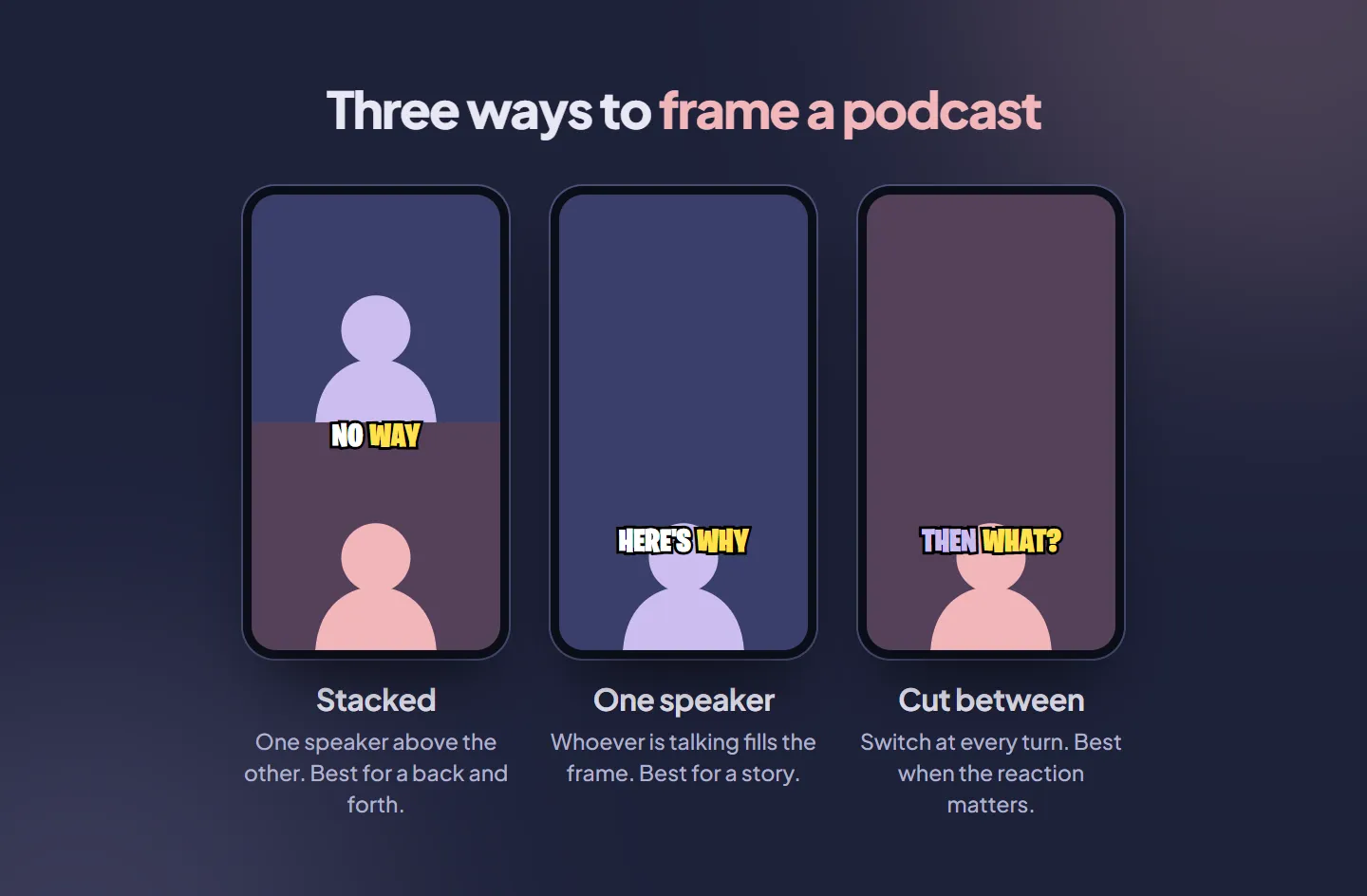
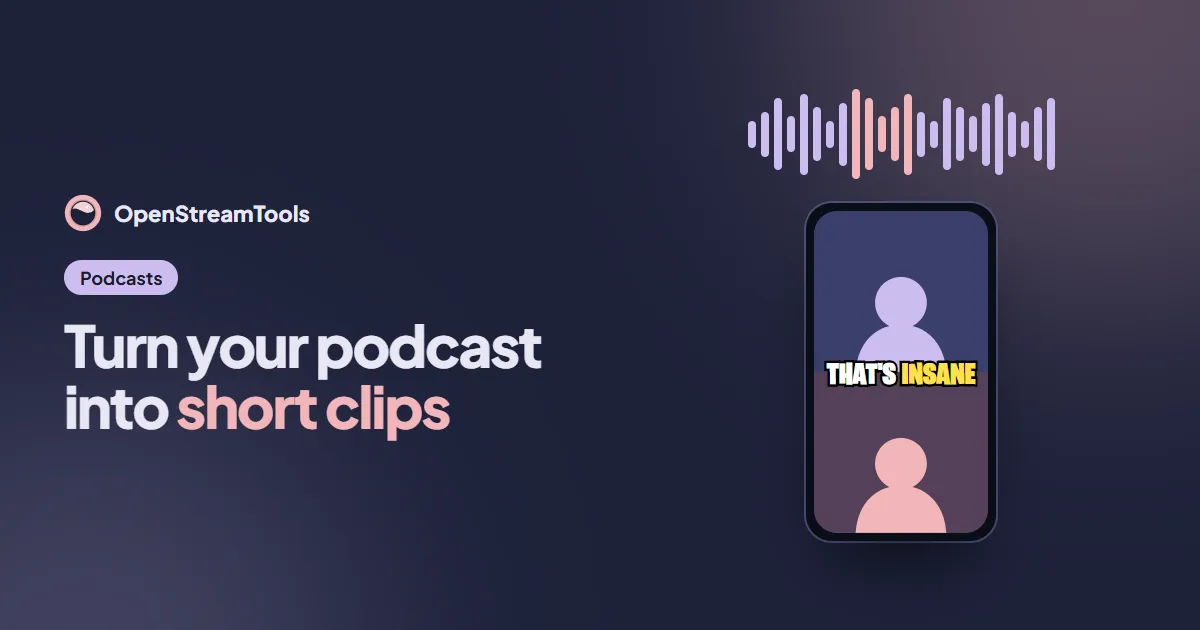
- Stacked. One speaker in the top half, the other below. The safest choice for a conversation.
- One speaker. Whoever is telling the story fills the frame. Good for monologues.
- Cut between. Switch to whoever is talking, or reacting. The most work, and often the best result.
Keep faces in the upper part of each box, and leave room for captions in the middle.
Step 4: add captions that show who’s talking
Plenty of people watch with the sound off, so captions decide whether they stay. With two speakers, giving each one their own colour makes a conversation easy to follow without sound.
- Big and in the middle, a few words at a time.
- One colour per speaker.
- Correct the names. Automatic captions get names and jargon wrong, and that’s what people notice.
More on this in how to add captions to your short videos.
Step 5: post, and point back to the show
- Write the hook as the title, not the episode number. “Why I quit after 10 years” beats “Episode 42”.
- Say where it’s from. The show’s name in the caption, and a link in your bio or description.
- Post over the whole week. One clip a day keeps the episode working until the next one is out.
Doing this in OpenStreamTools
OpenStreamTools was built for streamers, but a video podcast works the same way. Here’s what it does, and what it doesn’t:
- The AI clip finder (from Starter, with a 7-day free trial) takes a video file from your computer. Only the sound is sent to be transcribed; the video never leaves your machine. It finds the moments, ranks them and cuts them on whole sentences, in 27 languages.
- It needs a video file. An audio-only episode can’t be searched.
- Check the framing. It’s tuned for a facecam with gameplay, so on a podcast you’ll often want to set the crops yourself in the editor: one crop per speaker, placed however you like.
- AI captions know who’s talking (from Starter, or 10 minutes a week on the free plan), and each speaker can have their own style.
- The editor itself is free, with 4K export and no watermark.
Questions streamers ask
How many clips should I make from one podcast episode?
Three to ten, depending on the length and how good the moments are. A few clips that stand on their own do more than twenty that need the rest of the episode to make sense.
How long should a podcast clip be?
Usually 30 to 90 seconds. Podcast clips can run longer than gaming clips because a story needs room, but every second still has to earn its place.
Can I make video clips from an audio-only podcast?
You can, with an audiogram: a still image or waveform with captions over the sound. They work, but clips with real faces usually hold people better. If you can, film the next episode.
What's the best format for podcast clips?
Vertical, 9:16 at 1080×1920, for TikTok, YouTube Shorts and Instagram Reels. Stack the two speakers, or show whoever is talking, and add big captions.
Do podcast clips actually bring in listeners?
They're one of the few ways to reach people who don't already listen. Podcast apps show your show to people searching for it; short video apps show your clips to people who've never heard of you.