How to turn a long video into Shorts
· Updated
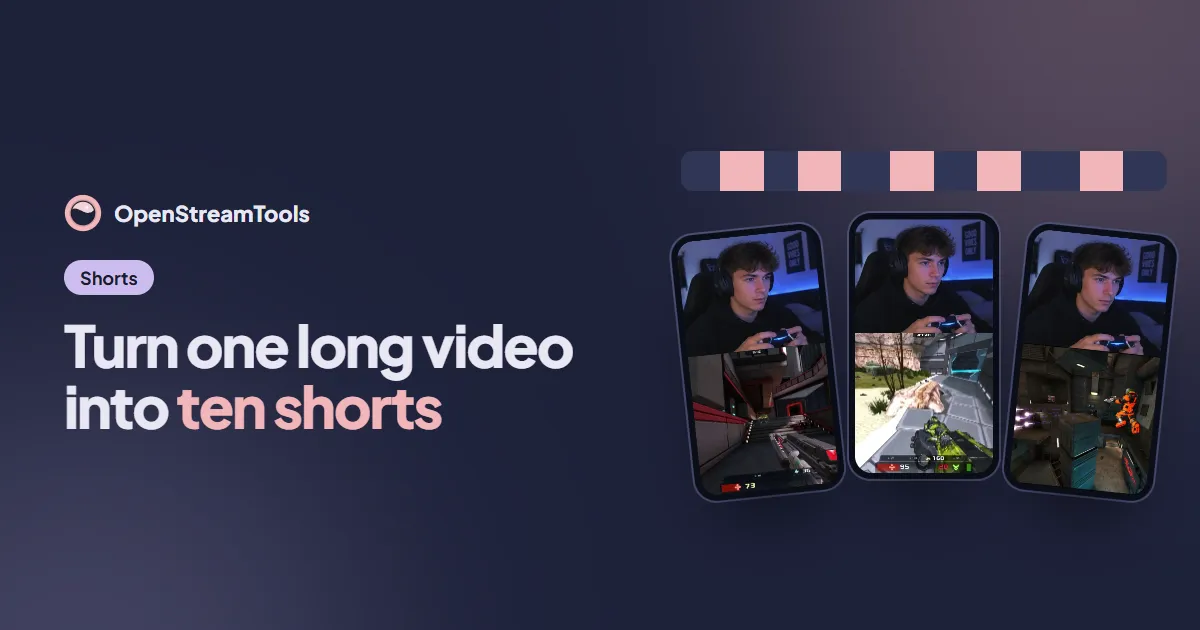
You spent a week on a video and it got its views in two days. Inside it are several moments that could reach far more people than the video itself did, if they were cut out and made vertical.
Making Shorts from long videos is the cheapest content you’ll ever make, because the hard part is done. Here’s how to do it properly.
What to look for
Not every good minute of a long video works alone. Look for parts with their own start and end.
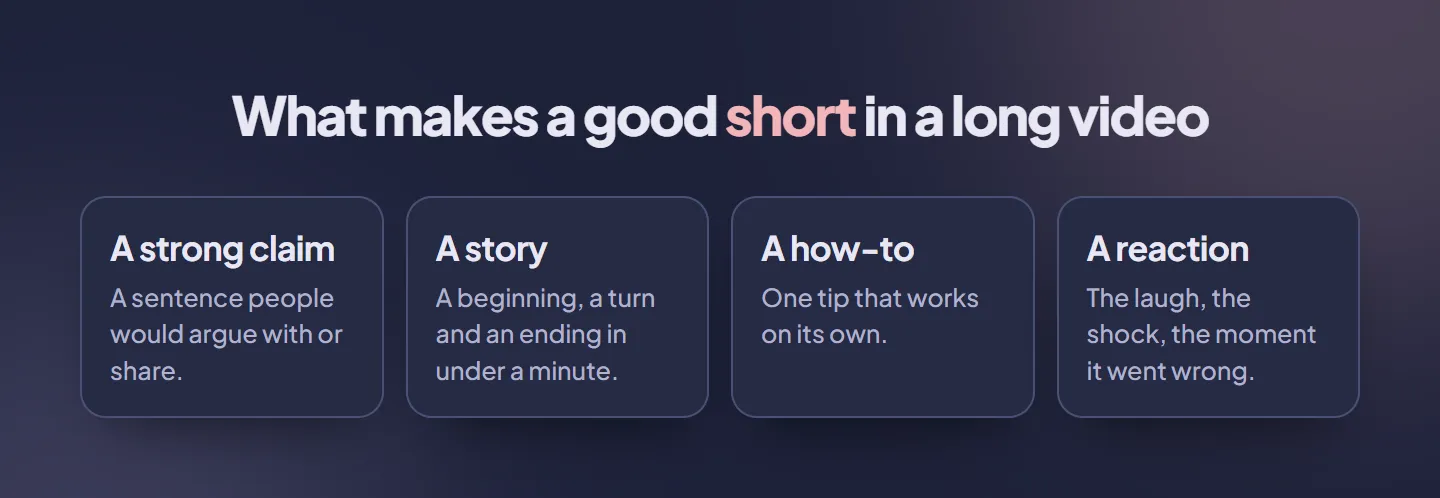
Ask one question of every candidate: would this make sense to someone who hasn’t seen anything else of mine? If the answer is no, skip it or add one line of context on screen.
Your own analytics help here. YouTube’s retention graph shows where people rewatch and where they stay. Those peaks are often your best Shorts.
Find them faster
Scrubbing through an hour of footage is what makes people give up on this. Instead:
- Skim the transcript. Reading is far quicker than watching.
- Start at the retention peaks in your analytics.
- Use AI. A clip finder reads the whole video and returns the moments, best first.
Cut it for short video
A long video can take its time. A Short can’t.
- Lose the intro. Start at the moment things get interesting, even mid-thought.
- Open with the payoff or the question. Give people a reason for the next ten seconds.
- Cut every pause and every “so, um”.
- End right after the point lands.
Shorts can run up to 3 minutes, but most moments are stronger at 20 to 60 seconds.
Reframe it for 9:16
A horizontal video cropped straight to vertical usually loses what matters. Pick what the viewer should look at:
- A talking head: crop to the person, with their face in the upper part.
- Someone showing something: stack the person above the thing they’re showing.
- A screen or gameplay: crop in on the part that matters, because a full frame is tiny on a phone.
We go through the options in the best facecam layout for vertical clips.
Add captions and a hook
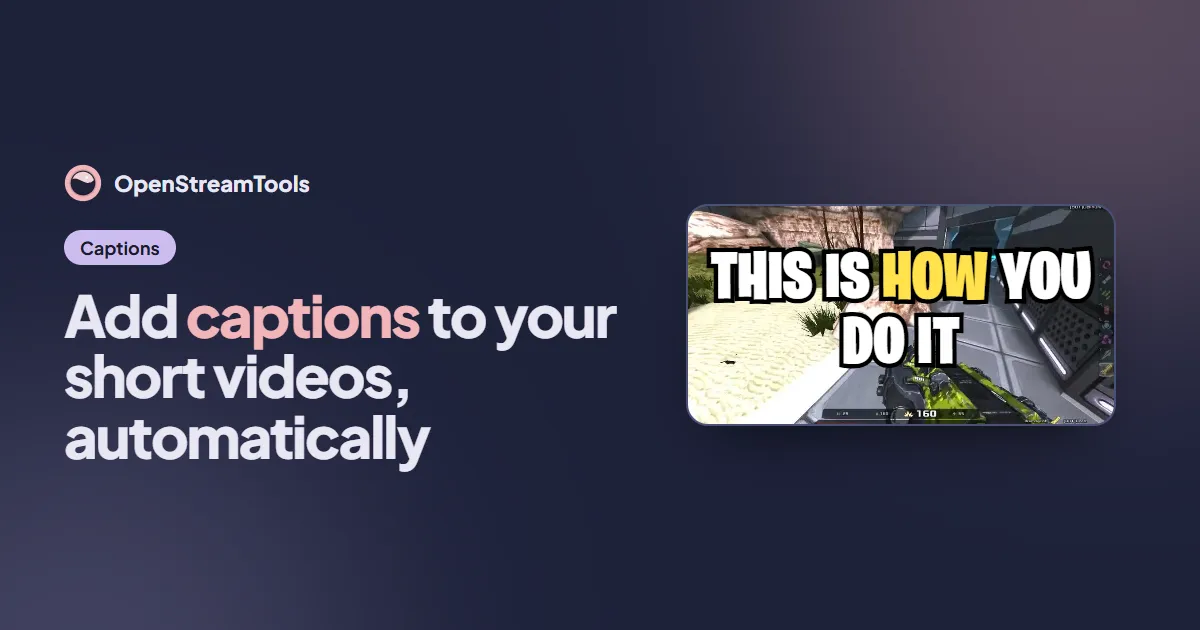
Add big captions, a few words at a time, and a short line on screen for the first seconds that says why to keep watching. Here’s how to do captions well.
Post it everywhere
One clean vertical file works on YouTube Shorts, TikTok and Instagram Reels. Then:
- Give it its own title. Say what the clip is about, not what the long video is called.
- Link to the long video. In the description on YouTube, or in your bio elsewhere.
- Spread them out. One a day beats five at once.
Doing it in OpenStreamTools
OpenStreamTools handles the whole route from a long video to a posted Short:
- The AI clip finder (from Starter, with a 7-day free trial) takes a video from your computer, or a Twitch or Kick VOD. It finds the moments, ranks them and cuts them on whole sentences, with a title and a hook for each. Your own files stay on your machine: only the sound is sent to be transcribed.
- The editor is free, with crops for any layout, 4K export and no watermark.
- AI captions, silence removal and posting to TikTok, YouTube and Instagram come with Starter and Pro. The free plan has 10 minutes of AI captions a week to try them.
Questions streamers ask
How do I turn a YouTube video into a Short?
Open your original video file in an editor, cut out a moment of up to 3 minutes, make it vertical (9:16), add captions and upload it. Working from your own file gives you the best quality.
How many Shorts can I get from one long video?
It depends on the video, not its length. A 20-minute video with five real moments gives you five Shorts. Don't pad it out: a few strong Shorts beat a lot of weak ones.
Should a Short repeat what's in my long video?
Yes, that's fine. Most people who see the Short never saw the long video. Treat it as the best minute of it, with a link back for those who want more.
Can I post the same clip on TikTok, Shorts and Reels?
Yes. Export one clean vertical file without another app's watermark, and upload that to all three.