The best YouTube Shorts editors
· Updated
A Short only lasts a minute or so, but the editing still takes time: cut it, make it vertical, add captions, export. A good YouTube Shorts editor makes that quick. Which one fits depends on where your video comes from: your phone, or a long video or stream.
We make one of the editors below, so take that into account. Everything here was checked in November 2026, and these apps change often.
What a Shorts editor needs
- A 9:16 canvas you can reframe in, so nothing important gets cut off.
- Captions. Many people watch with the sound off, at least at first.
- A sharp export: 1080×1920 at the least.
- No watermark. A logo in the corner makes it look like an ad.
| Editor | Best for | Price | Works on |
|---|---|---|---|
| YouTube’s own editor | Quick videos from your phone | Free | Phone |
| YouTube Create | More editing on your phone | Free | Phone |
| CapCut | Effects and templates | Free, with a paid Pro | Phone and computer |
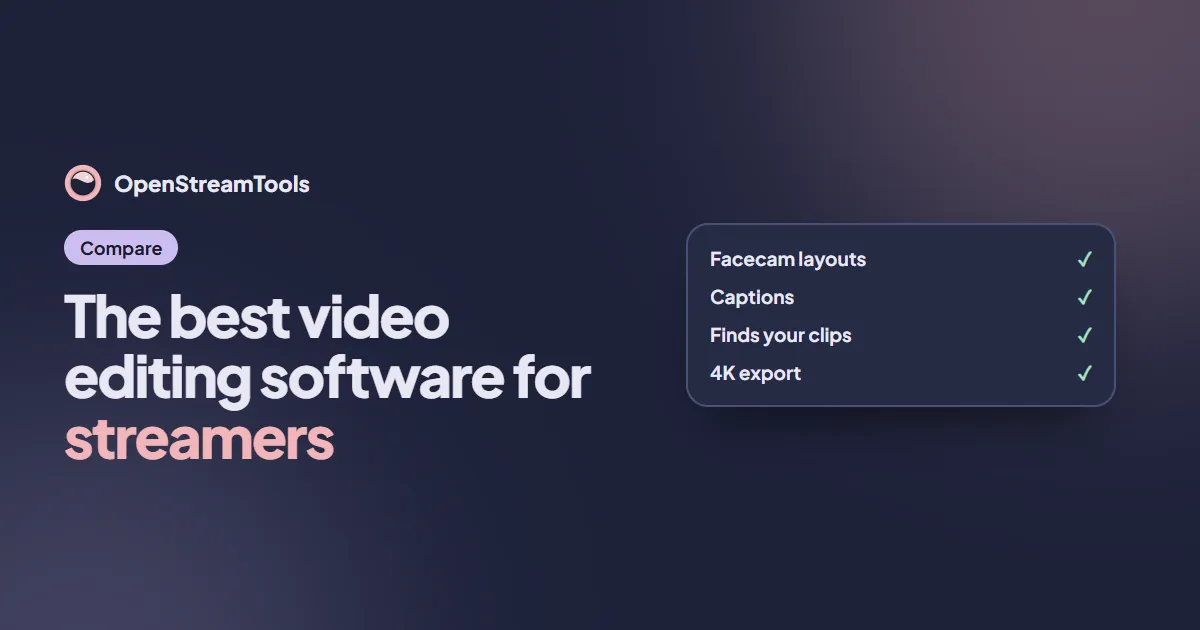
| OpenStreamTools | Shorts from streams and long videos | Editor free, AI from Starter | Browser and desktop app |
| DaVinci Resolve | Full control, long projects | Free, Studio is a one-time $295 | Computer |
YouTube’s own editor
It’s already in the YouTube app, so there’s nothing to install. You can trim clips, add text, music and automatic captions, and post right away. For something you filmed on your phone a minute ago, that’s often all you need.
It’s less handy when your video isn’t on your phone, or when it’s a horizontal stream you need to reframe.
YouTube Create
YouTube Create is YouTube’s separate free editing app, with more tools: trimming, cropping, automatic captions, audio cleanup and royalty-free music. Think of it as the next step up, still on your phone.
CapCut
CapCut has the most effects and templates here, and it works on phones and computers. The free plan is fine for simple edits. Stay away from Pro materials if you’re on it, because they put a watermark on your export until you pay.
For Shorts from a stream, you do the framing by hand on every clip.
OpenStreamTools
We built OpenStreamTools for Shorts that come from something longer, like a stream.
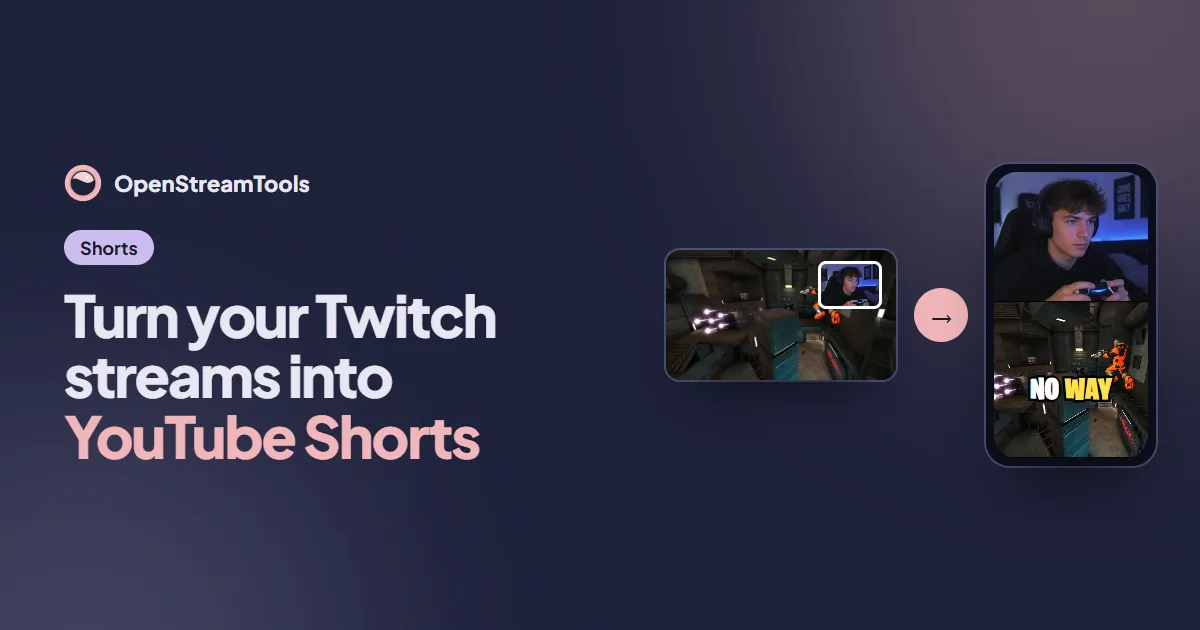
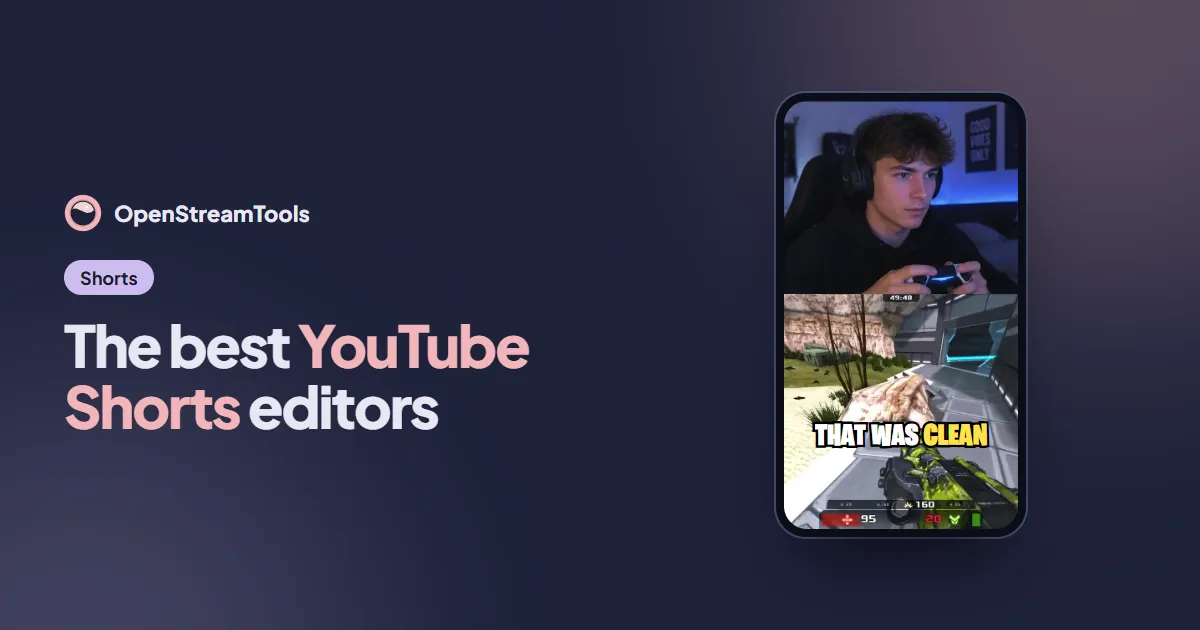
- Reframing is the main job. Crop your facecam and gameplay separately and stack them, with one-click layouts.
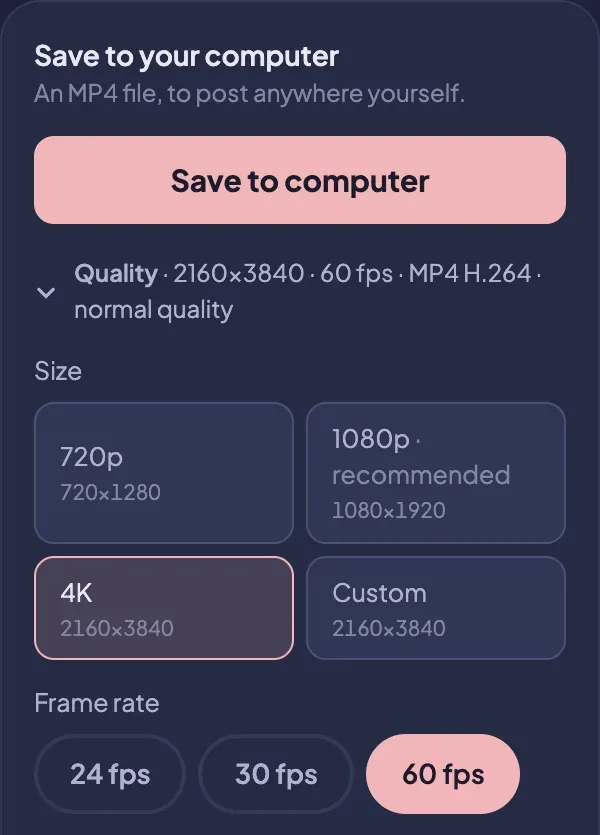
- The editor is free, with 4K export and no watermark. It’s not a trial.
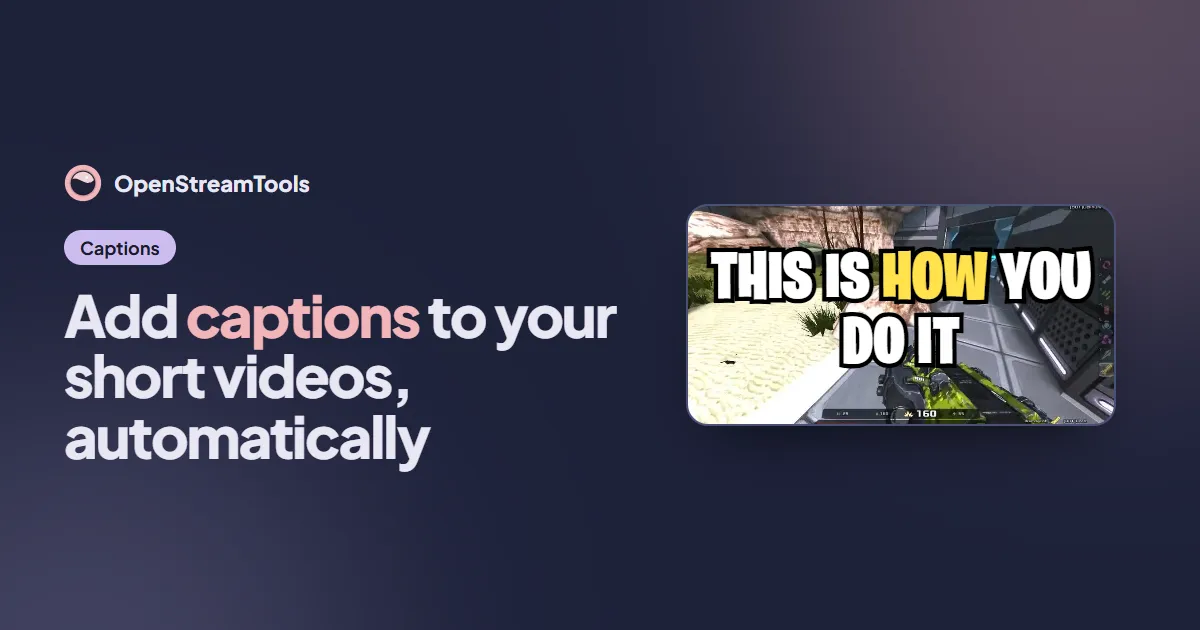
- Automatic captions with word-by-word timing come with Starter and Pro, and the free plan has 10 minutes a week. See how to add captions to short videos.
- Post straight to YouTube, TikTok and Instagram from Starter, now or at a time you pick.
- The AI clip finder finds the moments in a whole stream and turns them into Shorts, from Starter, with a 7-day free trial.
If you only film on your phone, YouTube’s own editor will be quicker.
DaVinci Resolve
Resolve is free and gives you full control. It’s made for bigger projects, so for a Short it’s a lot of software to learn. It makes sense if you already use it for your long videos.
Which one should you pick?
- You filmed it on your phone: YouTube’s own editor, or YouTube Create for a bit more.
- You want effects and templates: CapCut.
- Your Shorts come from streams or long videos: OpenStreamTools. Start with how to turn your Twitch streams into YouTube Shorts or how to turn a long video into Shorts.
- You already edit in Resolve or Premiere: stay there, and set up a vertical timeline.
Questions streamers ask
What's the best free YouTube Shorts editor?
For a quick video on your phone, YouTube's own editor is free and already there. For Shorts from a stream or a longer video, on a computer, OpenStreamTools' editor is free with 4K export and no watermark.
Can I edit YouTube Shorts on a computer?
Yes, but YouTube's own Shorts tools are made for the phone. On a computer you use an editor like OpenStreamTools, CapCut or DaVinci Resolve, export a vertical video and upload it.
What size is a YouTube Short?
1080×1920 (9:16) is the standard, and it can be up to 3 minutes long. It has to be vertical or square.
Do I need a paid editor for YouTube Shorts?
No. You can make a good Short with a free editor. Paid plans are mostly for AI features such as automatic captions and finding clips in long videos.
Can I post to YouTube straight from an editor?
Some can. In OpenStreamTools you can post a finished Short to YouTube, and to TikTok and Instagram with it, now or at a time you pick, from Starter. On the free plan you export an MP4 and upload it yourself.