A free TikTok video editor with 4K export
· Updated
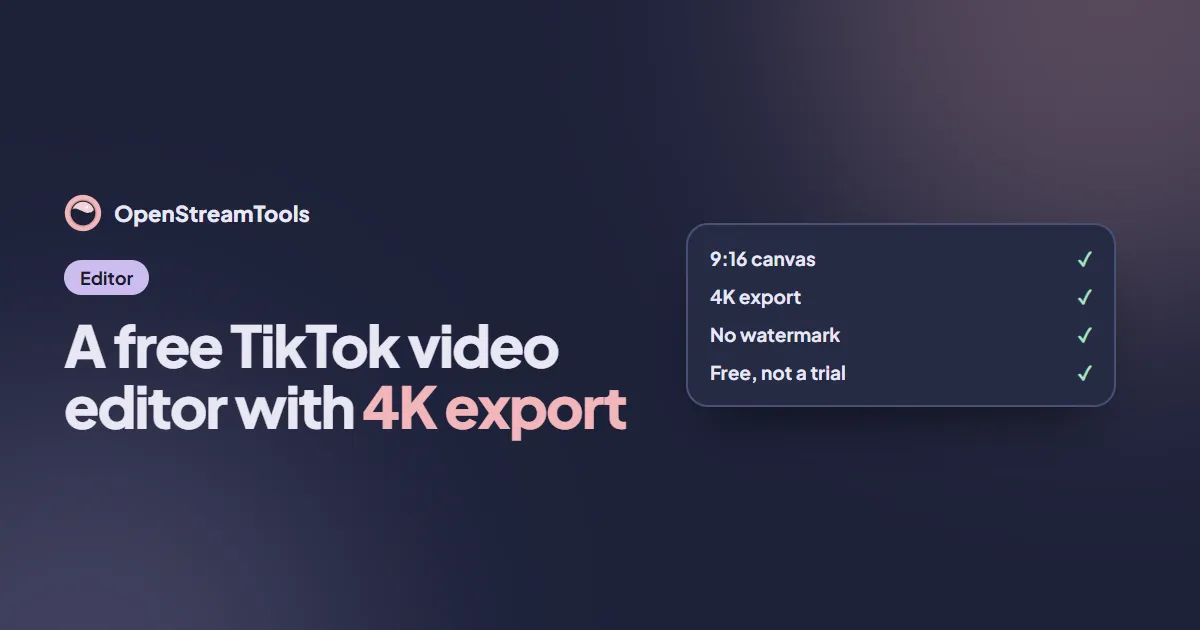
Many free editors stop at 1080p, or put 4K behind a subscription you only find out about when you press export. OpenStreamTools doesn’t: the editor is free, it exports vertical video in 4K, and there’s no watermark.
Before you use that 4K for TikTok, though, it’s worth knowing what TikTok does with it.
Does TikTok show your video in 4K?
Probably not. TikTok takes 4K files, but that’s not the same as playing them. We couldn’t find TikTok saying anywhere that it plays uploads back in 4K, and most guides put what viewers get at around 1080p. Every upload is compressed again on the way, whatever you send.
So 4K won’t make your TikTok look four times sharper on someone’s phone. What matters more:
- How sharp your source is. A 1080p stream exported at 4K is a bigger file with the same detail.
- What you crop. A facecam cut out of a stream is only a small part of the picture, and it’s the part that gets soft first. A sharper source gives it more to work with.
- Clean text. Captions and titles are drawn fresh at your export size, so they stay crisp.
Which resolution to pick
| Your video | Export at |
|---|---|
| 1080p stream or recording, just for TikTok | 1080p (1080×1920) |
| 1440p or 4K footage | 4K (2160×3840) |
| Also going to YouTube | 4K, if the footage is sharper than 1080p |
| A copy to keep | 4K, if the footage is sharper than 1080p |
Not sure? Export the same 10 seconds both ways, upload them as private videos and compare them on your phone. That tells you more than any spec sheet. A 4K file is several times bigger and takes longer to export, so if you see no difference, stay at 1080p.
What a TikTok editor needs
A general video editor can make a TikTok, but it takes more work than it should. This is what the free editor has for it:
- A 9:16 canvas, so you see what TikTok will show.
- Crops you place separately, so a facecam and gameplay each get their own spot.
- A multi-track timeline for text, stickers and sound.
- Sound effects, or upload your own.
- Clips straight from Twitch, without downloading anything first.
- Saved projects you can open again on any device.
How to make a TikTok in 4K for free
- Open the editor in Chrome on a computer, or in the desktop app, and make a free account.
- Add your video from your computer, or import a clip from Twitch.
- Set the crops. Pick a layout, then drag the crops where you want them.
- Add text and sound, and keep them clear of TikTok’s buttons.
- Export. Pick 1080p or 4K and save the MP4.
- Upload it on TikTok. Upload from a computer rather than sending the file to your phone first, so nothing gets compressed along the way.
Your video isn’t uploaded to us at any point. It’s rendered on your own computer, so there’s no queue, but a slow computer exports slowly. The desktop app handles long videos and 4K exports better than a browser tab.
What isn’t free
The editor and 4K export cost nothing, with no limit on how many videos you export, and the free plan includes 10 minutes of AI captions a week. The AI tools cost us money each time they run, so the rest of them are paid:
- Starter (€15 a month): AI captions, the profanity filter, silence removal, AI titles and hashtags, and the AI clip finder, which finds the best moments in a whole stream. Try it free for 7 days.
- Pro (€25 a month): the same, with 225 hours of stream a month for the clip finder instead of 75, and an hour of captions a day. For when you clip a lot.
Posting straight to TikTok comes with Starter and Pro, together with YouTube and Instagram: one click, all three at once. On the free plan you upload the MP4 yourself. For more on what to look out for in any free editor, see our checklist. Editing a stream? Here’s how to turn Twitch clips into TikToks.
Questions streamers ask
Is there a free TikTok video editor with 4K export?
Yes. OpenStreamTools' editor is free, exports vertical video at 2160×3840 and adds no watermark. It isn't a trial, and you only need a free account.
Does TikTok play videos in 4K?
TikTok accepts 4K files, but don't count on viewers seeing 4K. We couldn't find TikTok saying it plays them back in 4K, and most guides put what people see at around 1080p.
What's the best export setting for TikTok?
For most videos: 1080×1920, MP4 with H.264, at the frame rate of your source. Pick 4K if your footage is sharper than 1080p, or if the same video is also going to YouTube.
Can I post straight to TikTok from the editor?
Yes, from Starter: post to TikTok, and YouTube and Instagram at the same time, now or at a time you pick. On the free plan you export an MP4 and upload it yourself.
Are captions free?
Adding and styling your own text is free. Automatic word-by-word captions use AI, which costs us money every time, so they're in Starter and Pro.