How to make money clipping on Whop Content Rewards with OpenStreamTools
· Updated
Whop Content Rewards is the biggest of the clipping marketplaces. Brands, creators and streamers fund a campaign, clippers post short videos of their content, and each approved post earns money per 1,000 views. If you have seen “get paid to clip” in a Discord or a TikTok comment, it was probably one of these.
What Whop does not give you is an editor. OpenStreamTools (OST) is one you can use for free, with no watermark, made for vertical clips from long videos and streams. Here is how to use the two together, and how the pay actually works.
How Content Rewards pays
The settings are chosen by whoever runs the campaign. Whop’s documentation for campaign owners explains what each one means for you:
- Reward rate: what you earn per 1,000 views on your video.
- Approval first. The brand reviews your submission. You are paid only after a post is approved; after that, Whop pays automatically based on its views.
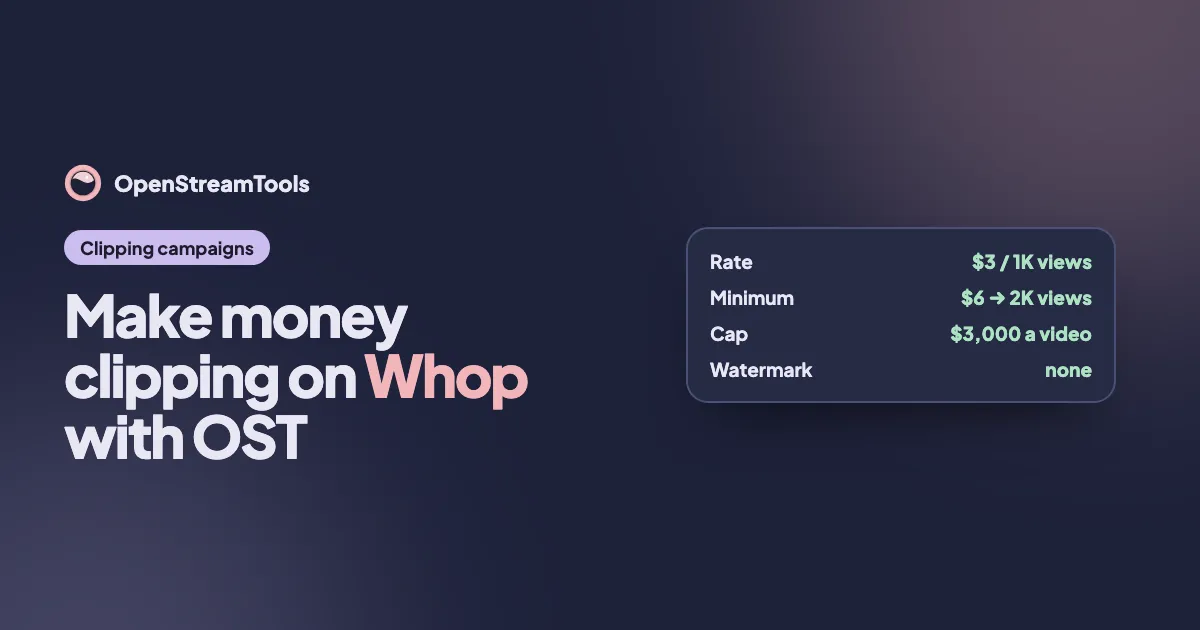
- Minimum payout: the least a video must earn before it reaches the review queue. In Whop’s example, at $3 per 1,000 views with a $6 minimum, only videos with at least 2,000 views get reviewed.
- Maximum payout: a cap per video. At $3 per 1,000 views with a $3,000 cap, a video stops earning at 1 million views.
- Flat fee (optional): some campaigns add a fixed amount per approved post on top of the views. With $3 per 1,000, a $10 flat fee and 2,000 views, that is $16.
- Platforms: the brand chooses which it accepts, from TikTok, YouTube Shorts, X and Instagram Reels.
- Budget: when the campaign’s budget runs out, it stops paying.
Rates vary a lot between campaigns. Third-party roundups put the typical rate around $1 per 1,000 views (OpusClip’s comparison), with some higher and music campaigns often lower. Read the campaign page rather than trusting an average.
OST does the editing; you join the campaign and submit in Whop yourself. There is no account connection between the two, and OST does not approve submissions or pay rewards.
Read the campaign before you edit
Every campaign has its own rules. Write down:
- the footage you are allowed to use, and where to download it
- which platforms count
- the rate, the minimum payout and the cap
- required tags, captions, mentions or disclosure
- what kind of edit they want: length, style, whether they accept AI-made content
A clean vertical edit is worth nothing if the brief wanted a different format. The most common reasons clips get rejected are missing tags, the wrong length, an unapproved platform, a reused edit, or another app’s watermark in the frame.
Make the clip in OST
1. Open the footage
Download the campaign’s source file and open it in the OST editor. It runs in your browser; nothing to install.
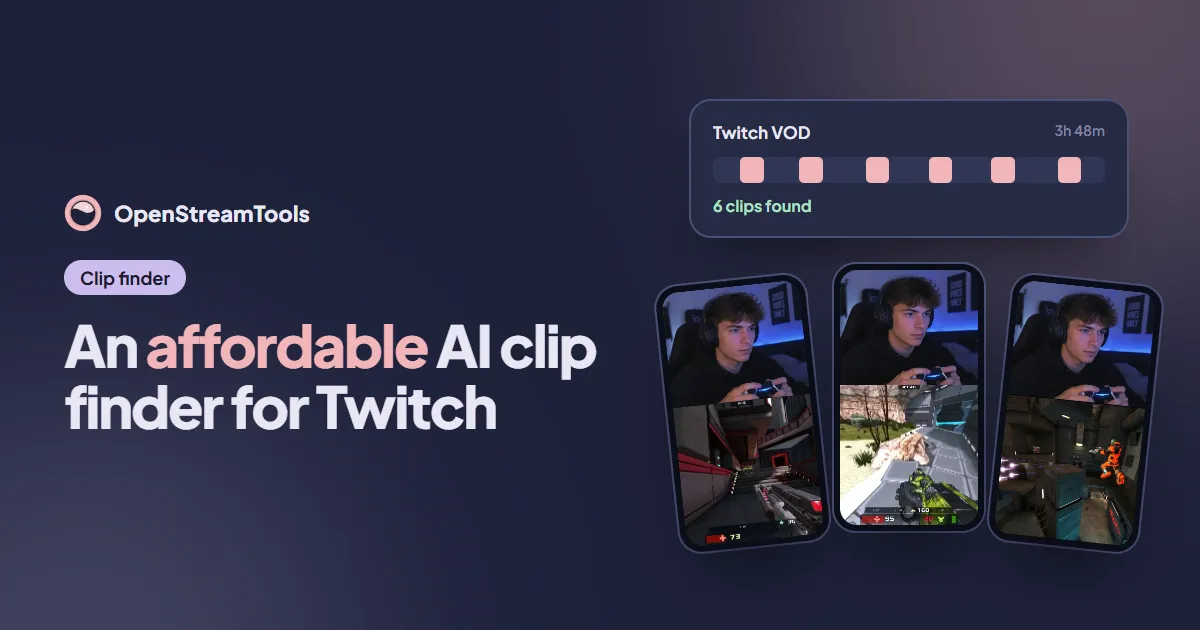
If the source is a long video, like a podcast episode or a multi-hour stream, the AI clip finder can pull the candidate moments out for you. It takes local files, Twitch VOD links and, through the desktop app, Kick VODs. Many Content Rewards campaigns are for streamers, so that covers a lot of them. A YouTube watch link is not a supported input; use the file the campaign provides.
2. Pick a moment that clears the minimum
Because of the minimum payout, a clip that stalls at 800 views may never be reviewed. One clip that travels is worth more than five that don’t. Look for something that works for a viewer who has never heard of the creator: a question and its answer, a reaction, a play you understand without context. Start on the moment and cut the setup.
Hundreds of clippers can be working from the same footage. A different moment, or a sharper opening on the same one, is what gets you views and keeps your edit your own.
3. Edit for a phone
Use a 9:16 canvas. For streams with a camera, a facecam layout beats shrinking the whole frame. Add captions: with Starter OST writes them word by word, and you fix names and misheard words. Watch it once with the sound off before exporting.
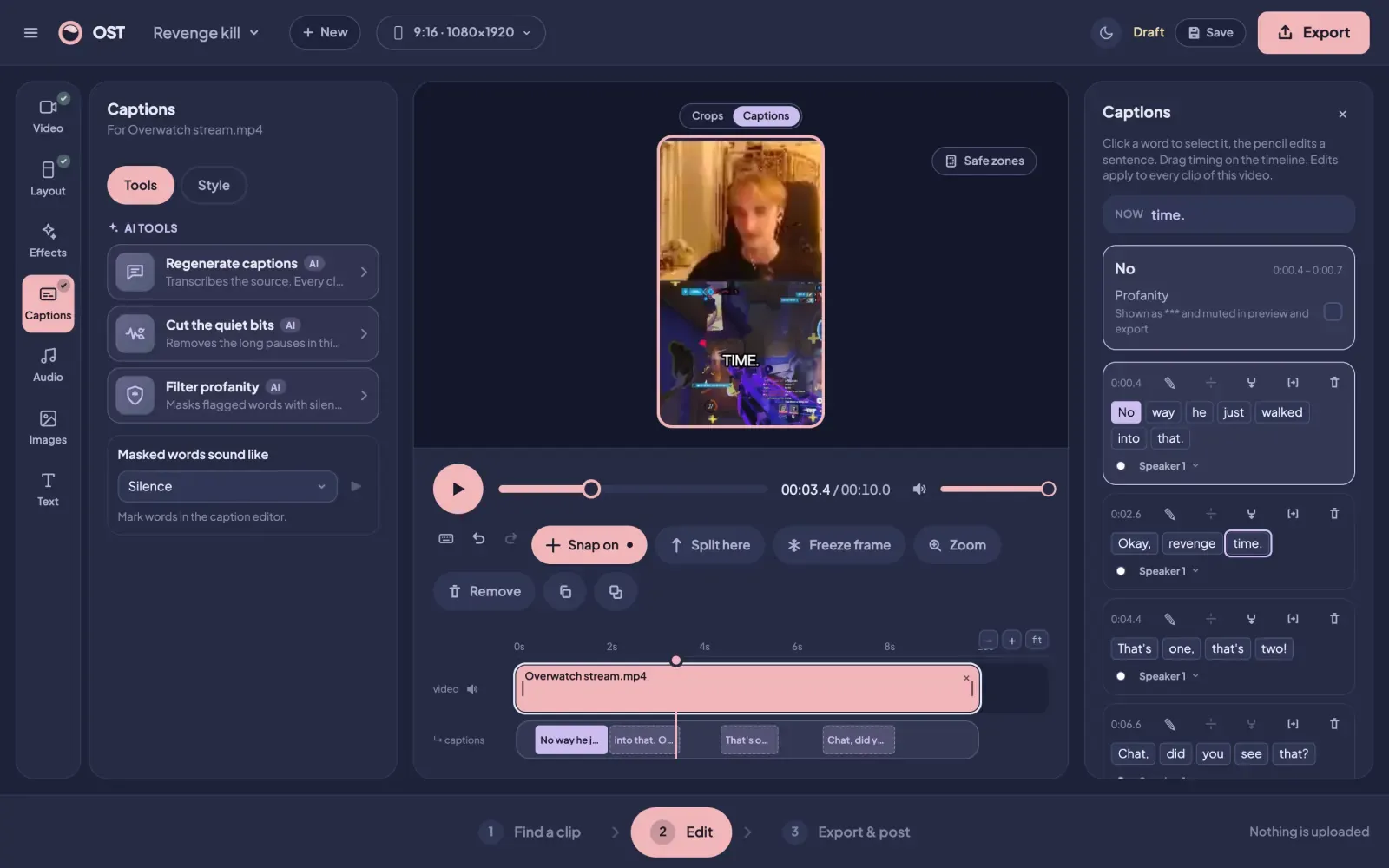
4. Export with no watermark, post and submit
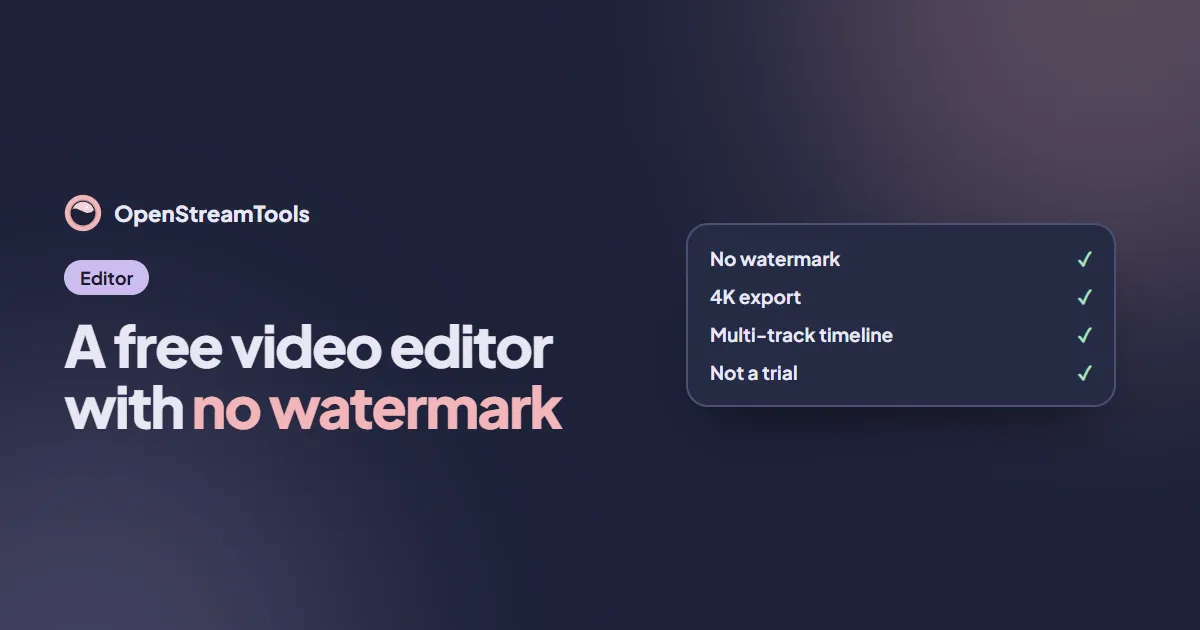
The free editor exports in up to 4K with no watermark. A competitor’s logo in the frame is a common reason for rejection, so that matters more here than it would for your own posts. Starter and Pro can also post straight to TikTok, YouTube and Instagram. X is not one of OST’s posting targets, so upload there yourself if the campaign counts it.
Add the required tags and disclosure, check the live post, then submit its link to the campaign in Whop.
What could you earn?
Hypothetical arithmetic, at $1 per 1,000 views with every view counting:
| Views | Gross at $1 per 1,000 |
|---|---|
| 10,000 | $10 |
| 50,000 | $50 |
| 250,000 | $250 |
Approval, the minimum payout, the cap and the remaining budget can all make the real number smaller, and gross is not profit. Keep a simple log for your first few clips: time spent, posts submitted, approvals and money actually received.
What OST costs
- Free: the whole editor, 9:16 and facecam layouts, 4K export, no watermark, and 10 minutes of AI captions a week.
- Starter (€15/month): AI captions, titles and hashtags, silence removal, posting and the AI clip finder for long videos and whole streams, with a 7-day free trial.
- Pro (€25/month): the same with 225 hours of stream a month instead of 75, about 11 cents an hour. For when you clip a lot.
No credits and no per-clip limits. Most AI clipping tools start around $29 a month (what clip tools cost). Start on the free editor and upgrade when finding moments or typing captions is what eats your time.
If you also want a flat-rate alternative, see our guide to clipping on Vyro.
Whop’s Content Rewards documentation was checked on 20 November 2026. Always use the live campaign page for rates, minimums and rules. This guide describes a workflow using two separate services; it does not imply a partnership with Whop.
Questions streamers ask
Can I use OpenStreamTools for Whop Content Rewards?
Yes. Edit the campaign's footage into vertical clips in OST, post them on an account the campaign accepts, and submit the post in Whop. OST has no Whop integration and does not approve submissions or pay rewards.
How much does Whop Content Rewards pay?
Each brand sets its own rate per 1,000 views, and you are paid only for approved posts. At a $1 rate, 50,000 views would be $50. That is arithmetic, not a promised result.
Why is my clip not being reviewed?
Brands can set a minimum payout a video has to reach before it enters their review queue. In Whop's own example, a $6 minimum at $3 per 1,000 views means a video needs about 2,000 views before anyone looks at it.
Do I need a paid OST plan?
No. The free editor exports in up to 4K with no watermark. AI captions, direct posting and the AI clip finder come with Starter (€15 a month), with a 7-day free trial.